Planning your next event?
Take a self-guided tour of Splash.
Try an Interactive Demo

Guest Management

Imagine if your guest list and event platform were BFFs.

Forget you ever managed guests from a spreadsheet. View and use your list in ways you never thought possible.

Guest List

Organize your list into actionable segments.

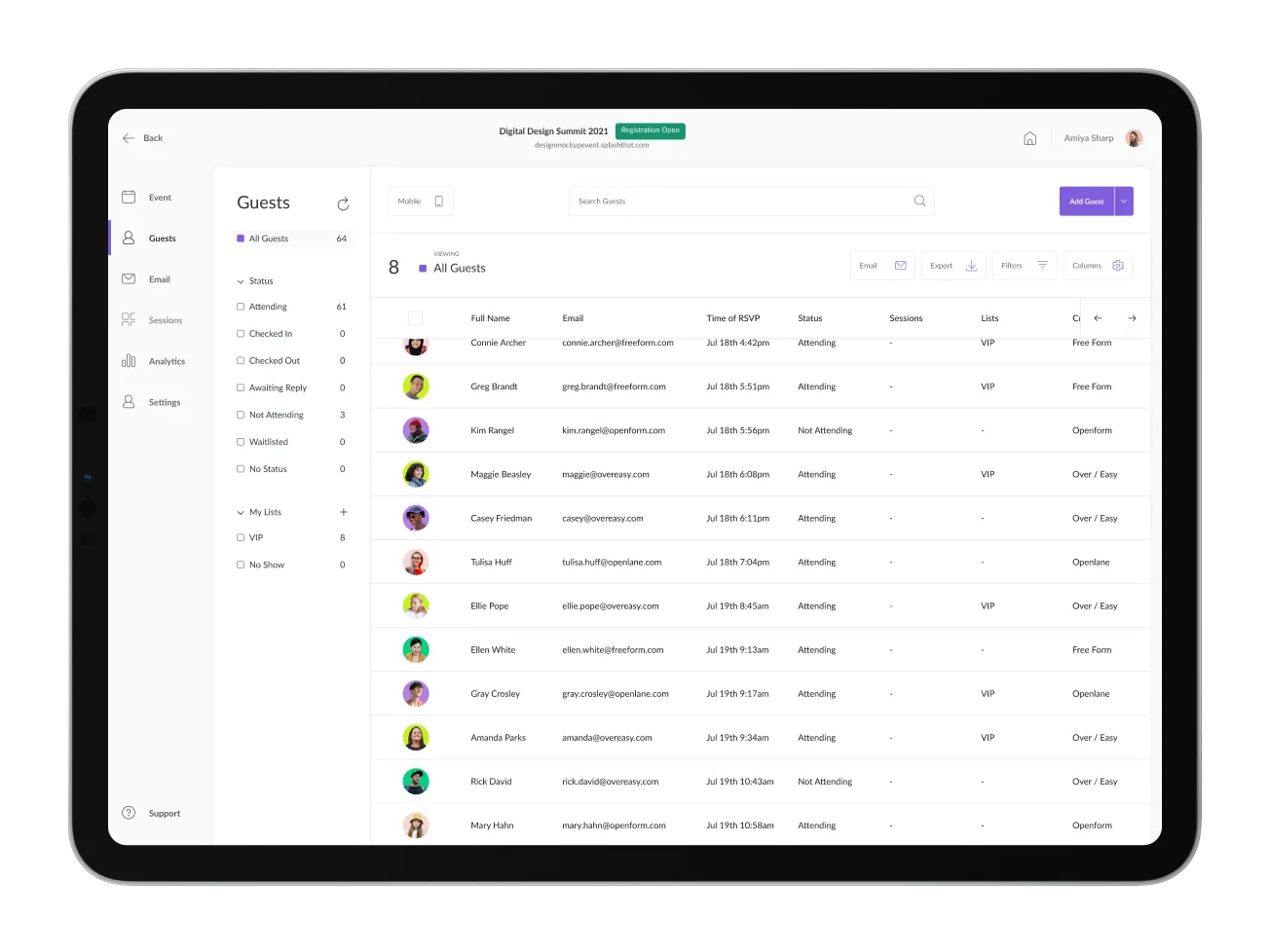
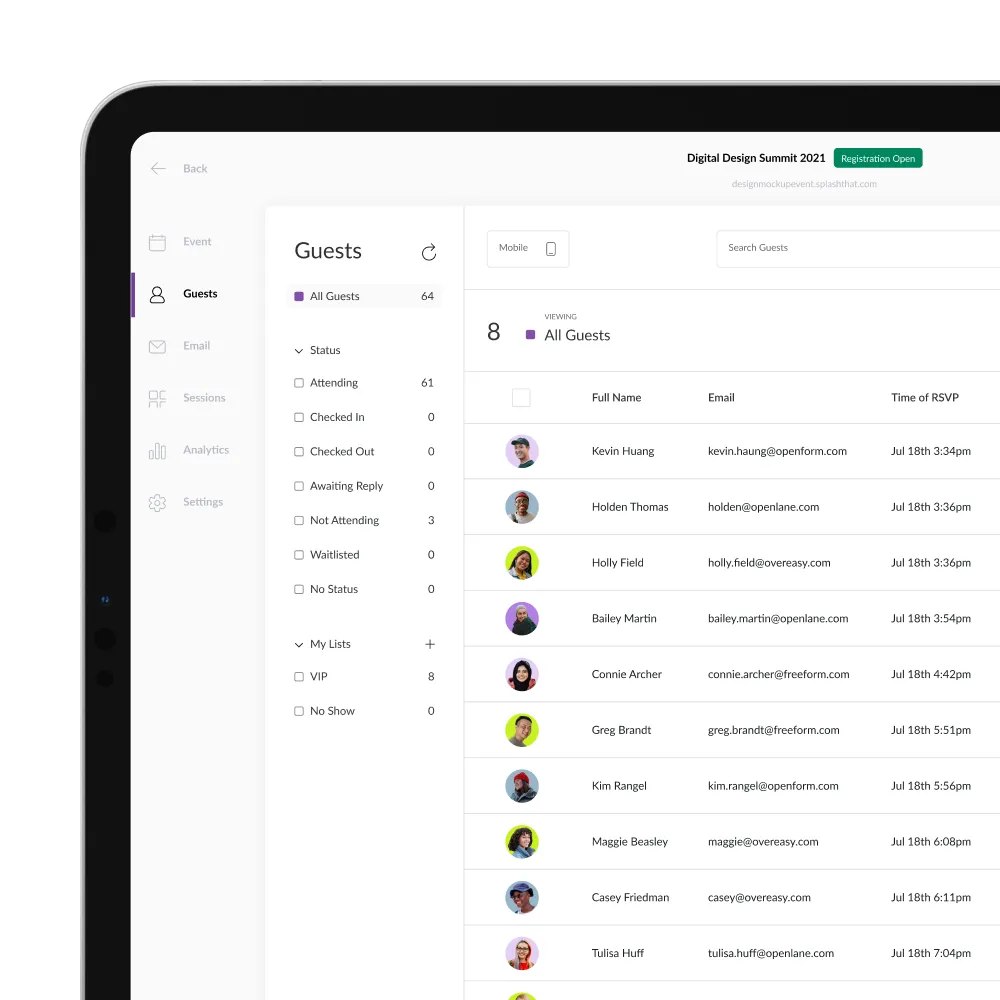
What’s more zen than a tidy guest list? In Splash, guests are organized by response, status, list, and tag so reporting is always stress-free.

A tablet displaying the Splash guest list dashboard, showing attendees organized by status filters such as attending, checked in, and not attending, with columns for name, email, RSVP time, and tags

Email Lists

Target your audience with the right message, every time.

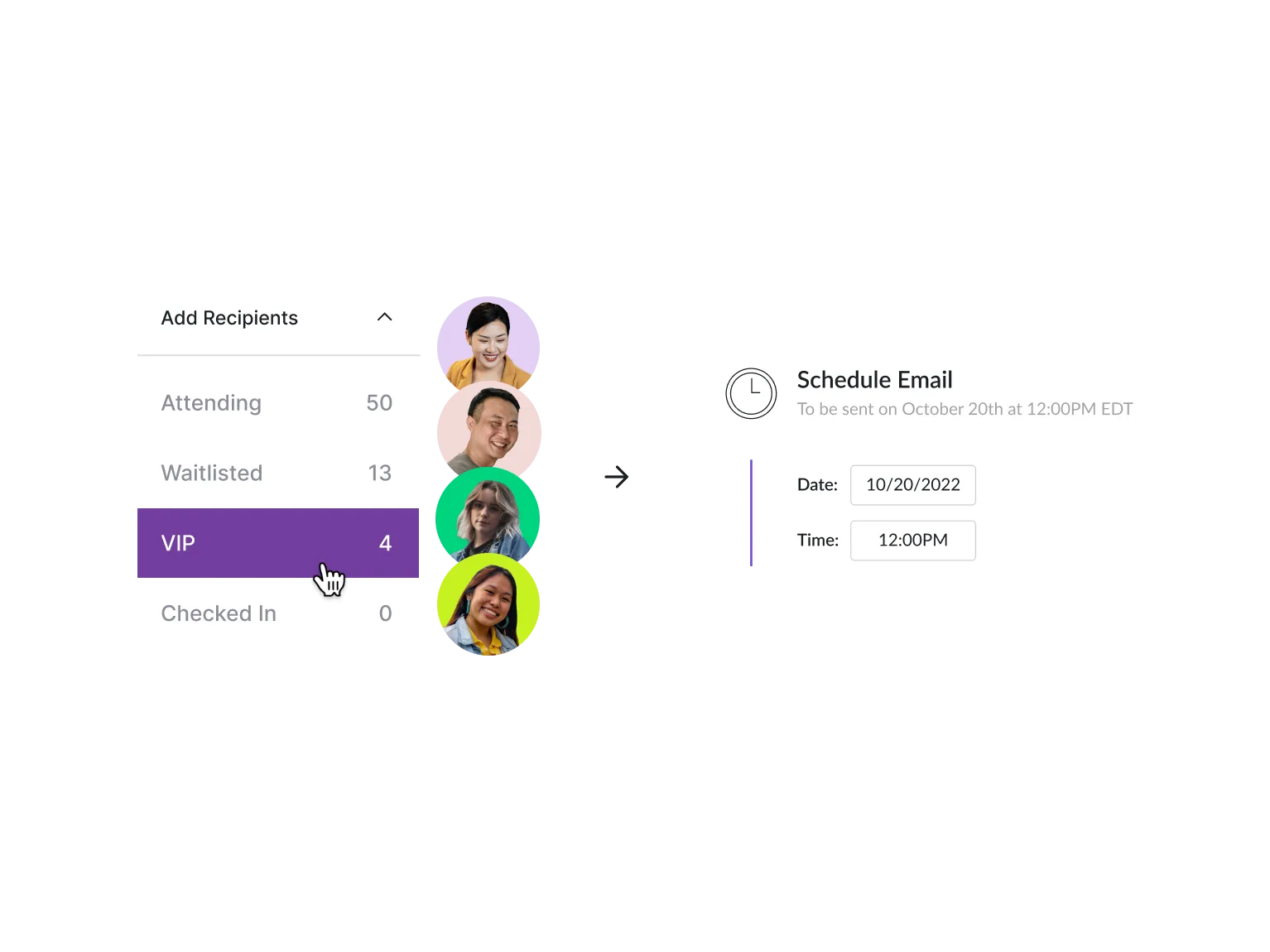
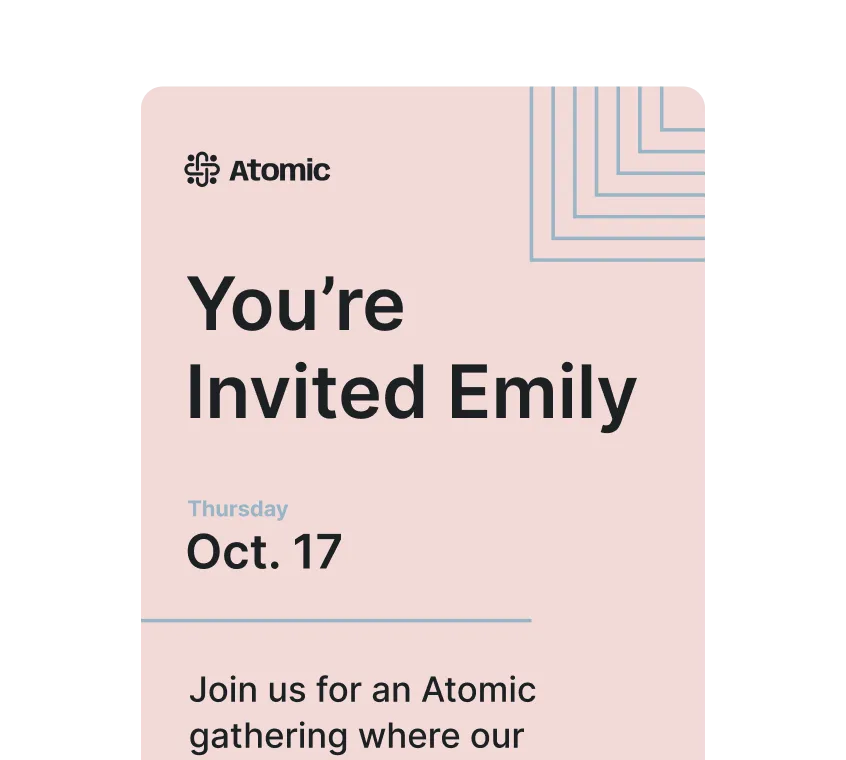
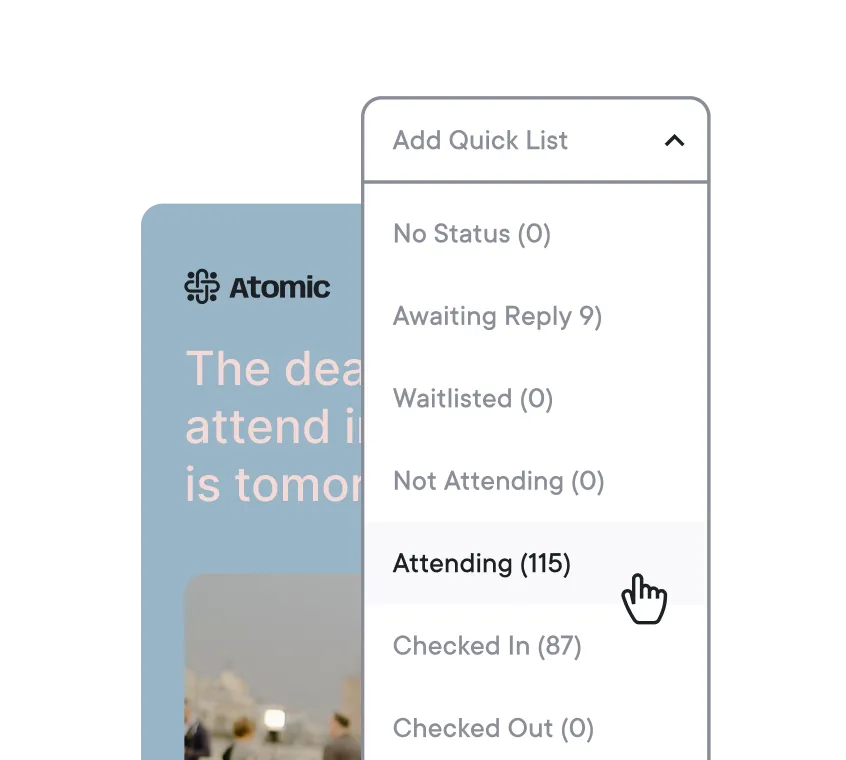
Segment your guest list as you’re composing emails to craft personalized follow-ups and schedule them to send at just the right time.

A Splash email targeting interface showing guest segments including attending, waitlisted, and VIP, with a scheduler set to send an email on October 20th at 12pm

Live Updates

See every attendee’s status and monitor their responses.

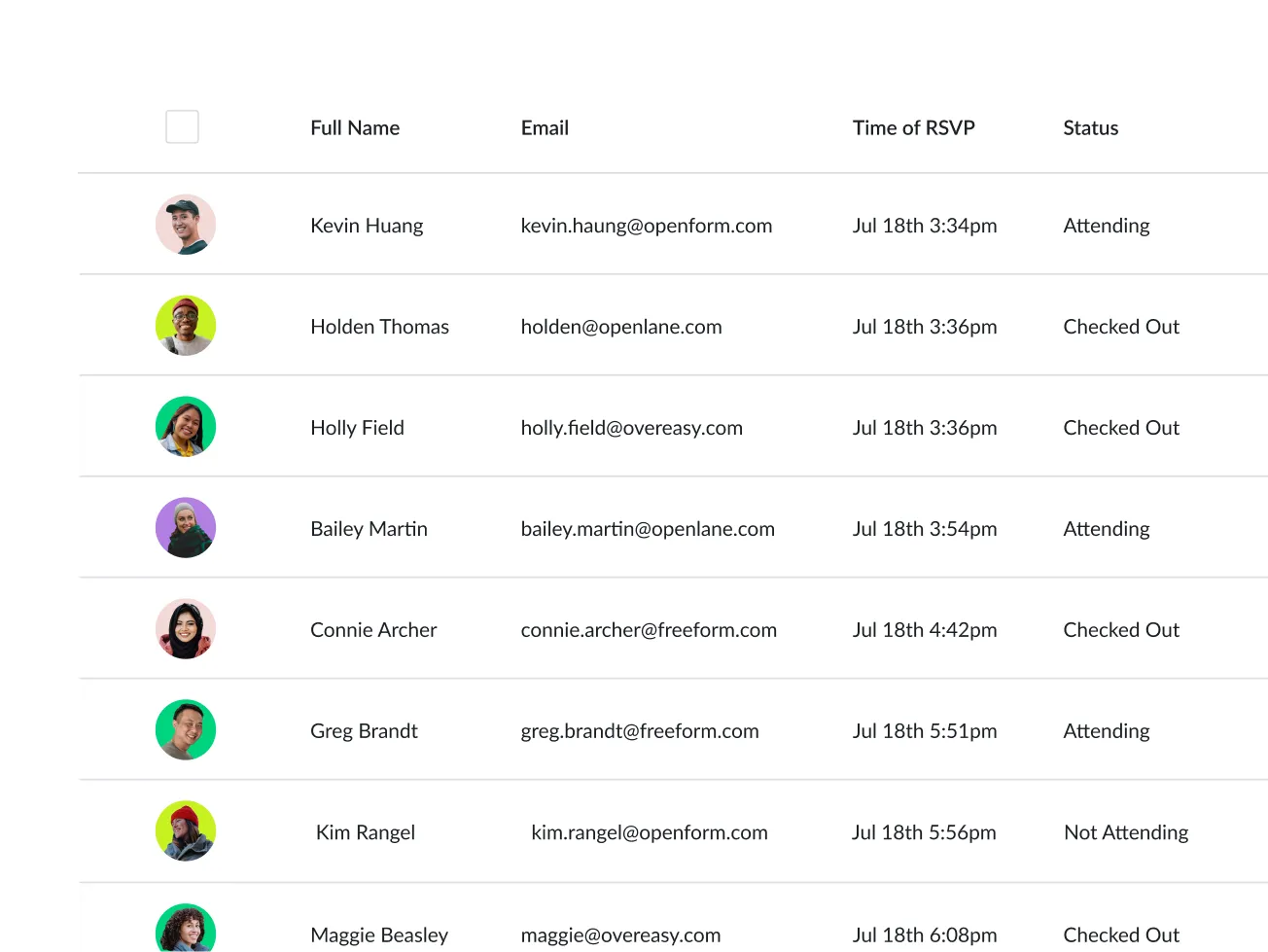
After you promote your event, your guest list is a beehive of activity that updates in real-time. See every response, status change, and answers to registration questions as they happen.

A live guest list table in Splash showing attendee names, email addresses, RSVP times, and real-time statuses such as attending, checked out, and not attending

Team Alignment

Build excitement and alignment with cross-team visibility.

Set up automated notifications via Slack, integrate Splash with your CRM, schedule daily guest list exports, and equip collaborators with view-only access to guest lists.

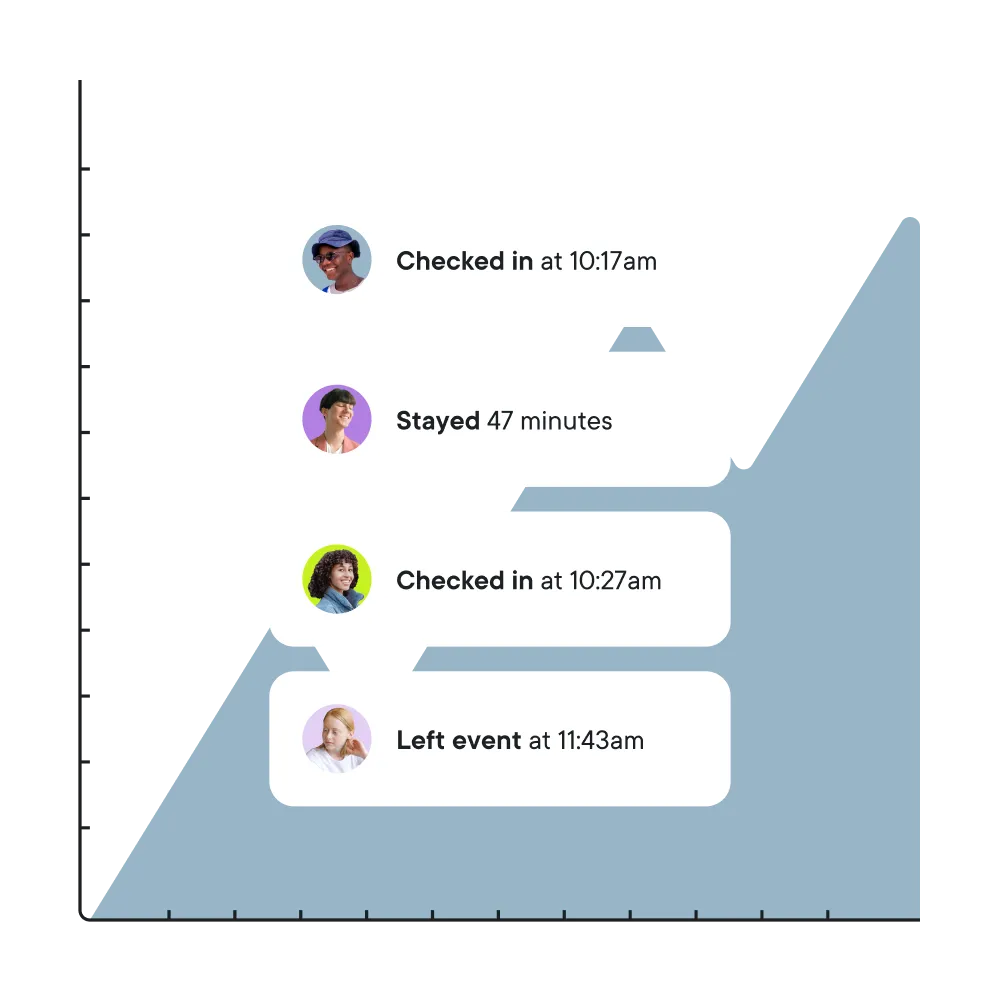
Slack notifications from Splash showing real-time attendee check-in alerts, alongside a smartphone displaying a locked screen with push notifications

Integrate

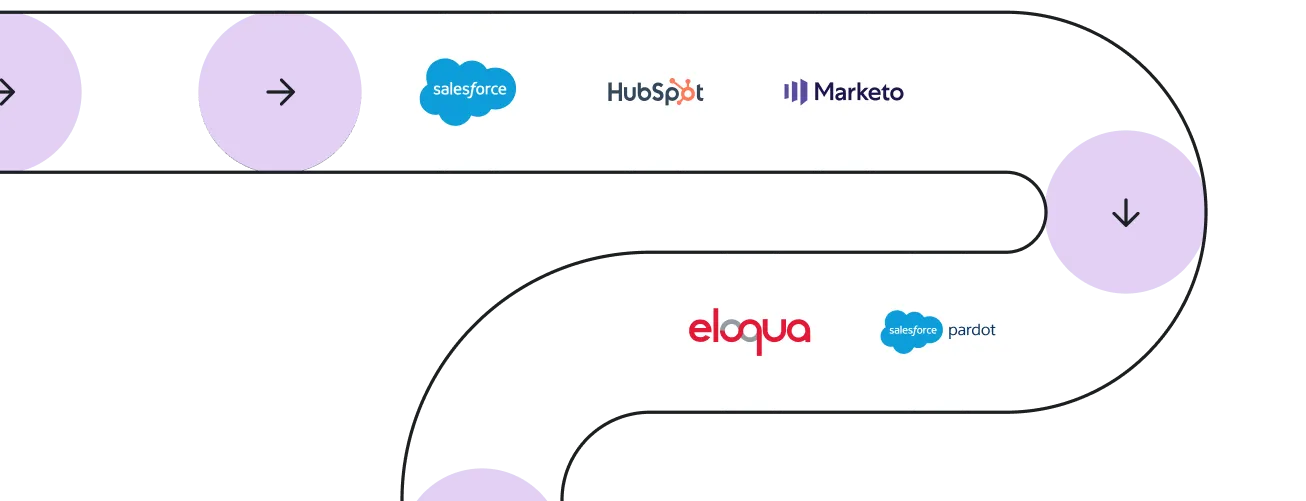
Ensure consistency and accuracy with real-time, data integration.

Set up automated notifications via Slack, integrate Splash with your CRM, schedule daily guest list exports, and equip collaborators with view-only access to guest lists.

A diagram showing Splash's data integration flow connecting to CRM and marketing platforms including Salesforce, HubSpot, Marketo, Eloqua, and Pardot

Opt-Outs

Respect your attendees communication preferences and right to be forgotten.

Splash’s Email Sender will exclude anyone that opts out of event communication. You can even sync Splash unsubscribe data back to your company’s preference center to maintain a single source of truth.

A diagram showing unsubscribe data syncing from Splash to five platforms: Salesforce, HubSpot, Marketo, Eloqua, and Pardot

How Guest Lists Work

Upload
Upload an invite list or sync program members directly from your integrated platform.
Manage
View, sort, and filter guests’ responses in Splash.
Lists
Organize your guests using lists and tags for easy reporting and targeted event communication.
Collaborate
Notify teams of guest activity in the systems they work in.
ex: Slack, SFDC
Analytics
Measure the impact of your events with real-time integrated data across platforms.

Email Types

These emails are all possible in Splash.

Newsletter to community subscribers.
Invitation to full audience.
Reminder by status.
Reminder to join the live event.
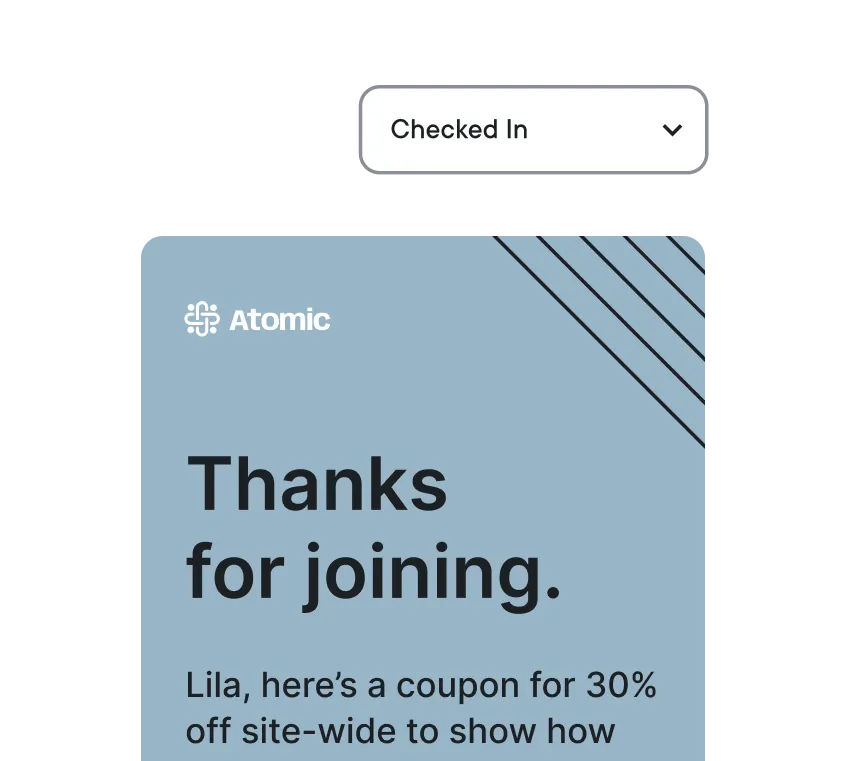
Thank you to the participants.
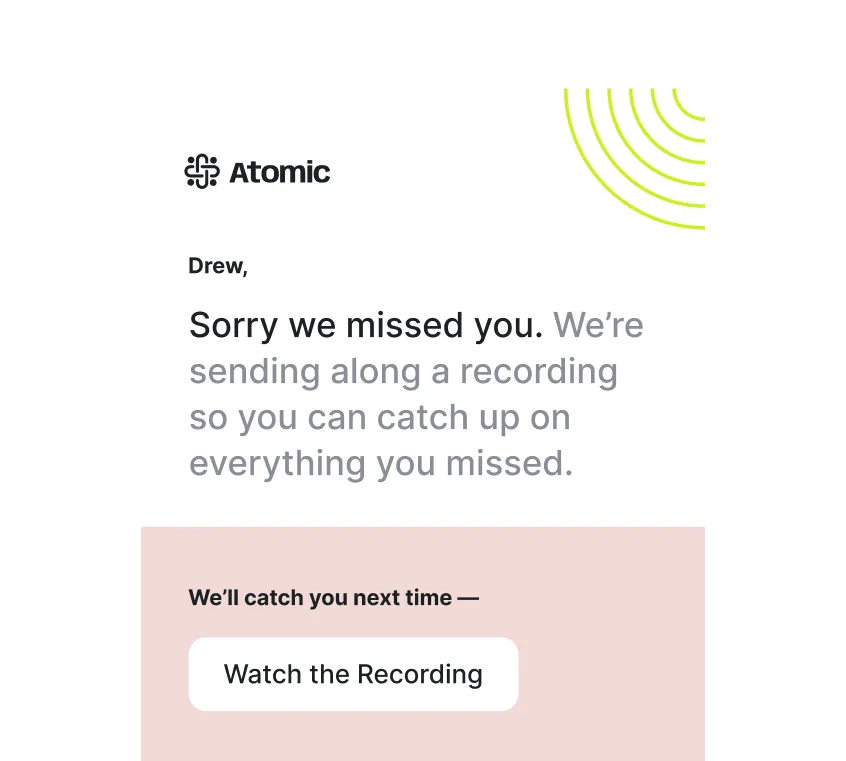
Sorry we missed you to no-shows.
See Splash in action. Get started today.