Splash Themes

Splash Themes

Splash Themes

Splash Themes

Splash Themes

Splash Themes

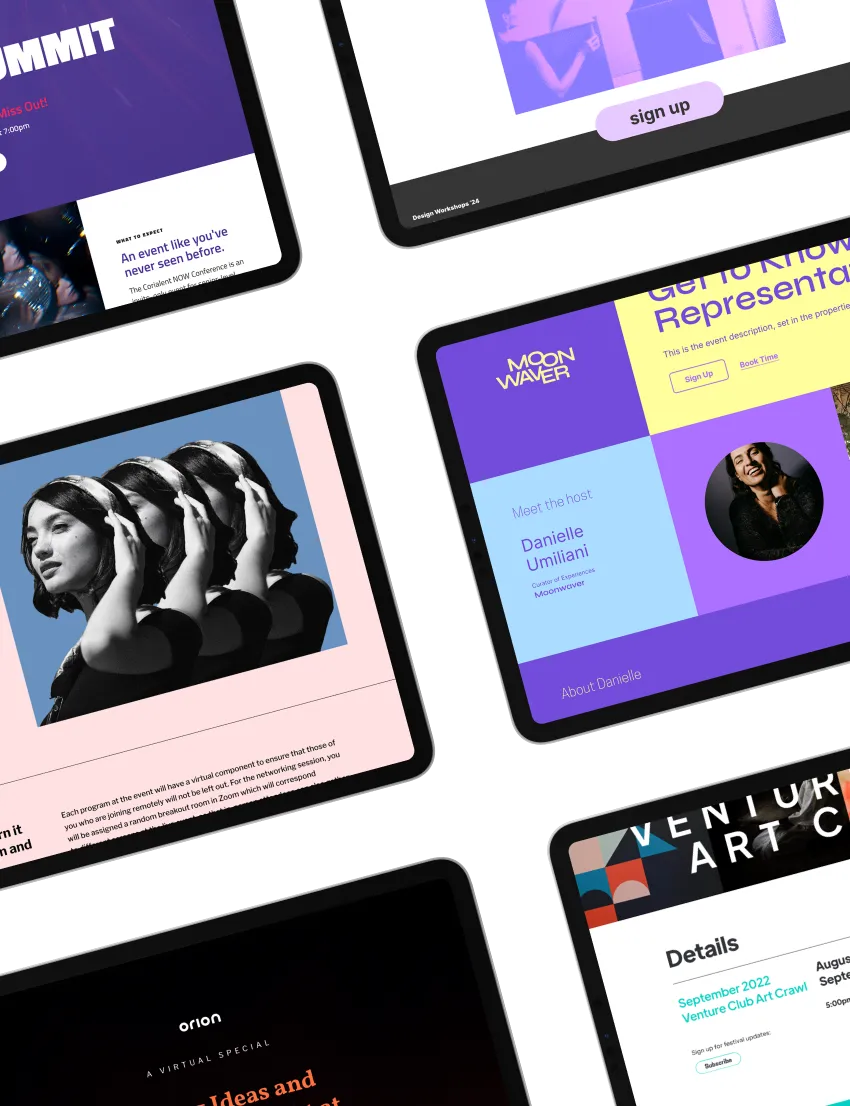
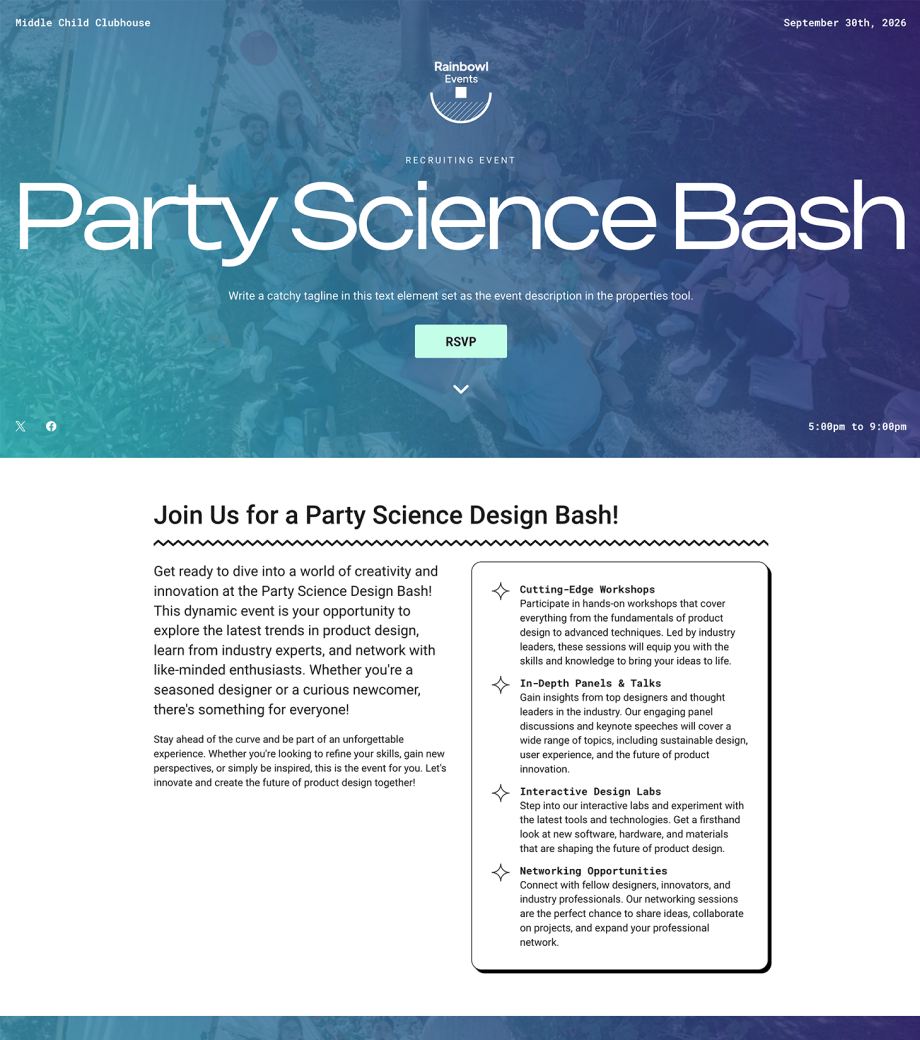
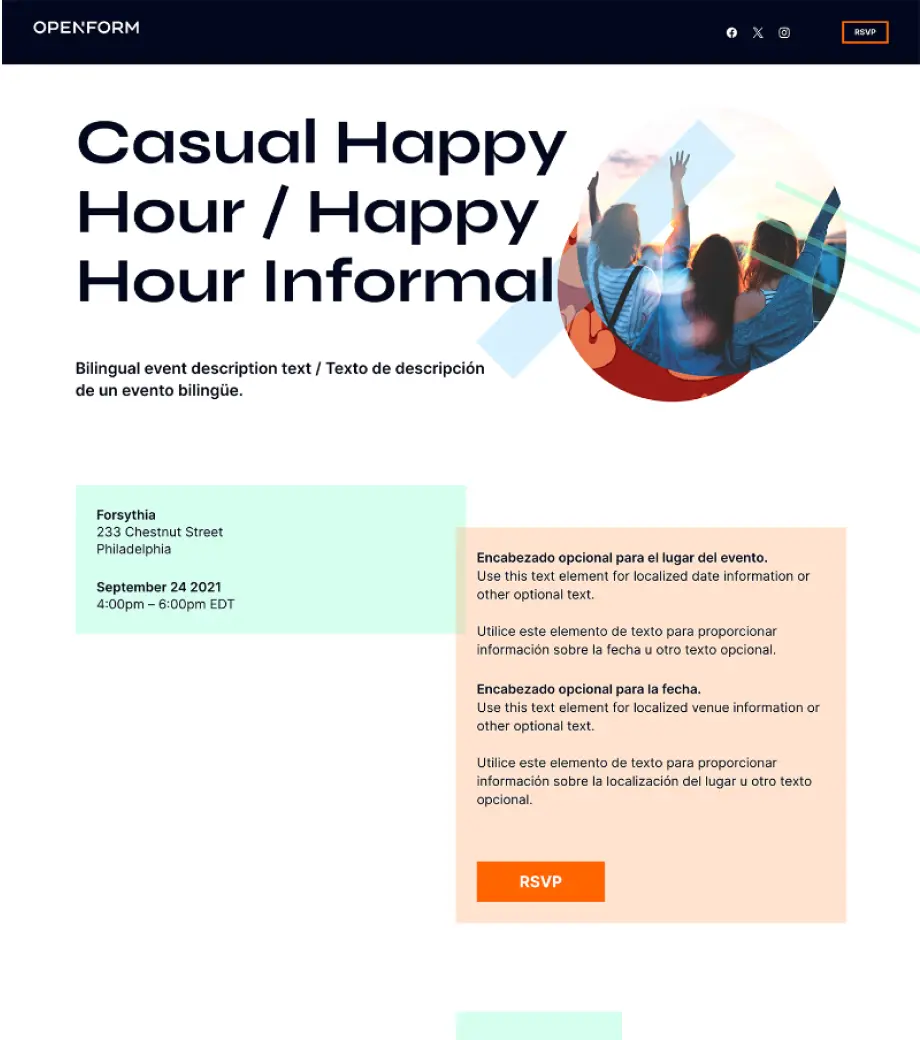
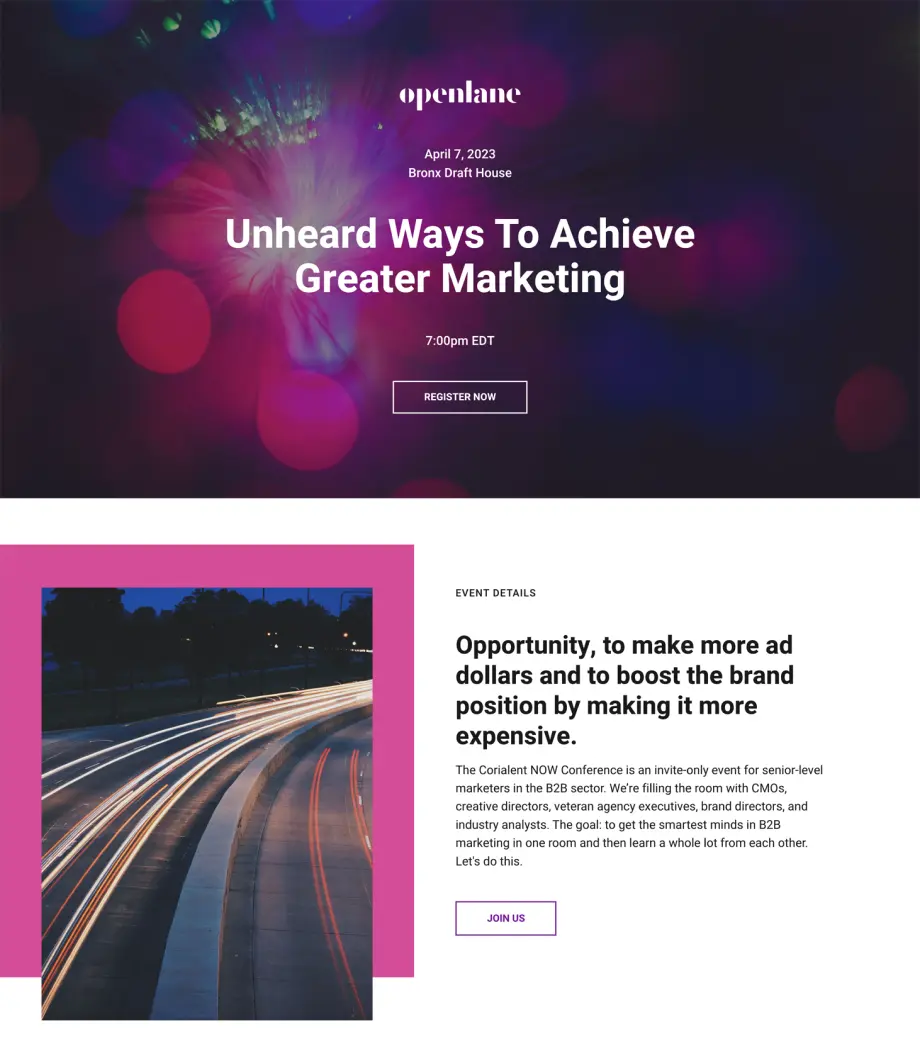
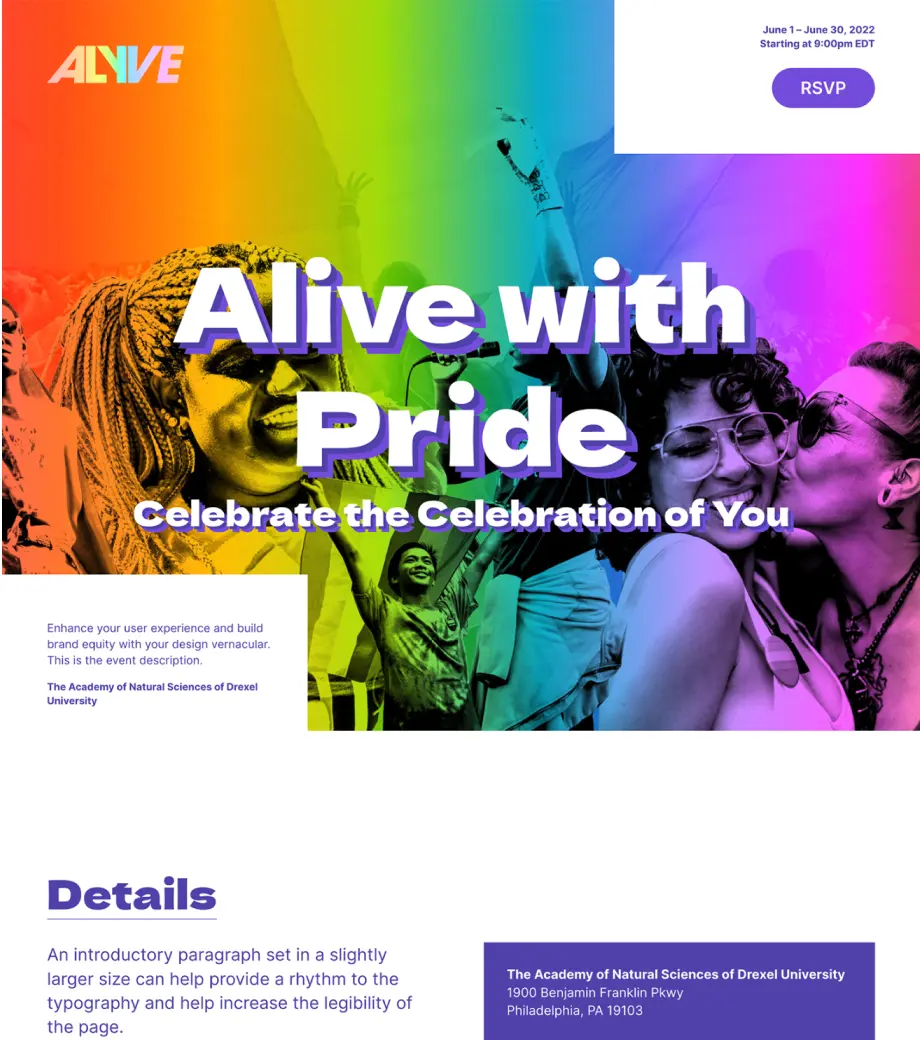
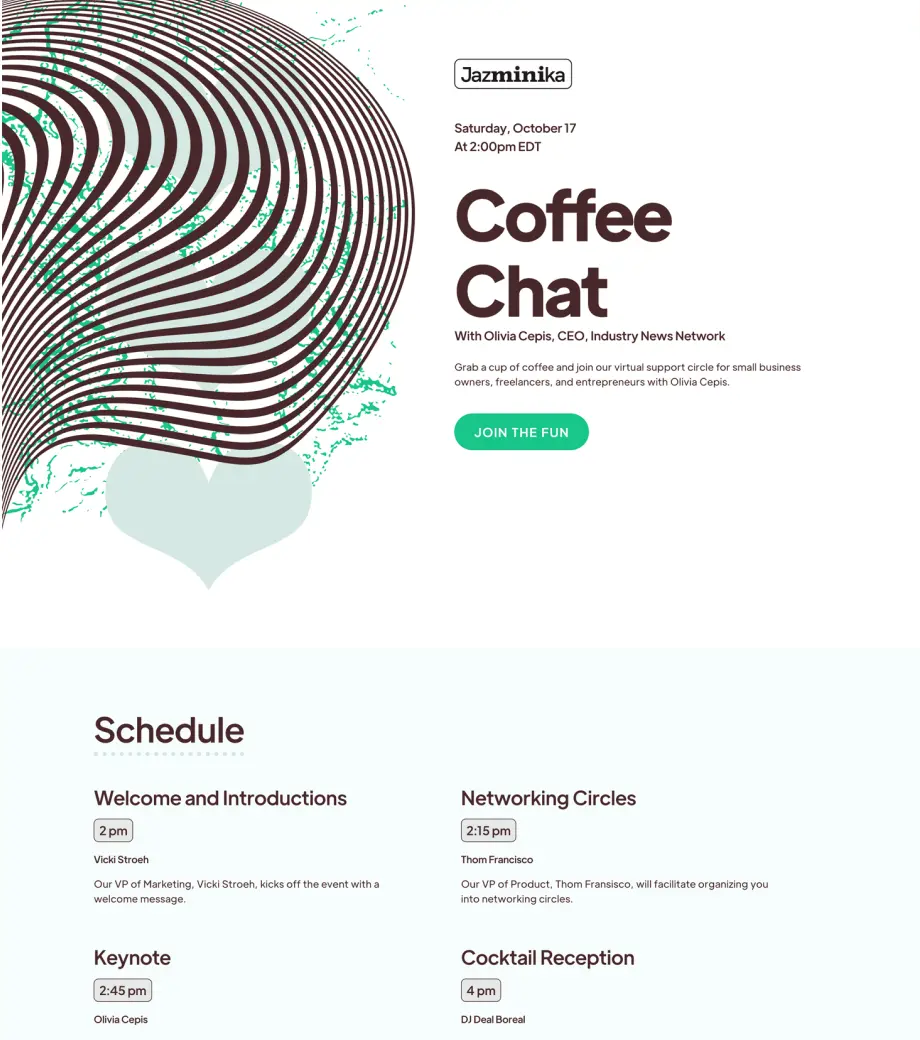
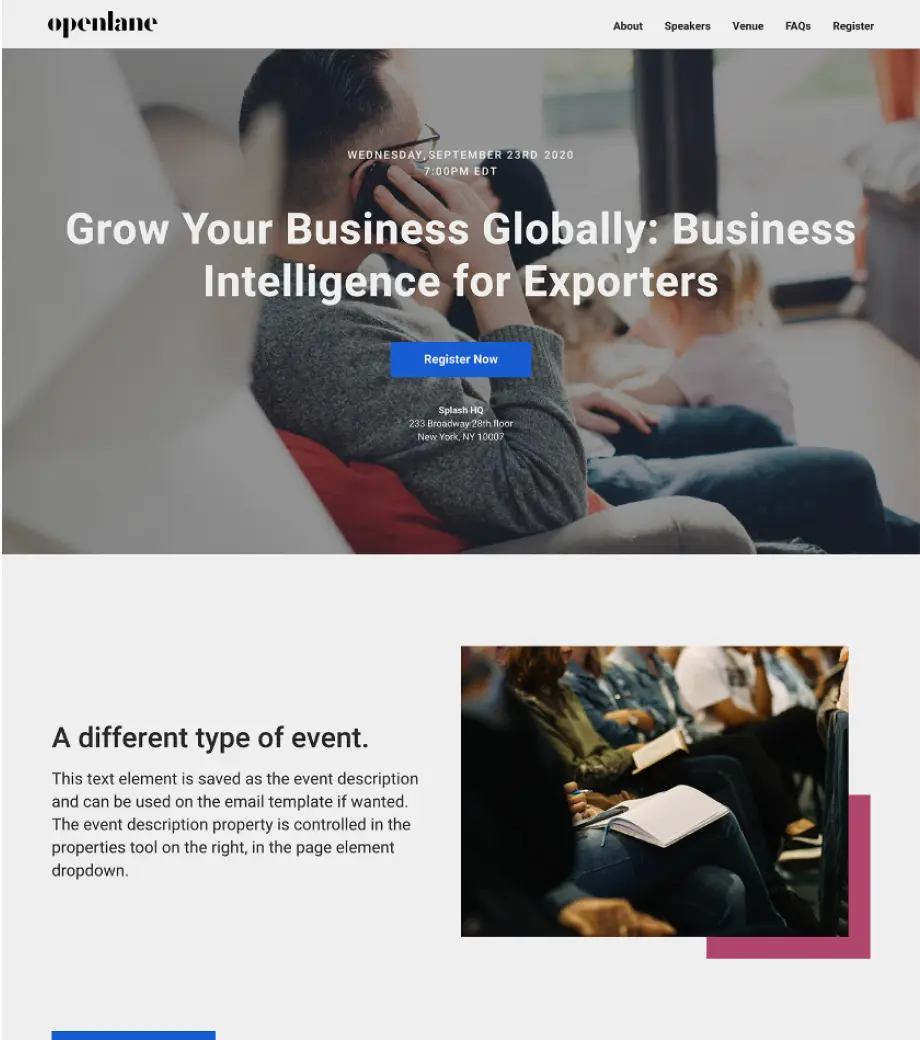
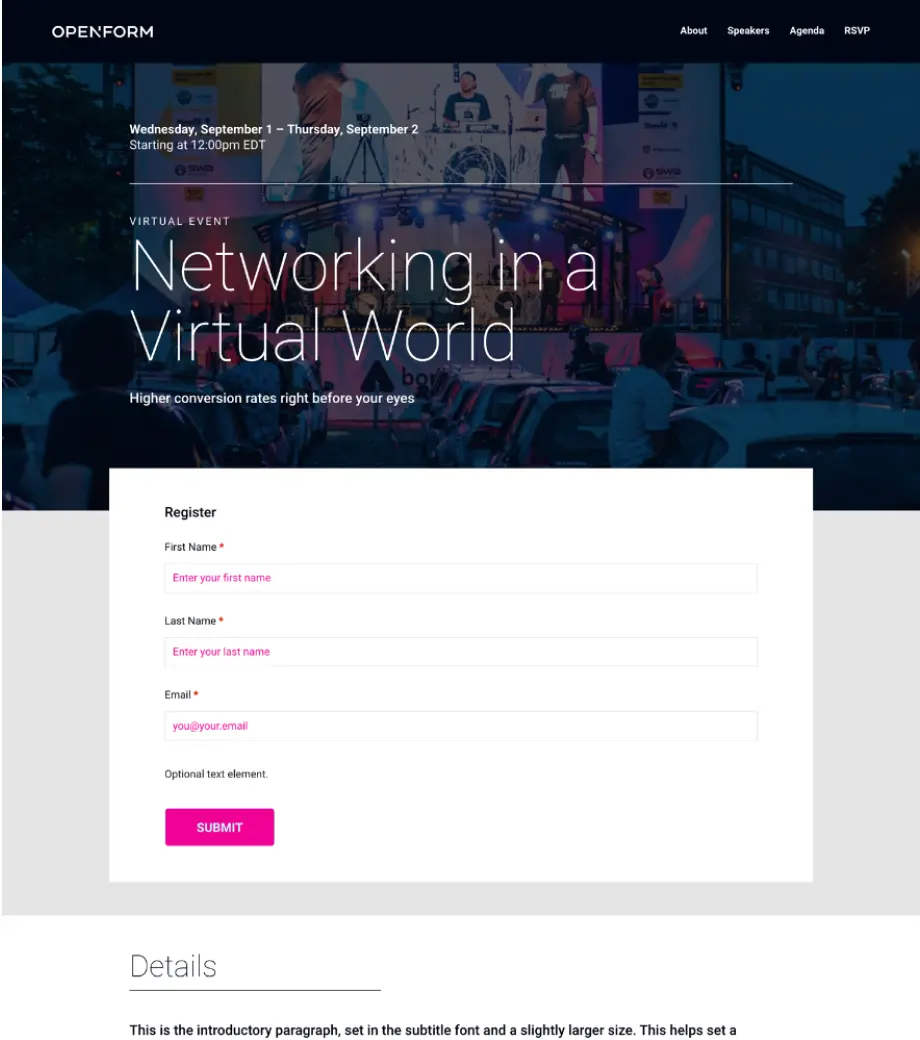
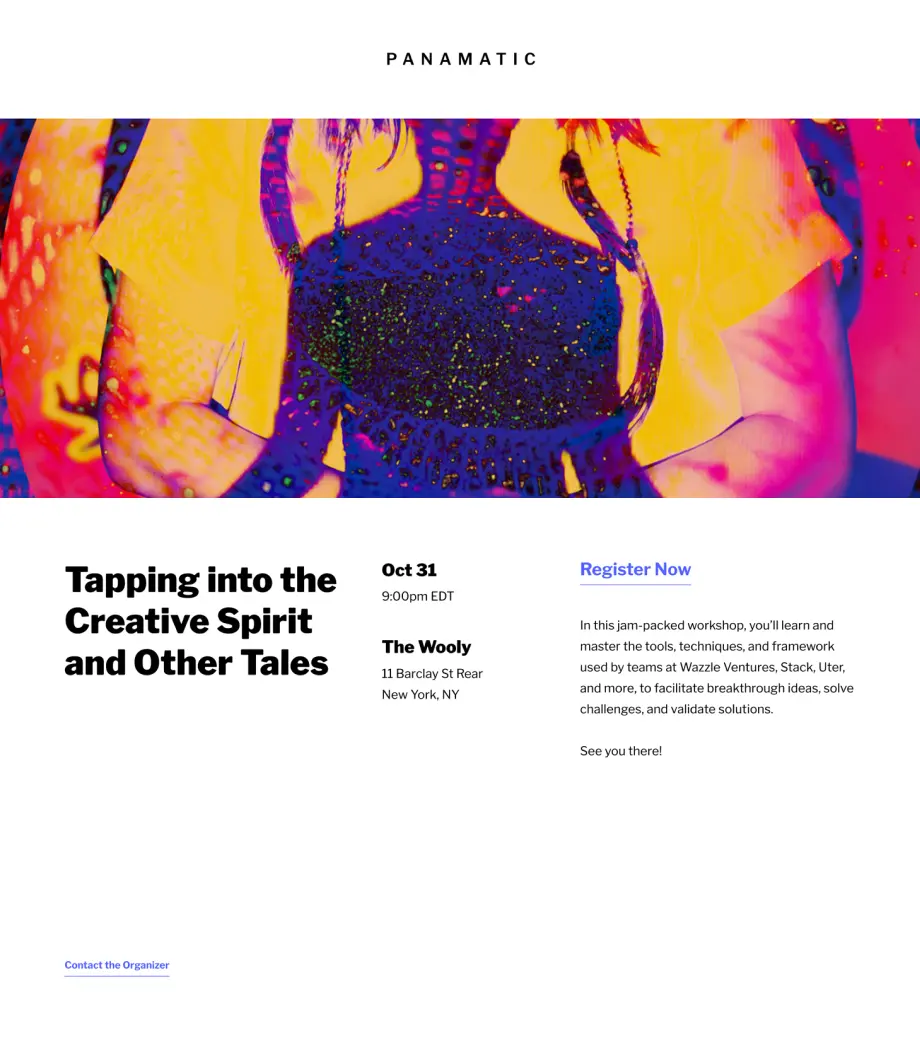
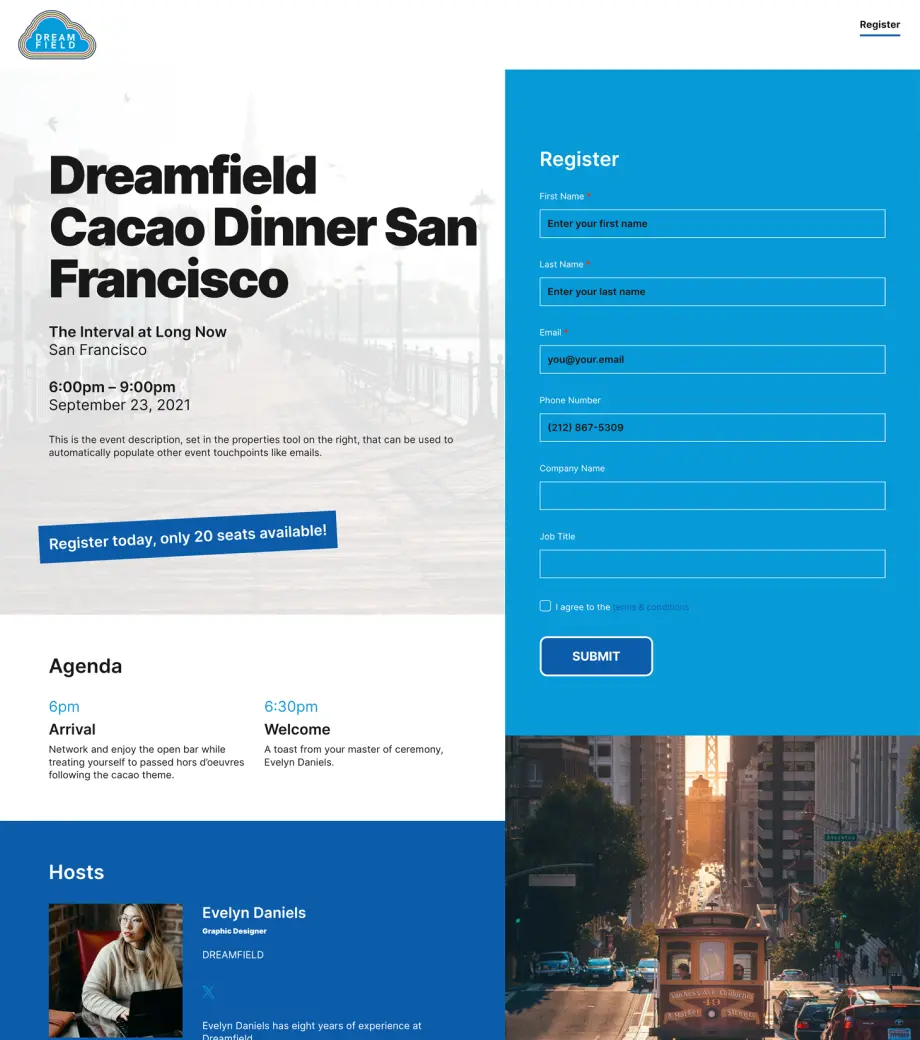
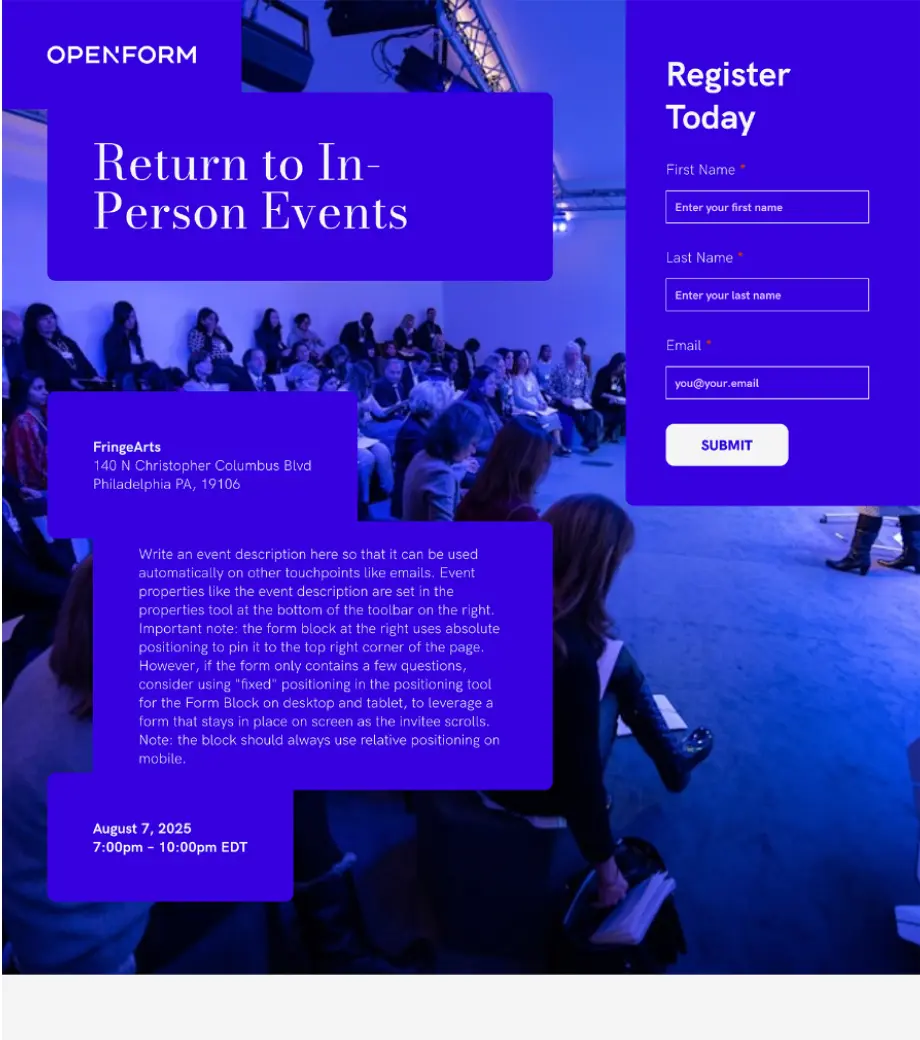
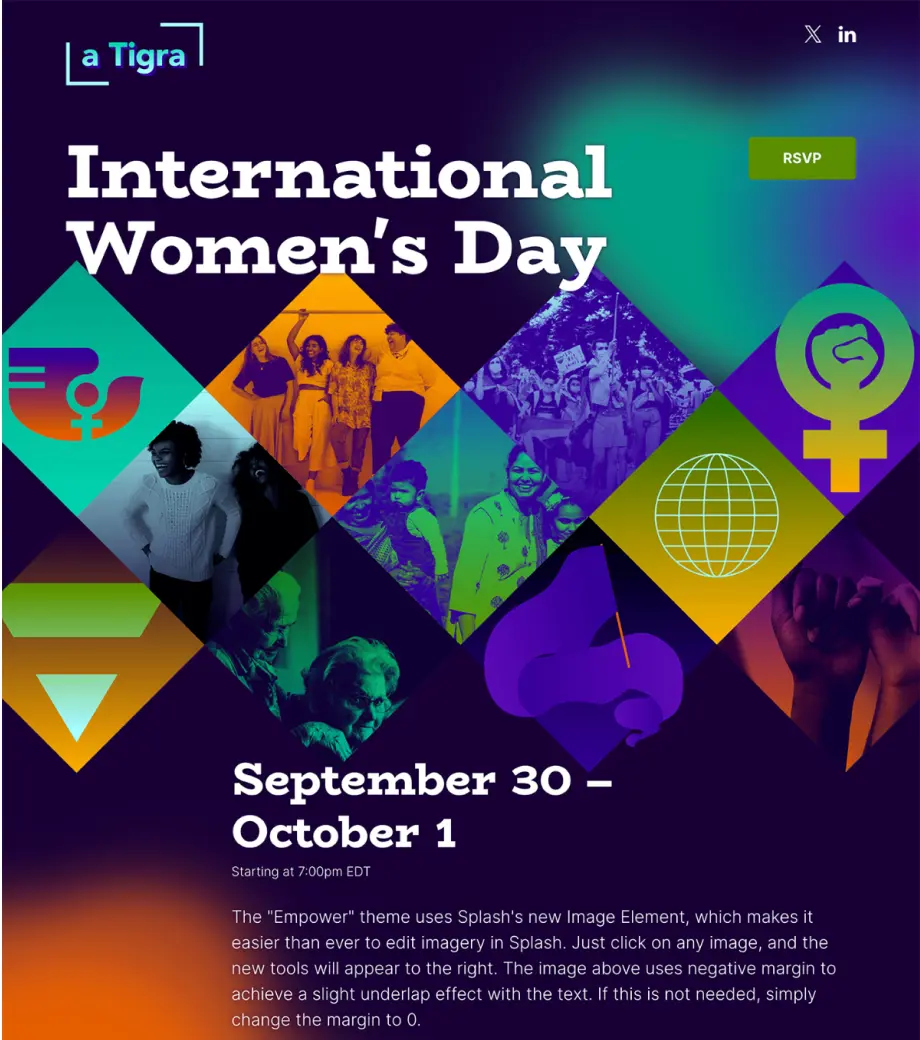
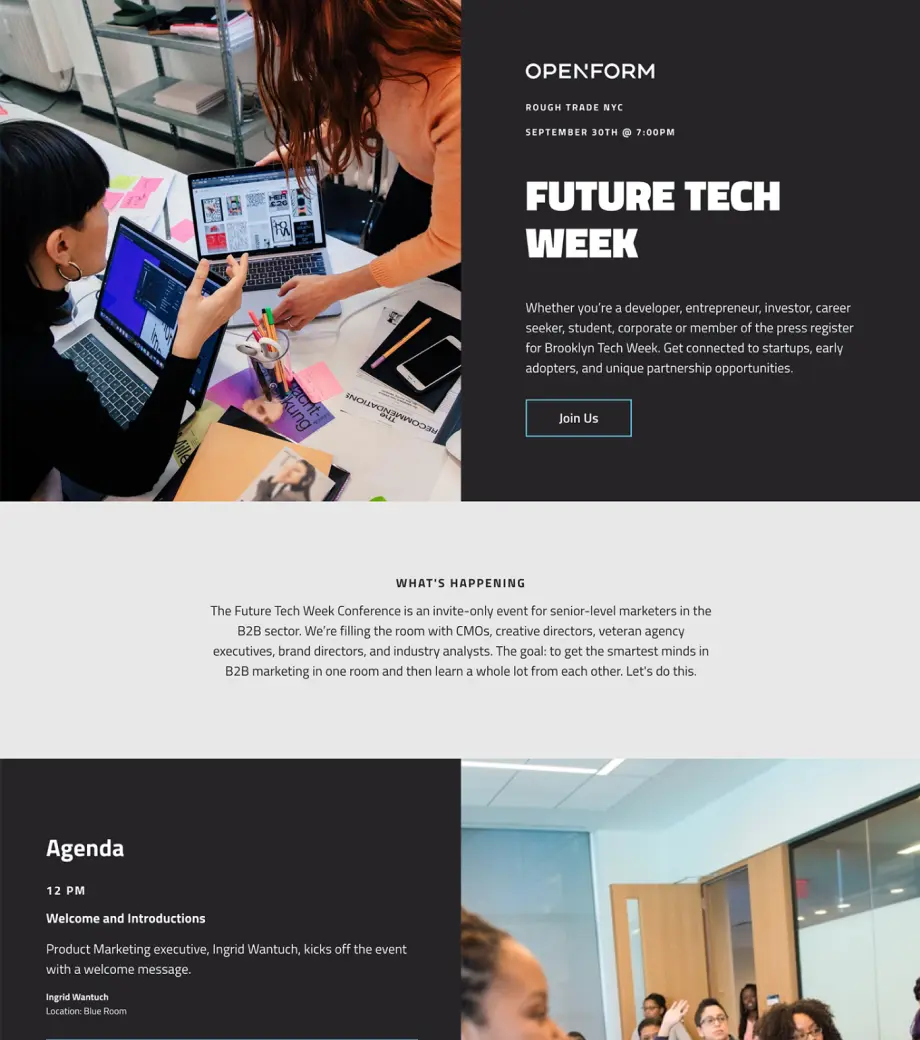
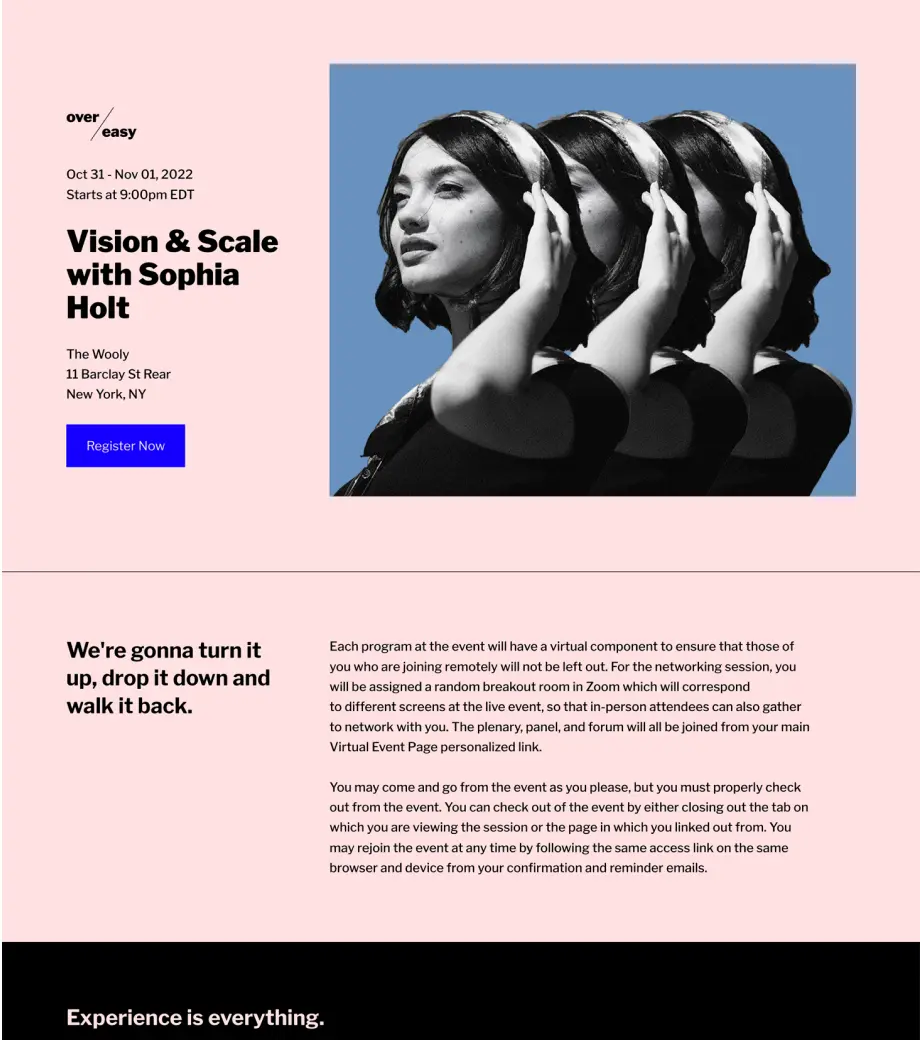
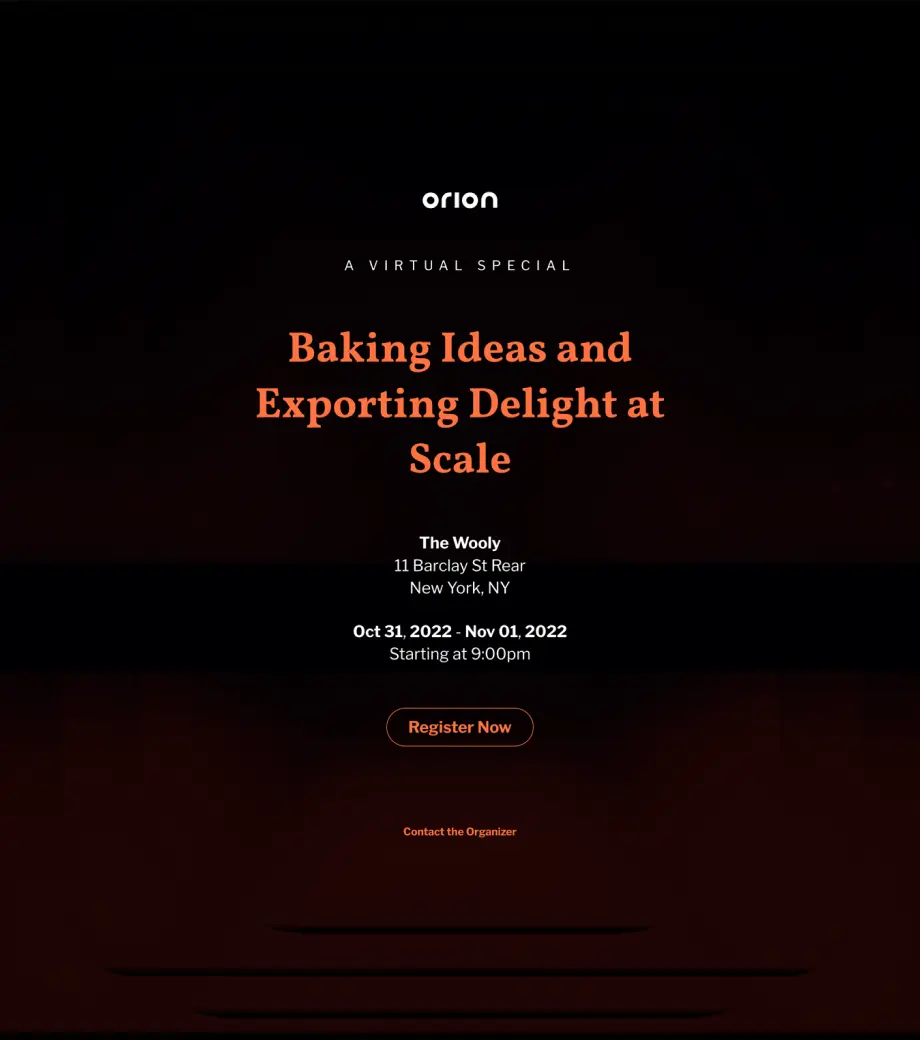
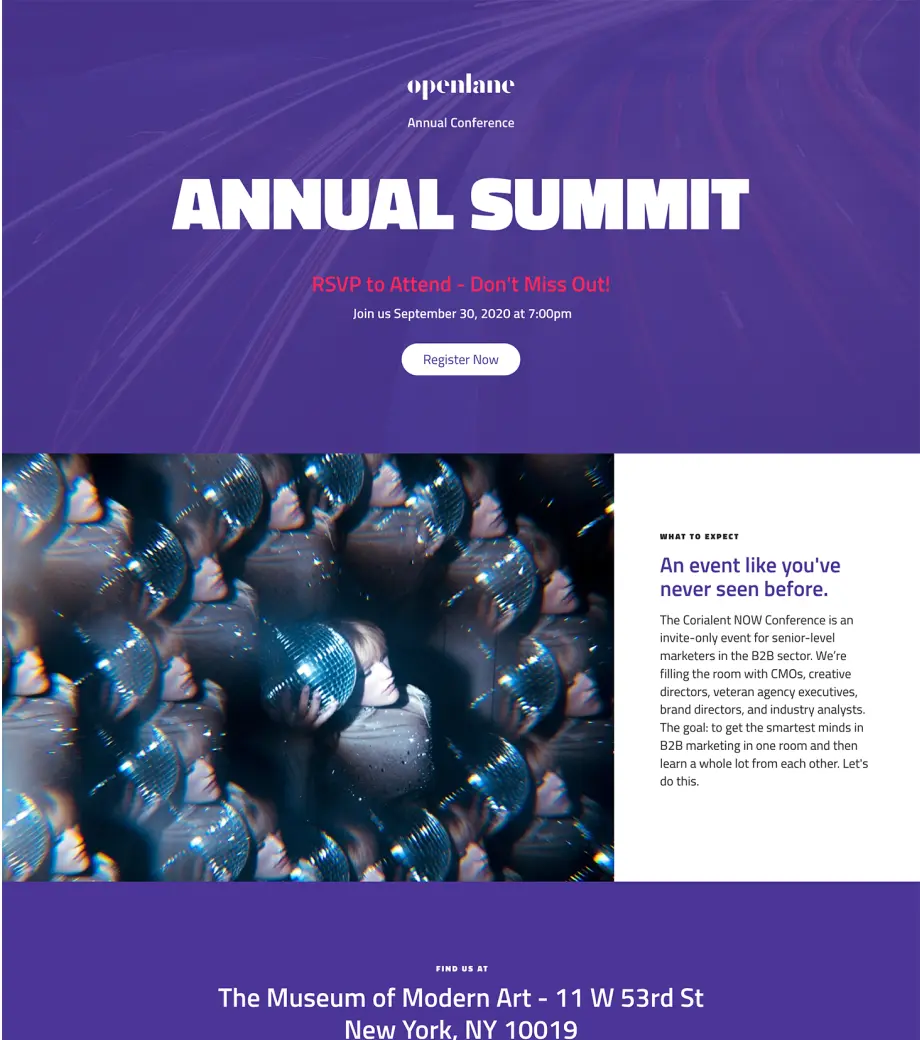
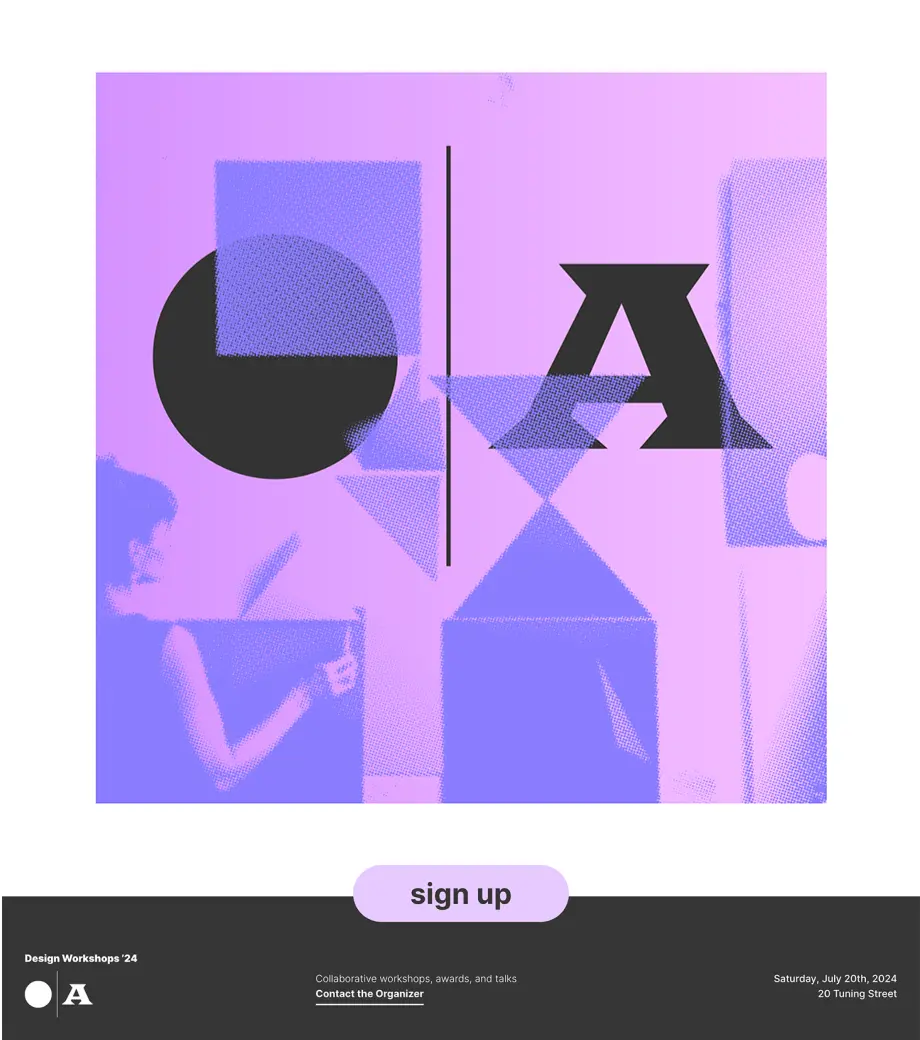
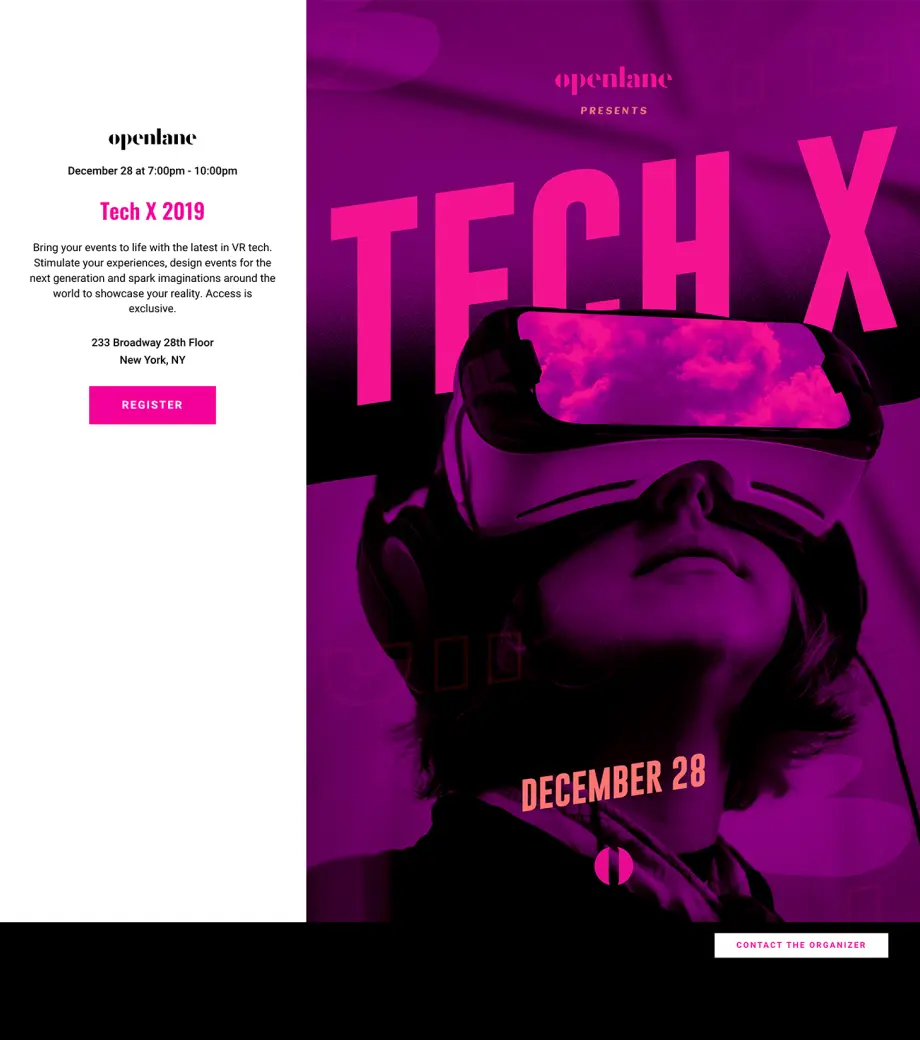
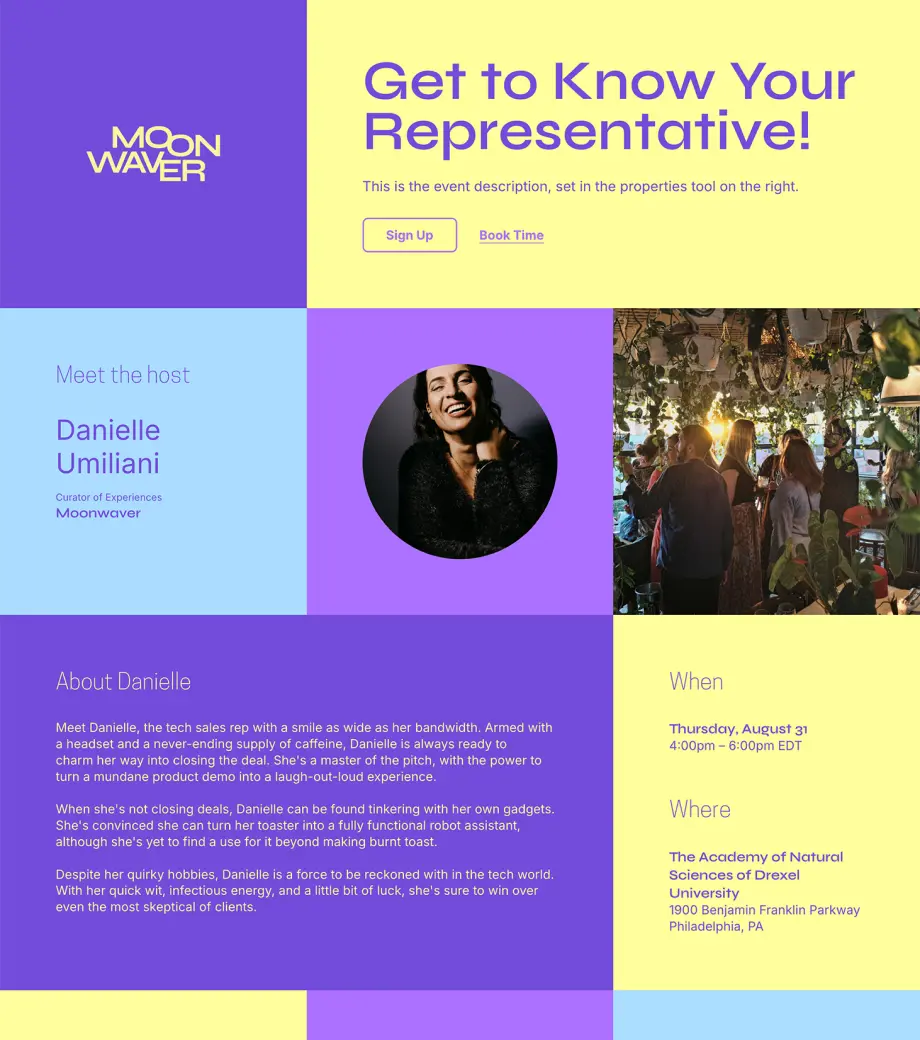
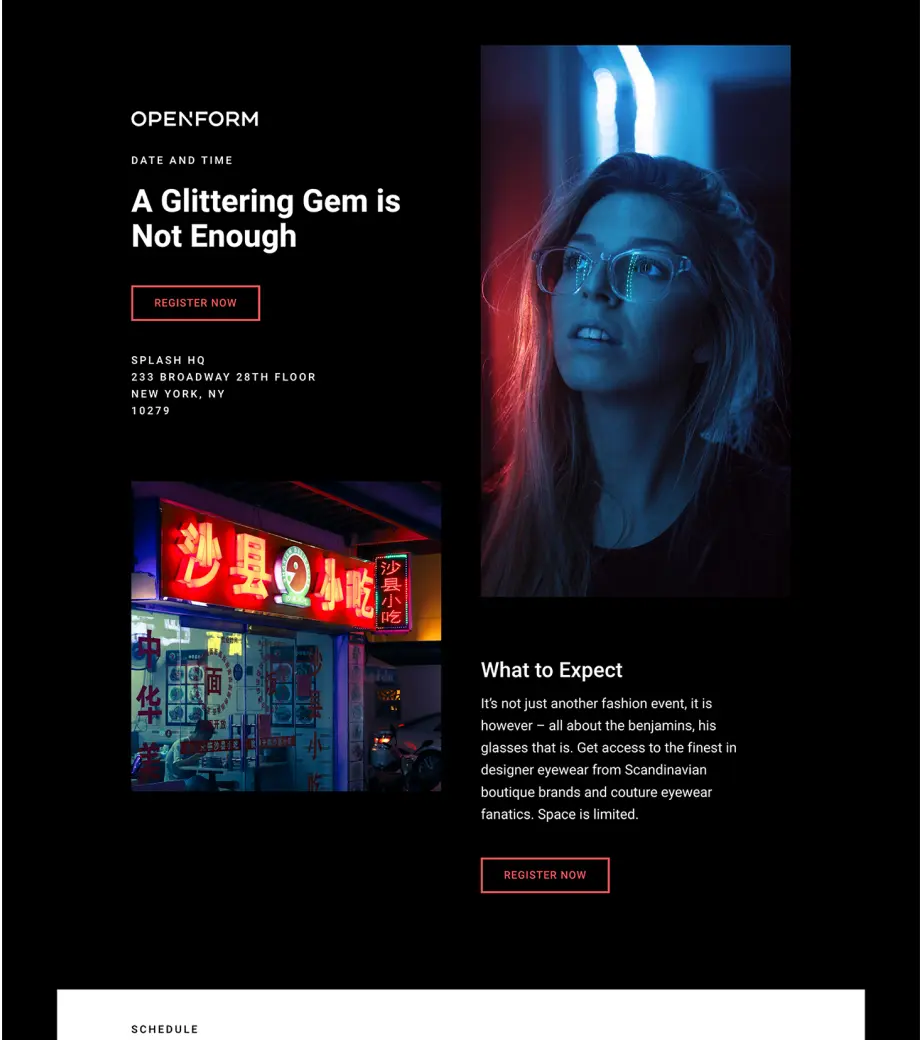
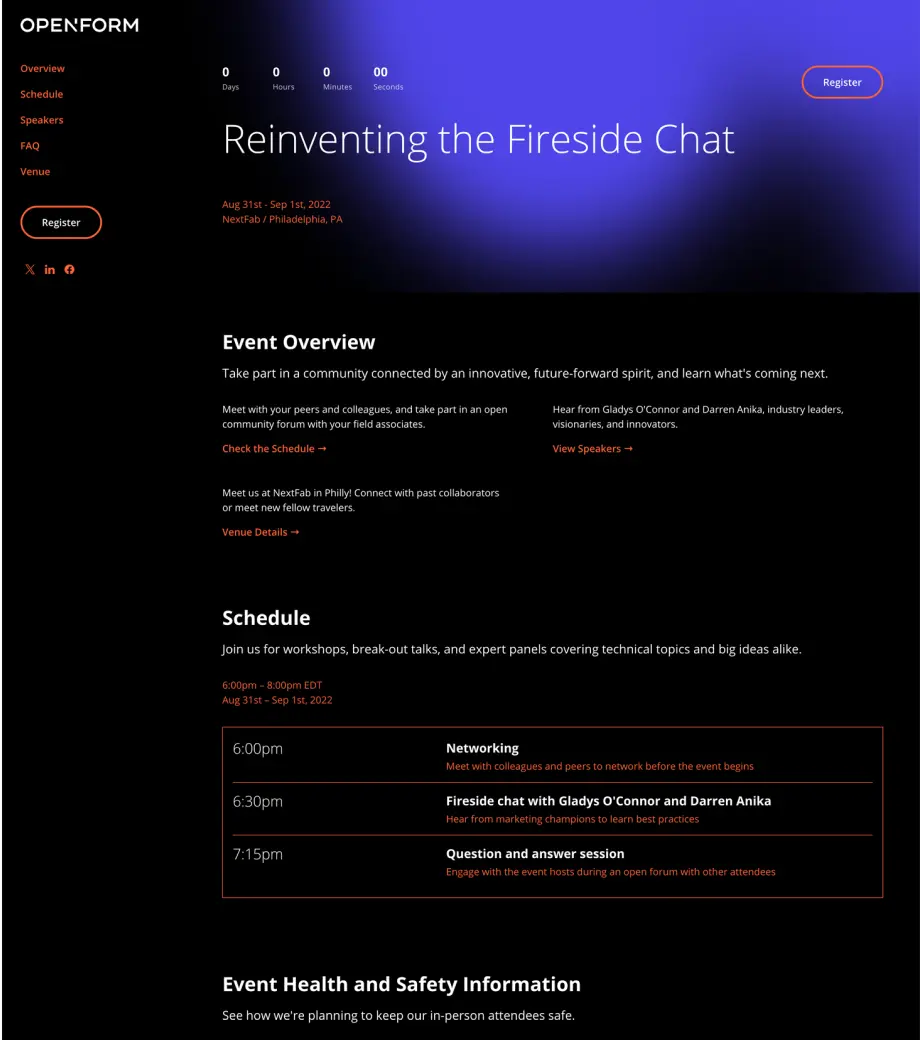
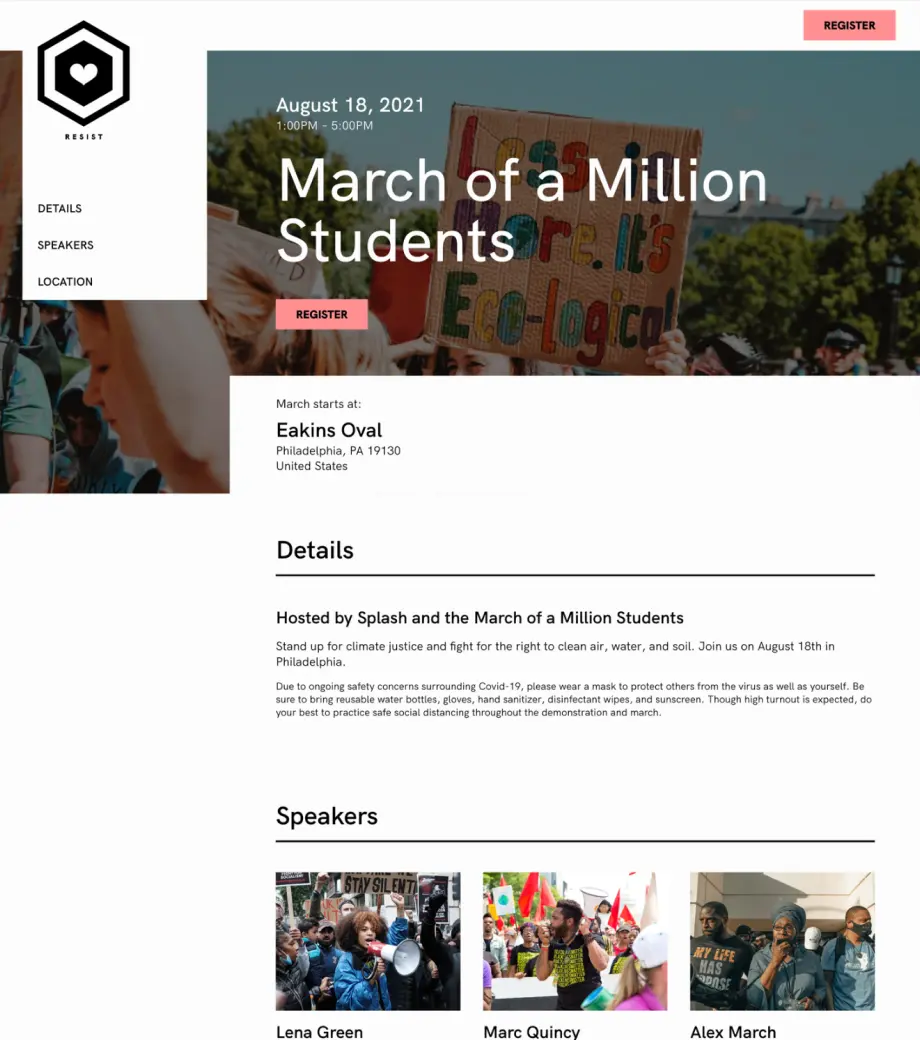
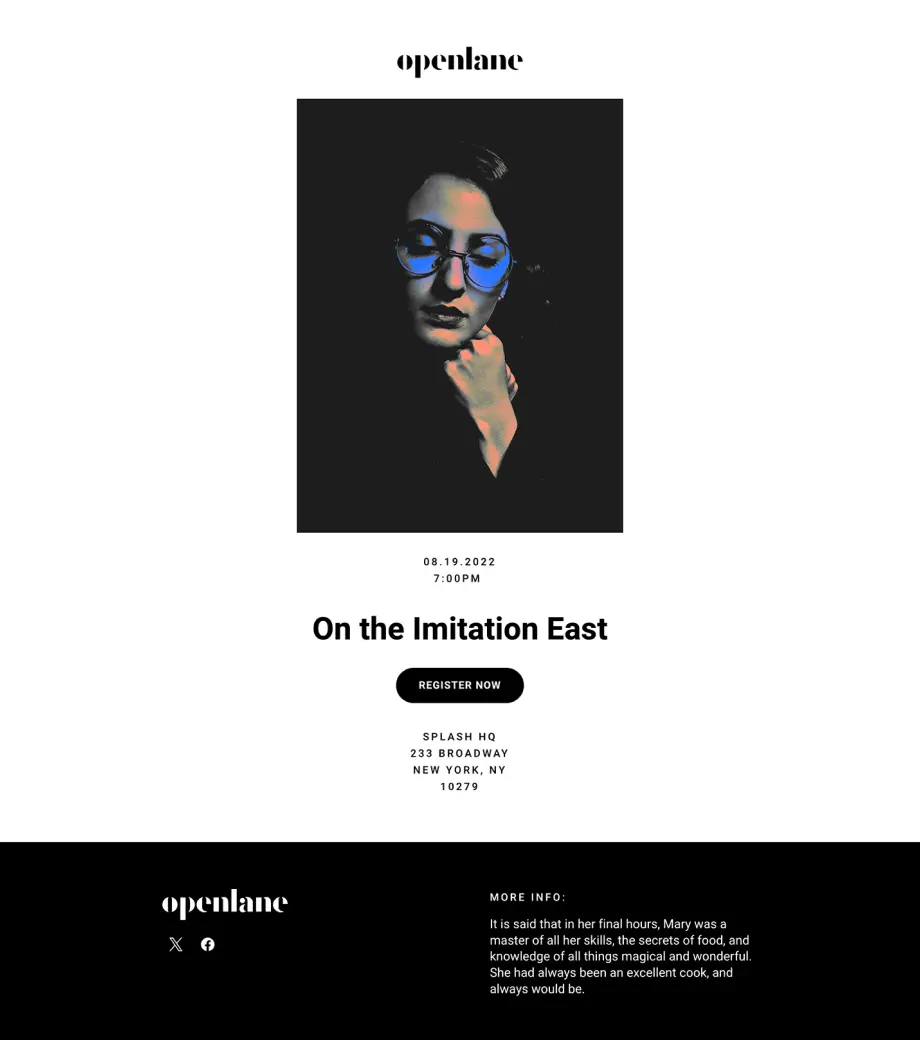
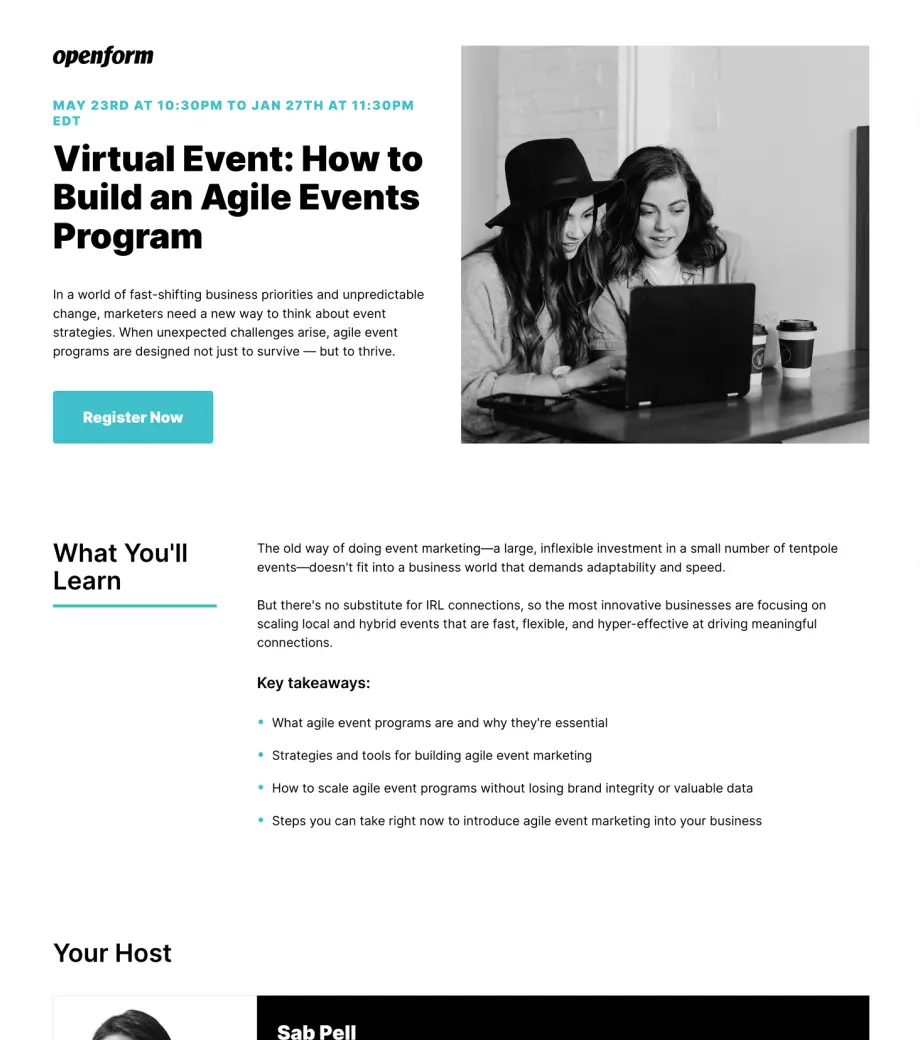
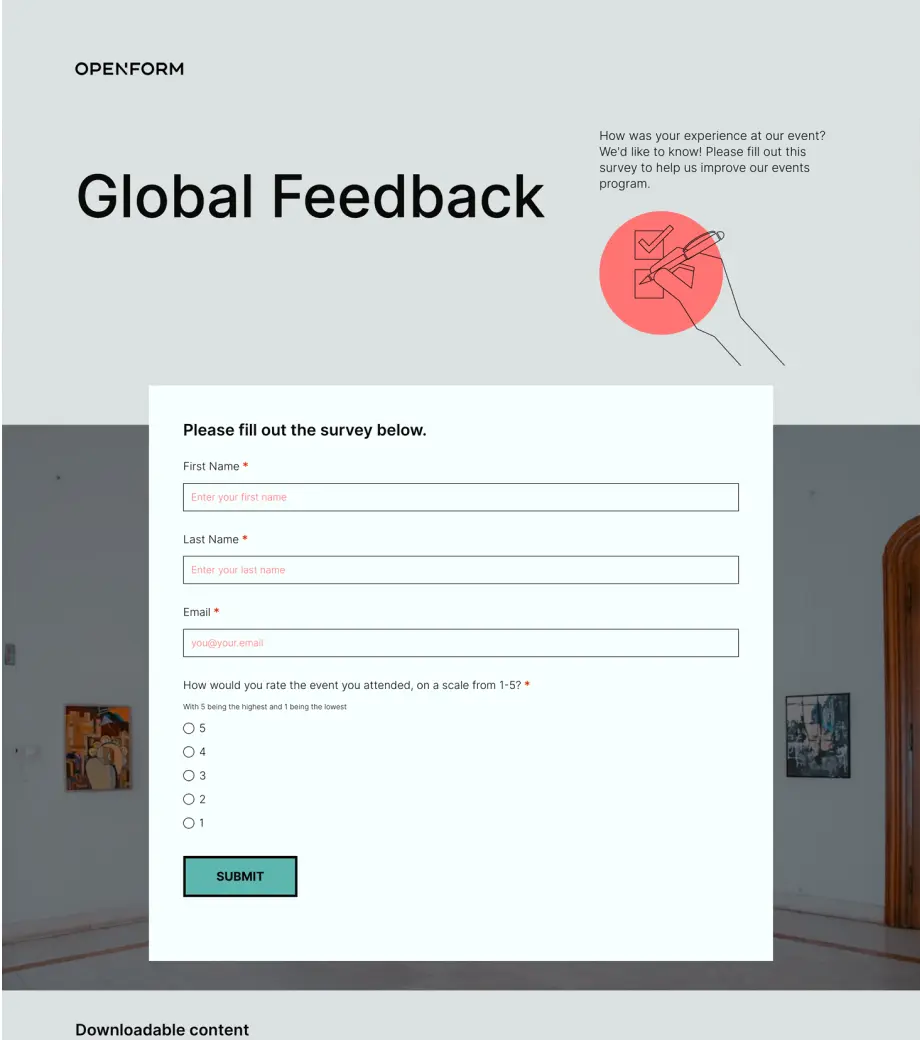
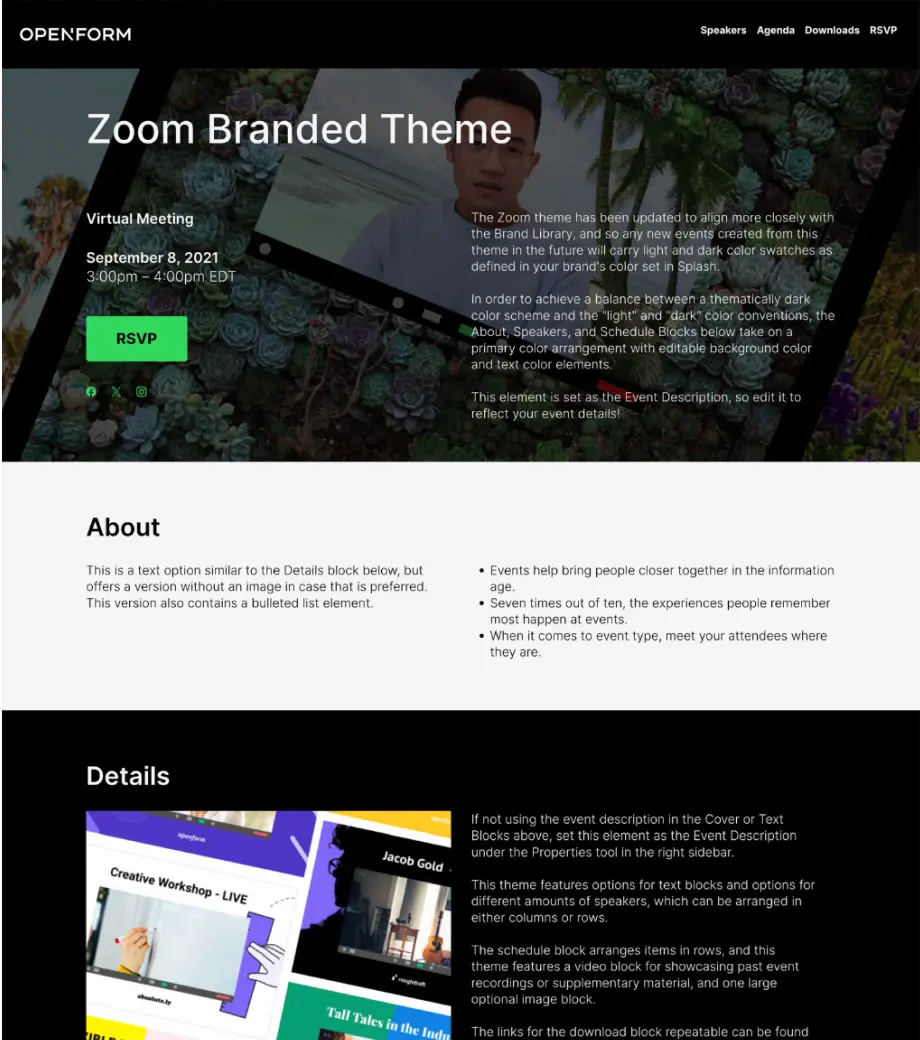
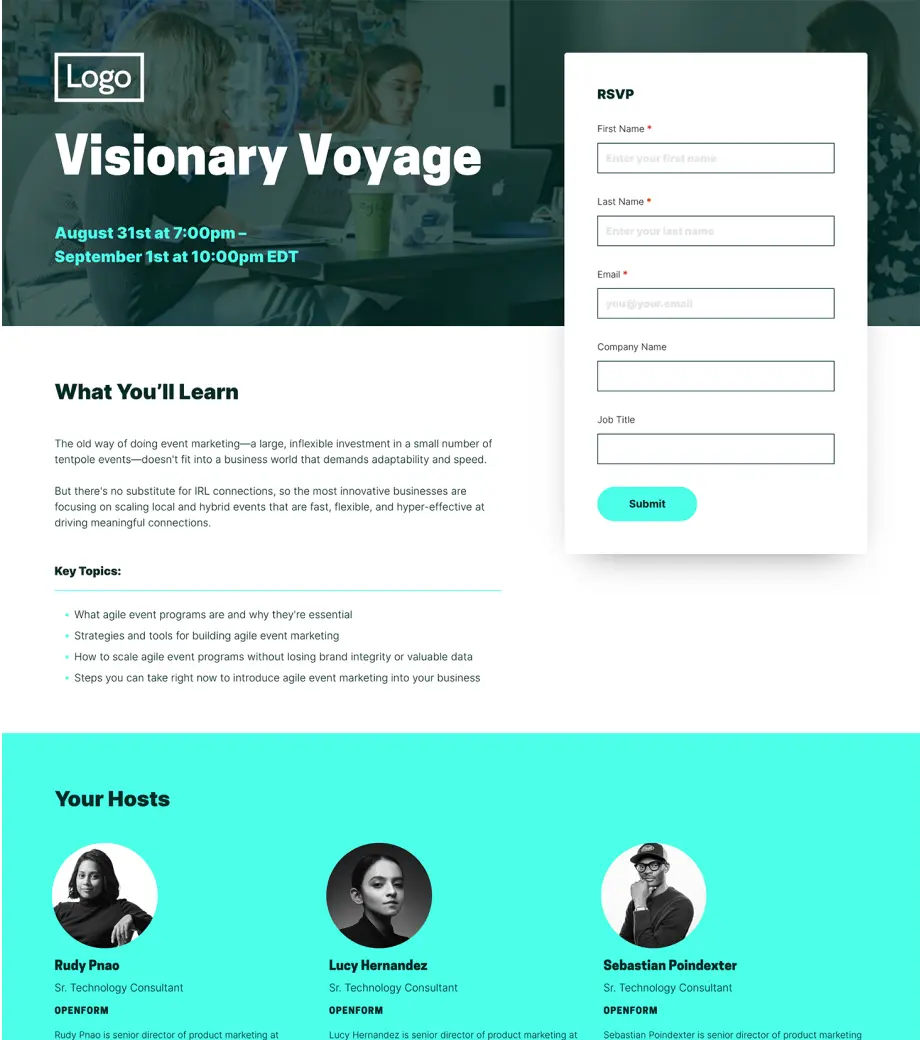
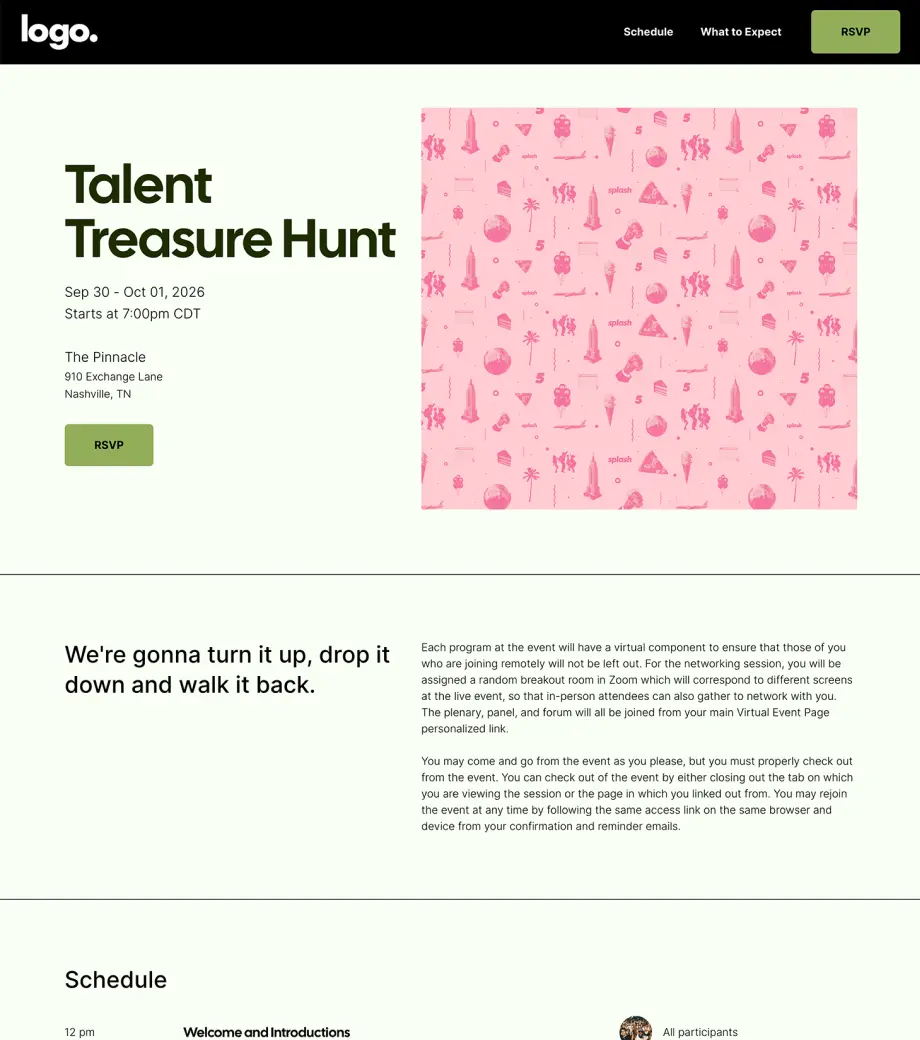
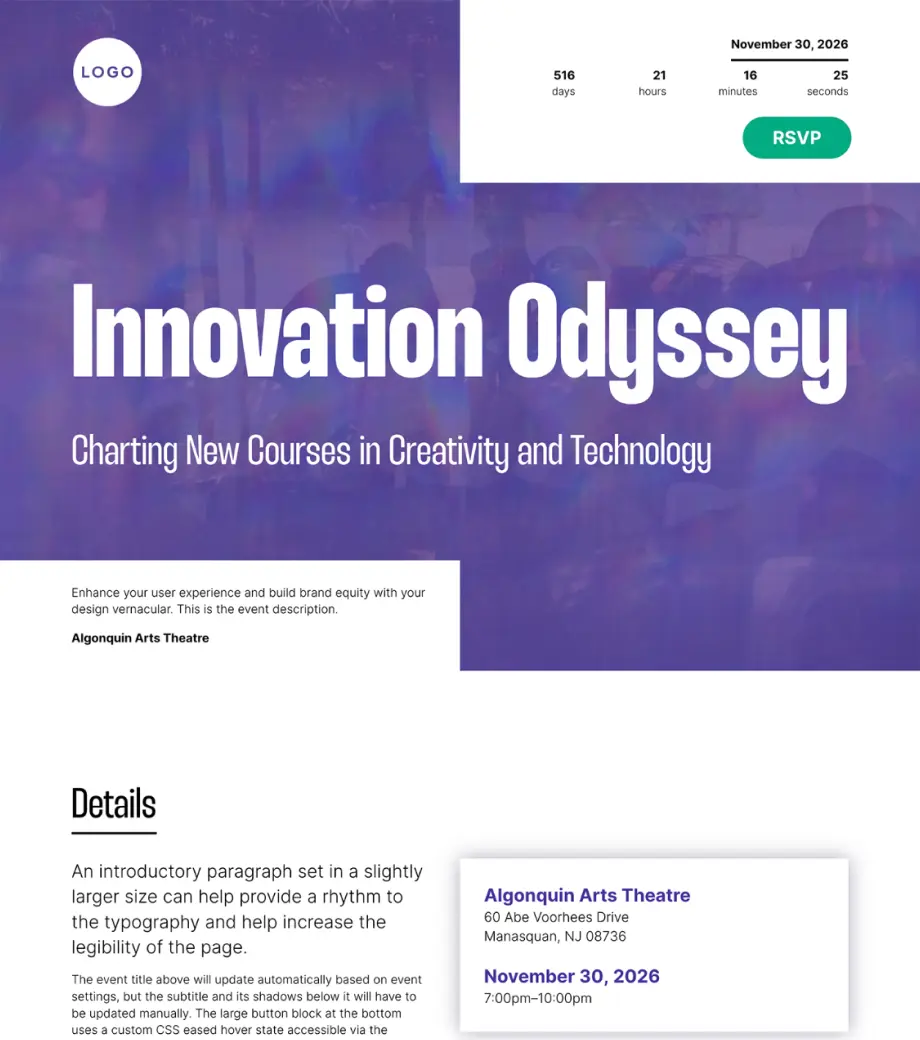
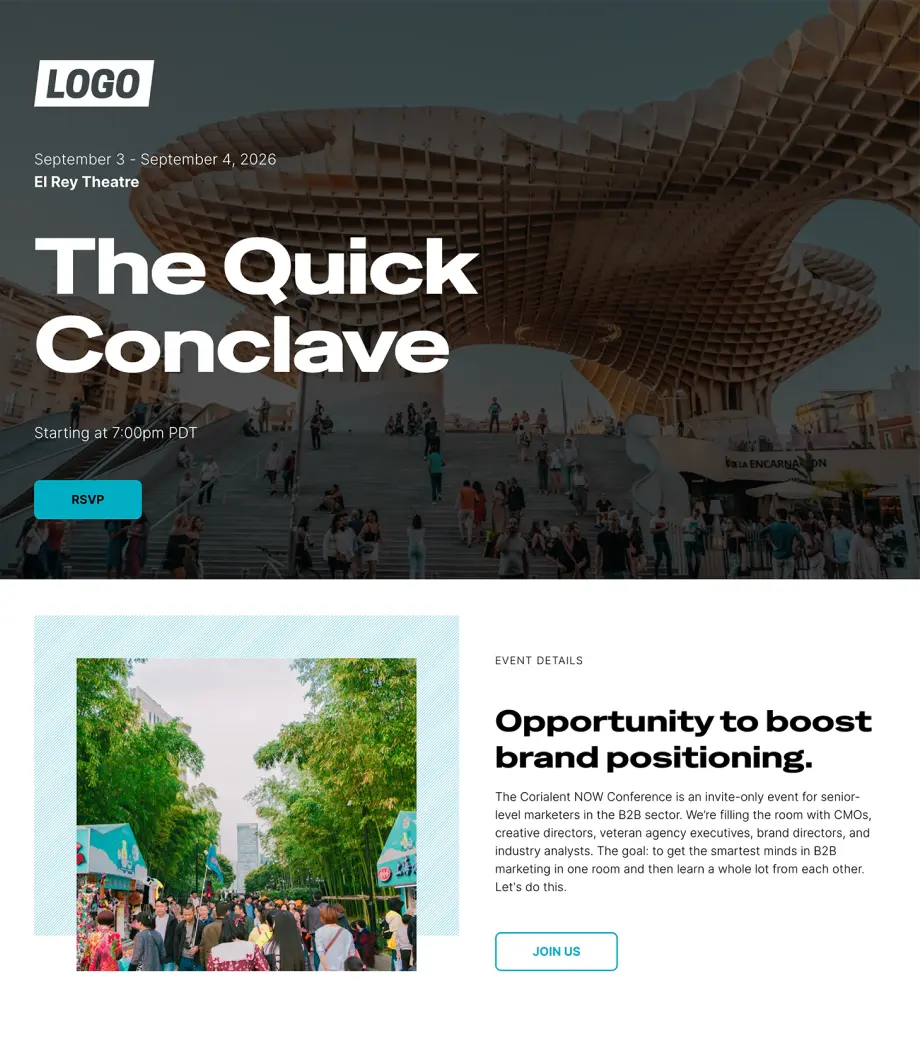
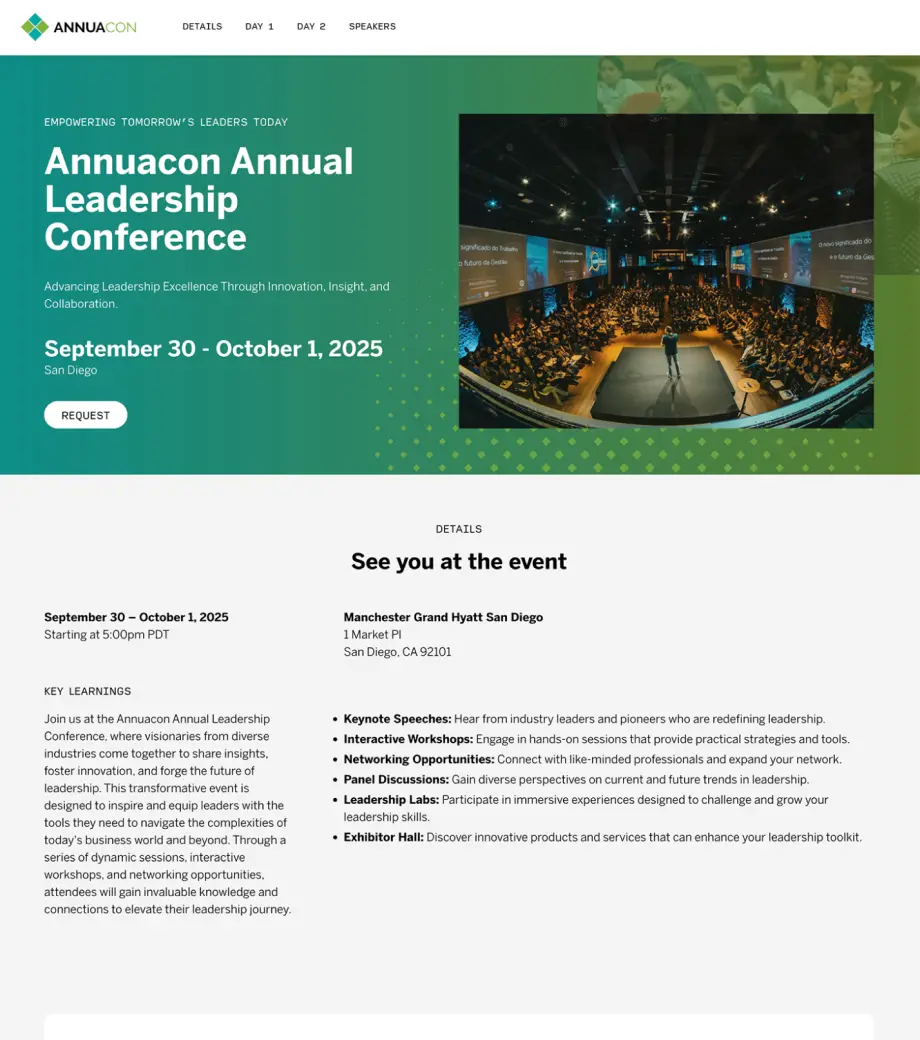
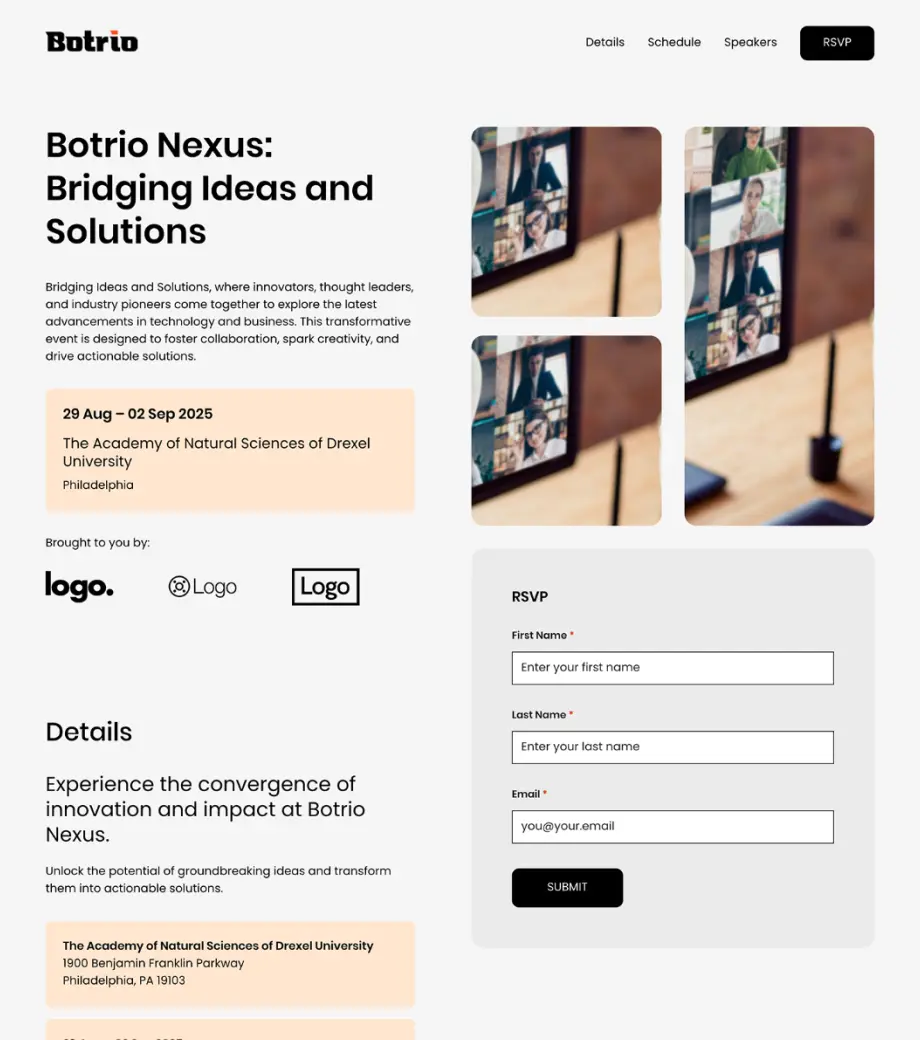
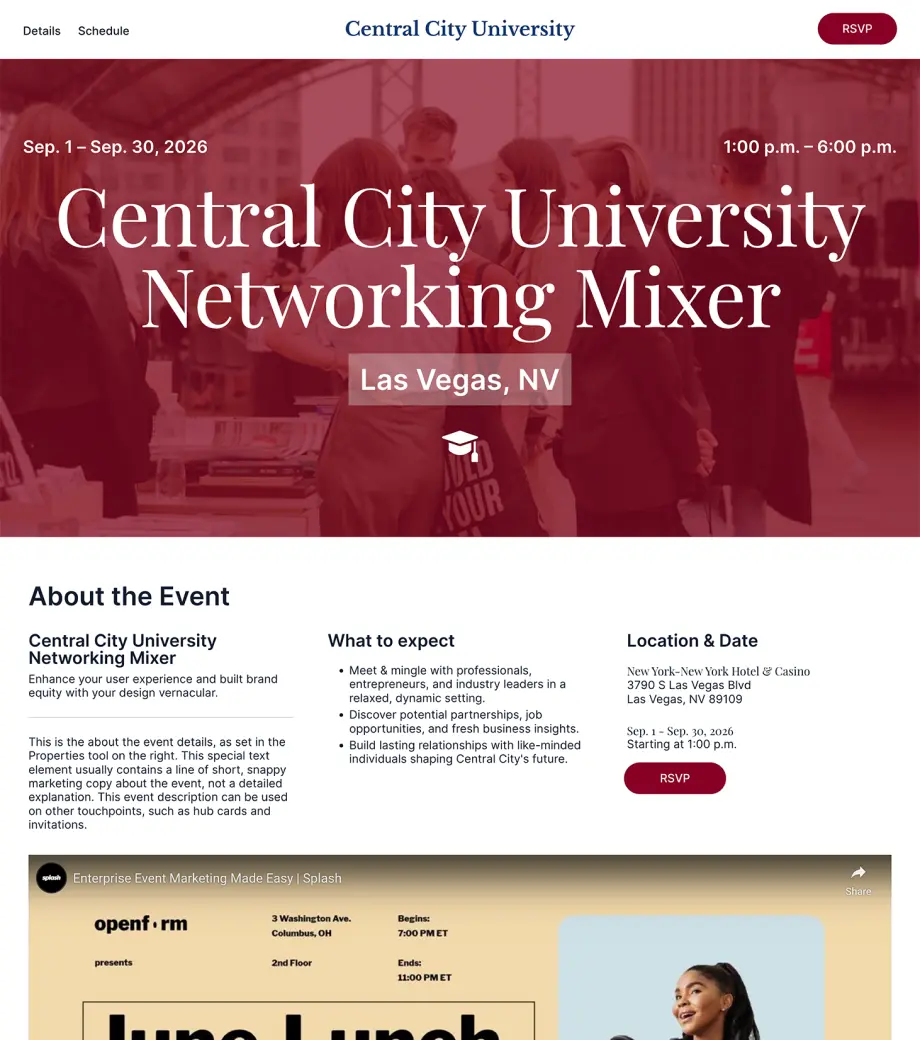
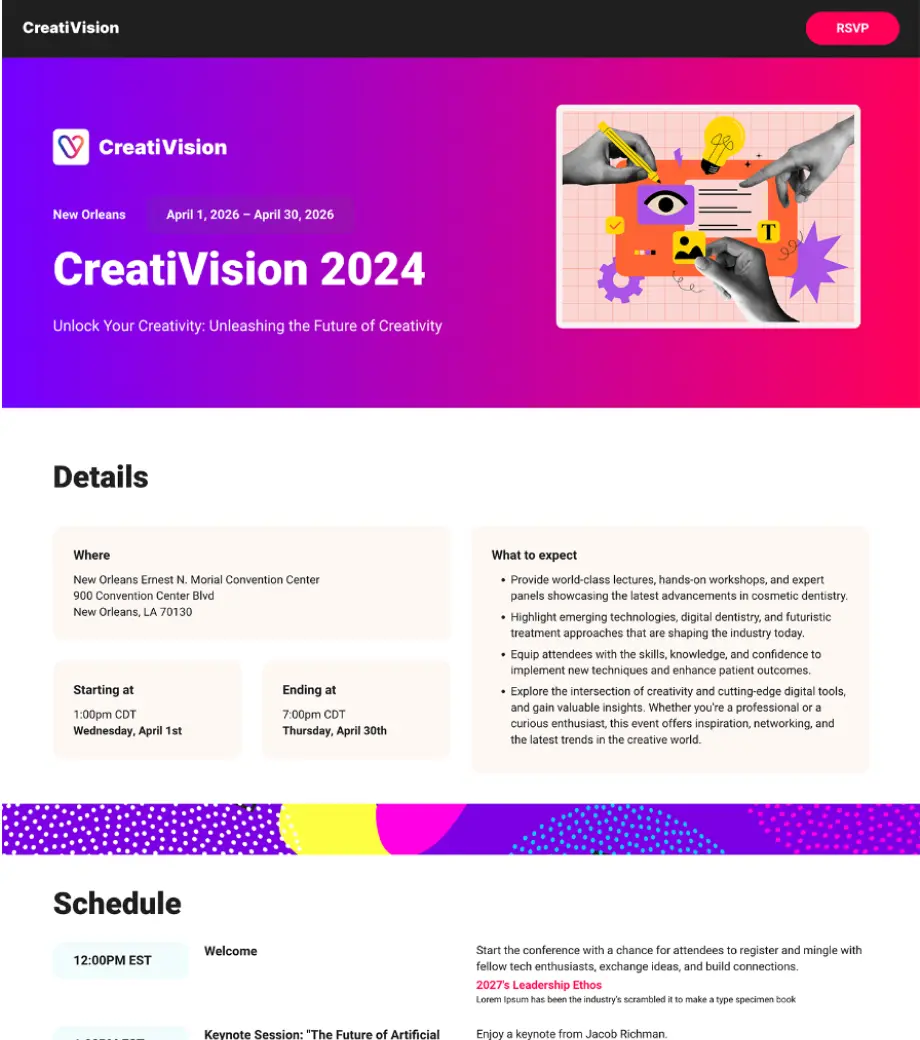
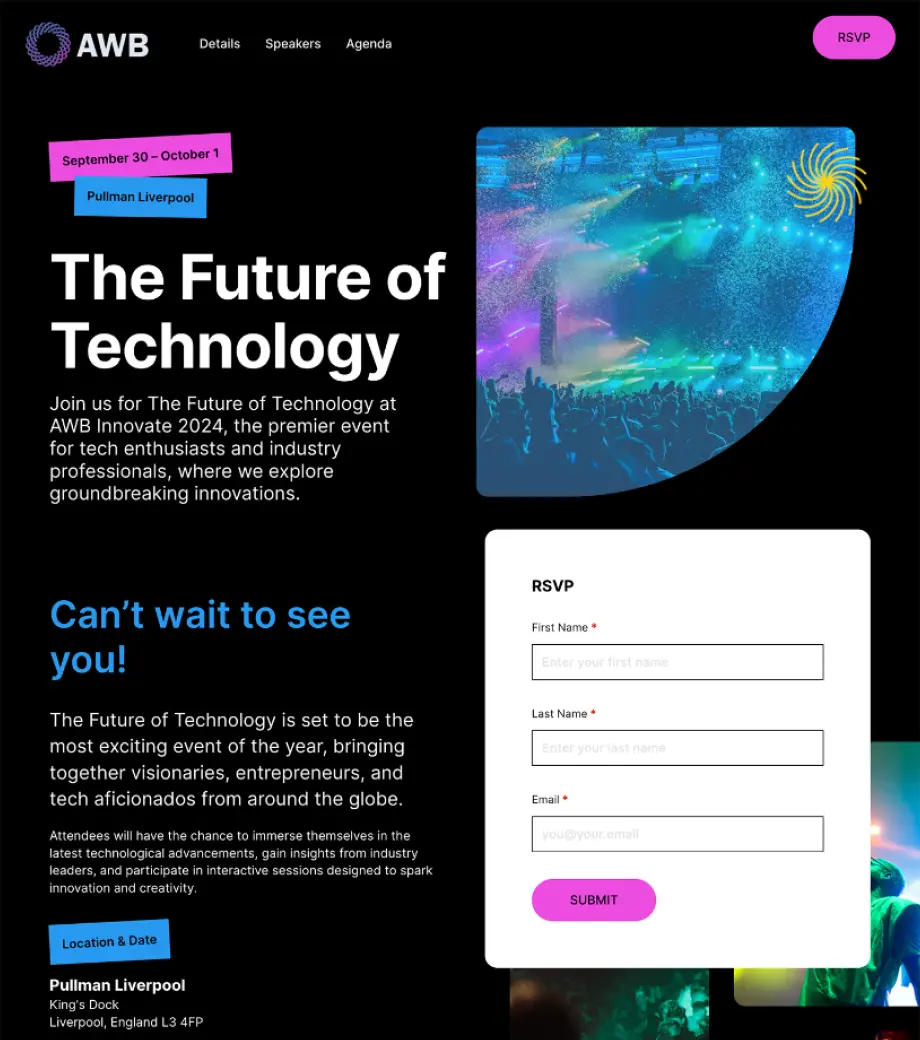
Our ready-to-use templates empower your team to create a consistent, on-brand experience across every attendee touchpoint.

Branded
Themes

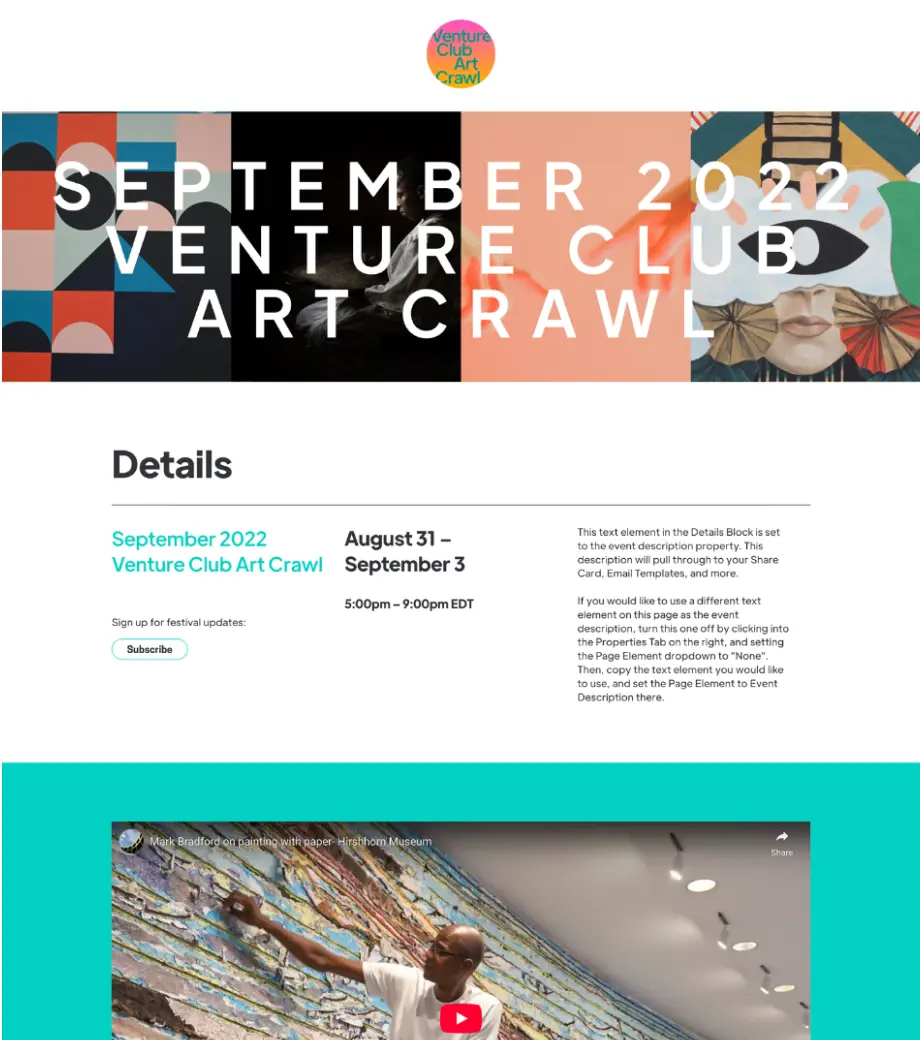
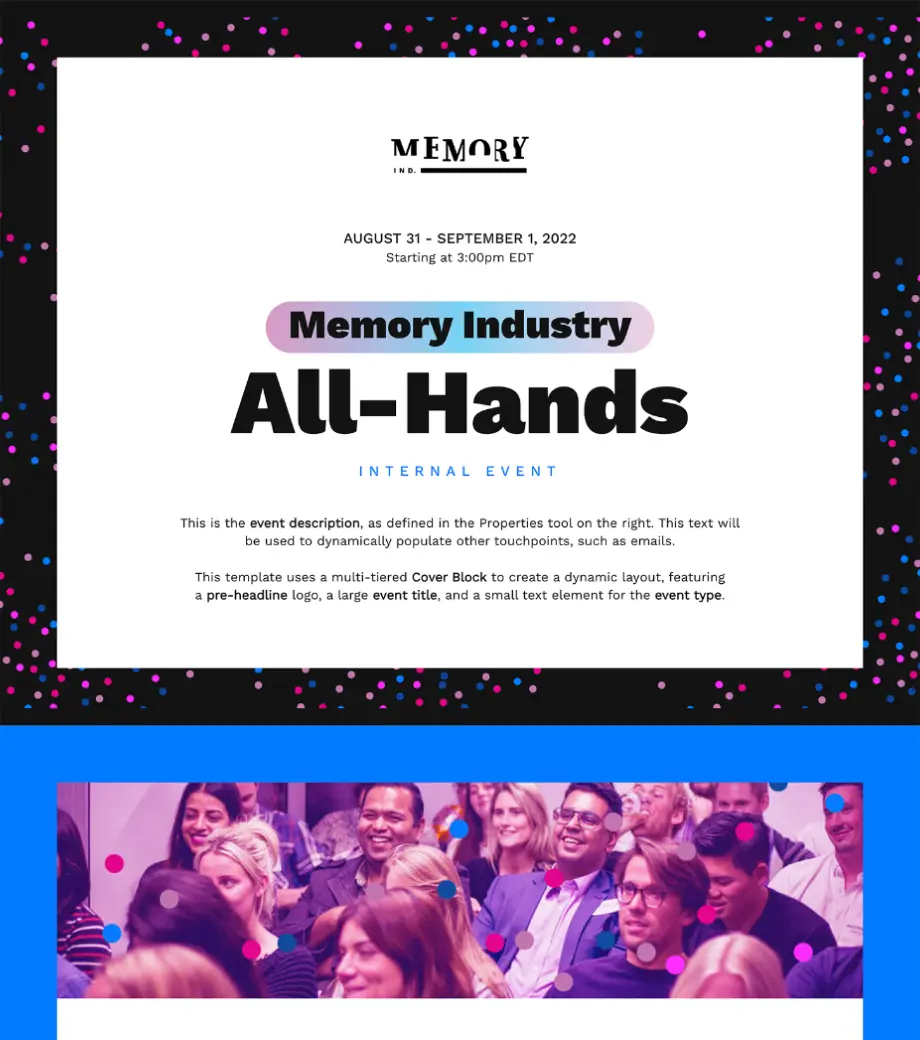
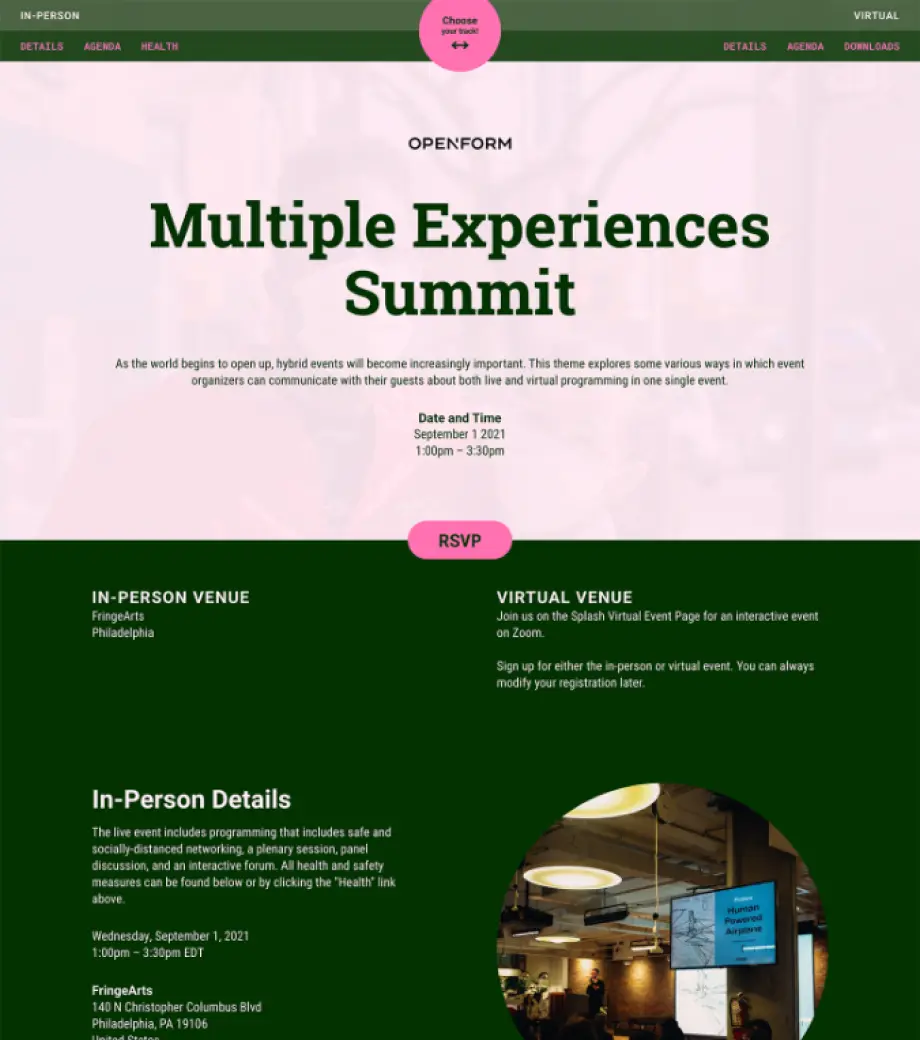
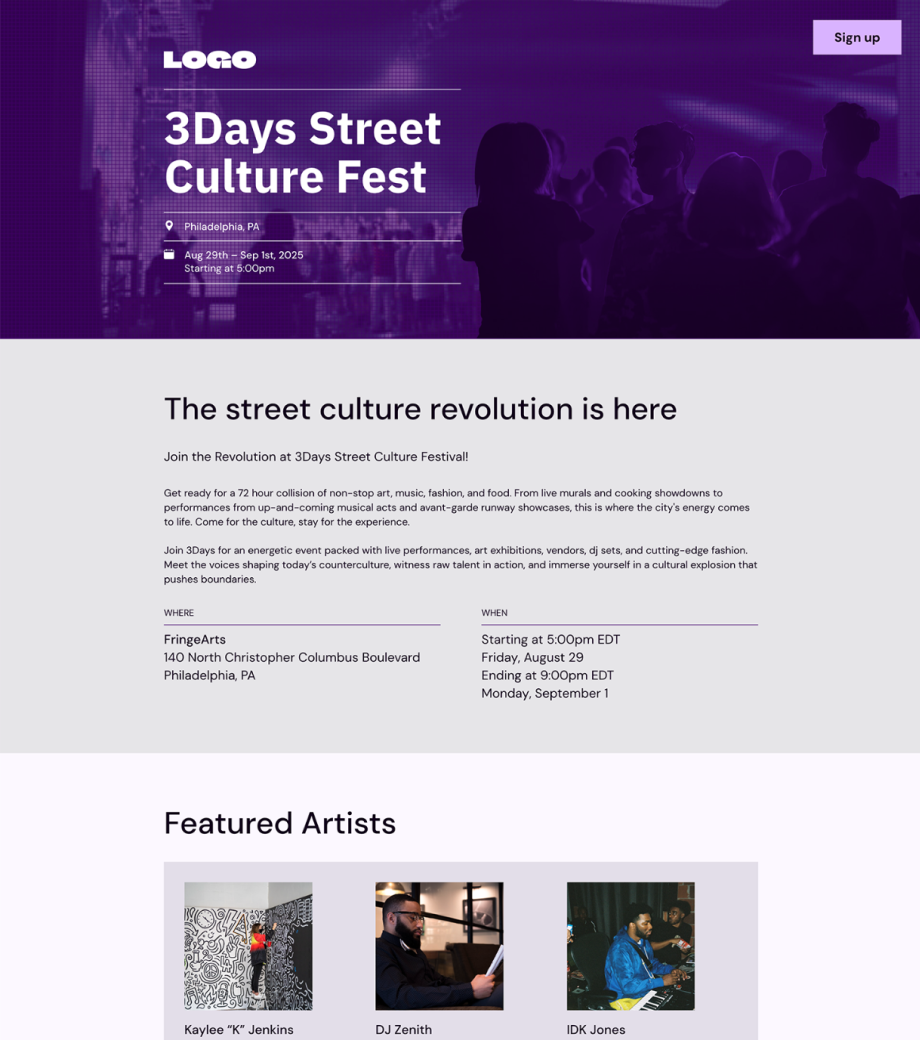
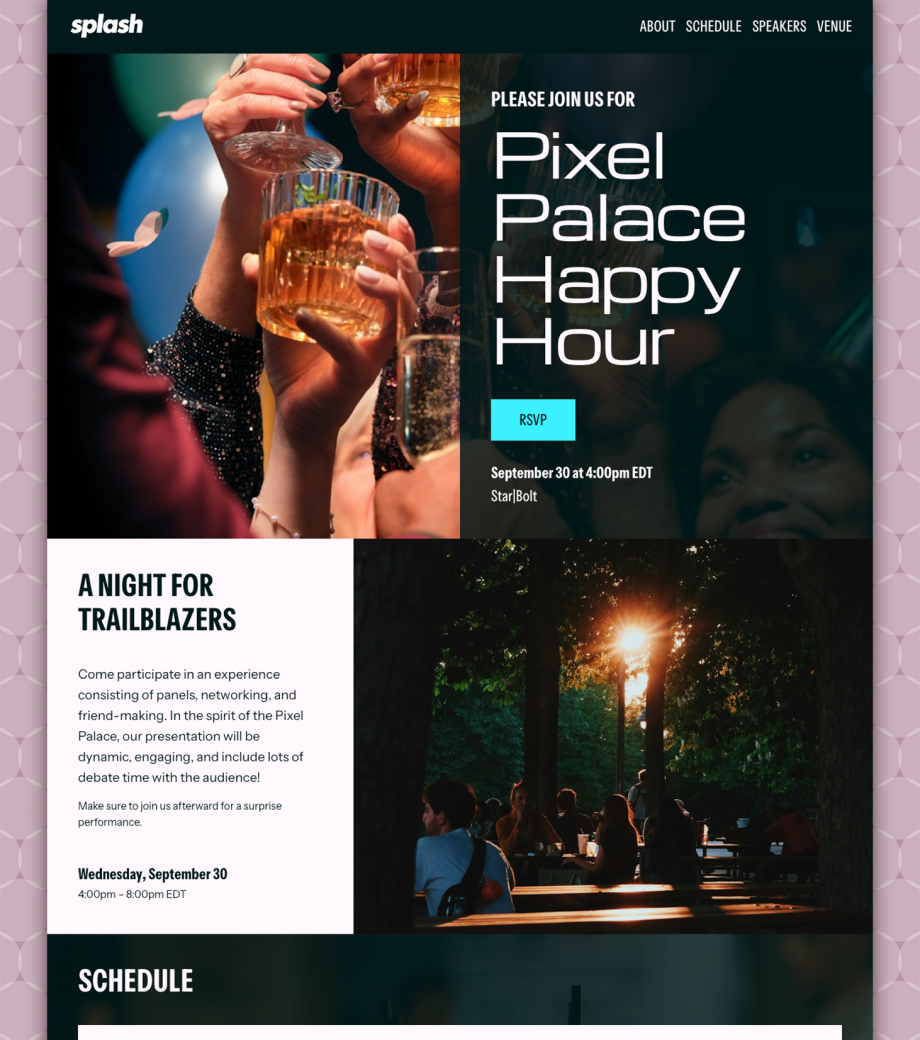
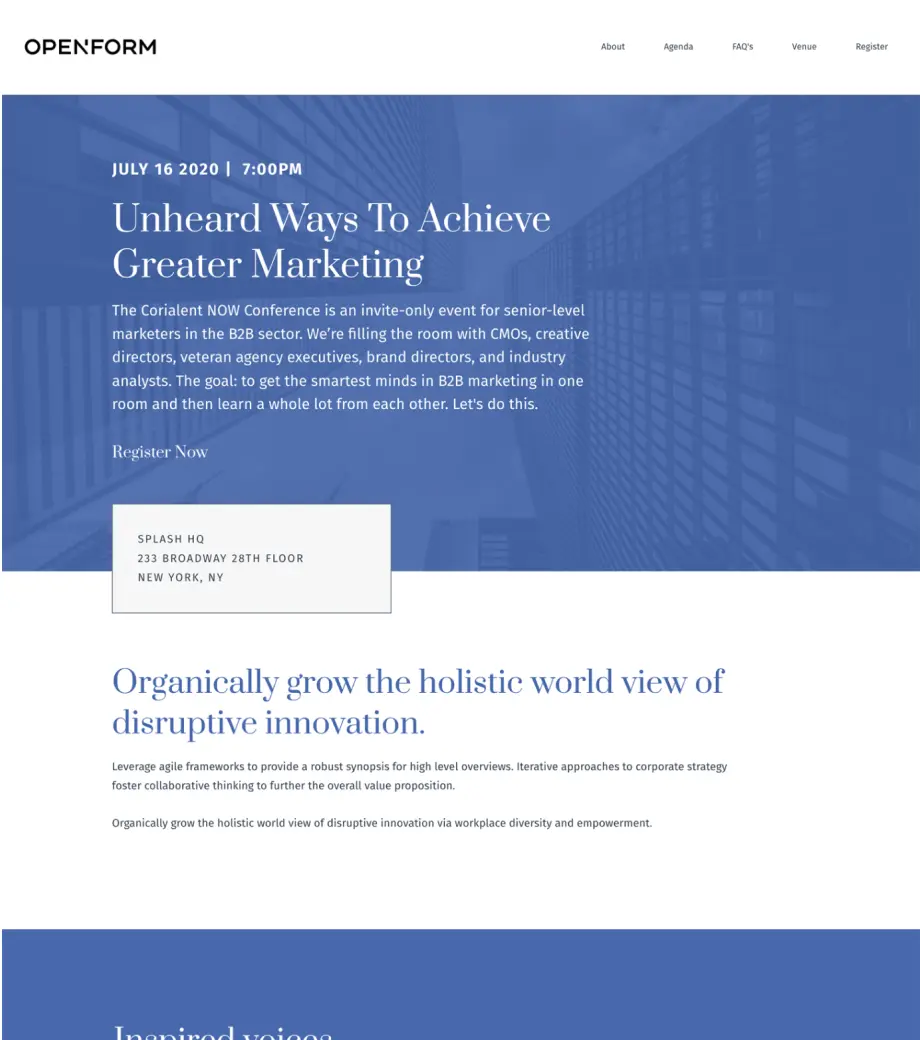
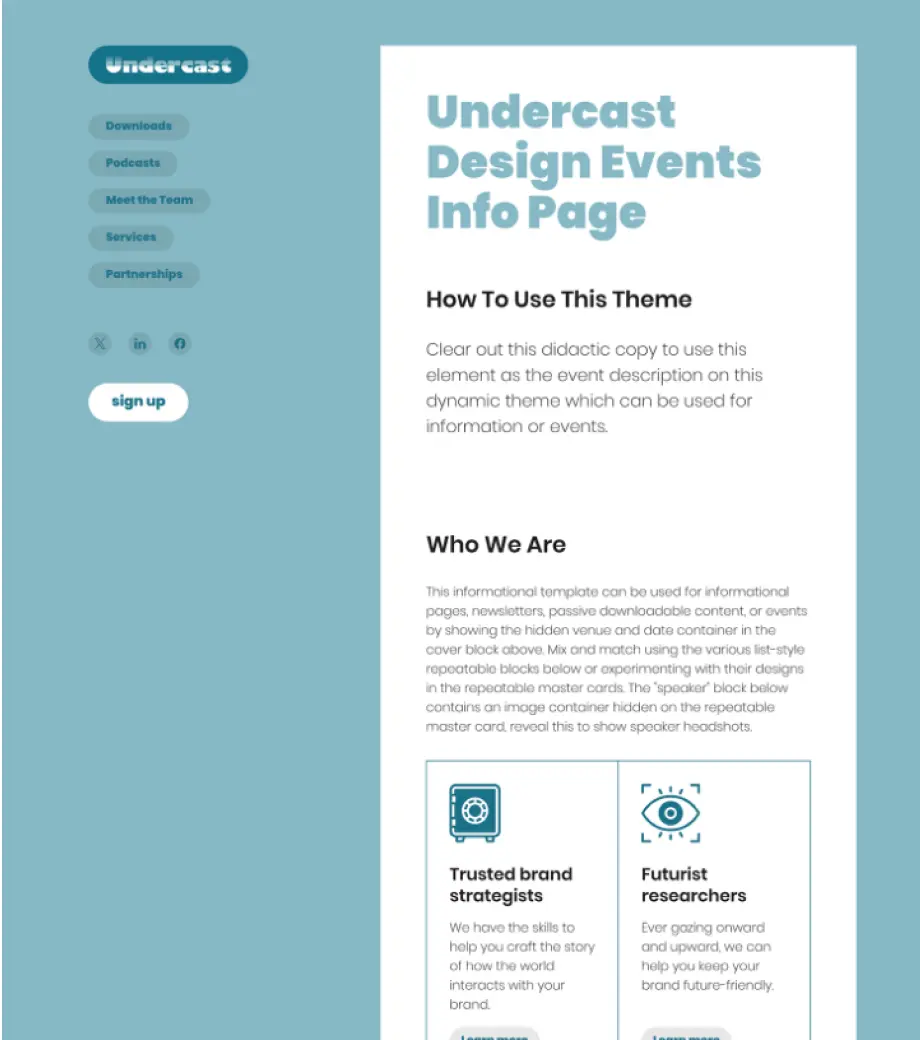
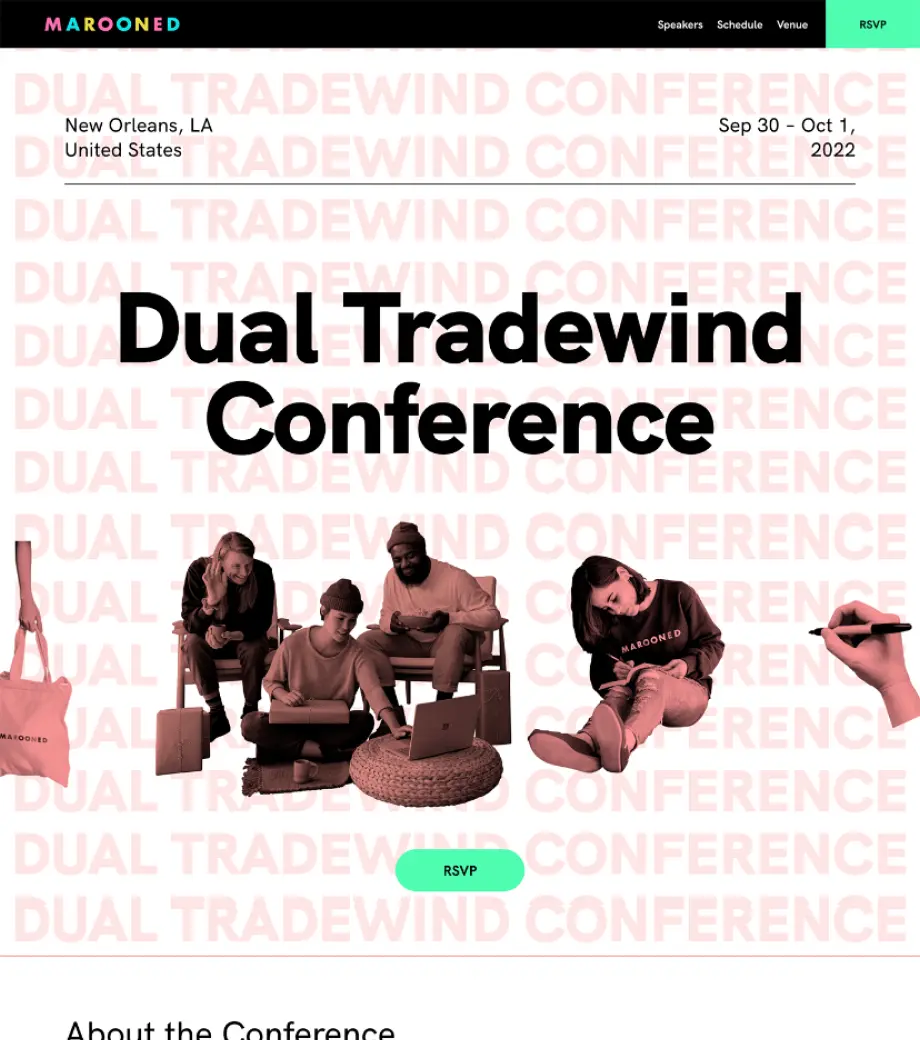
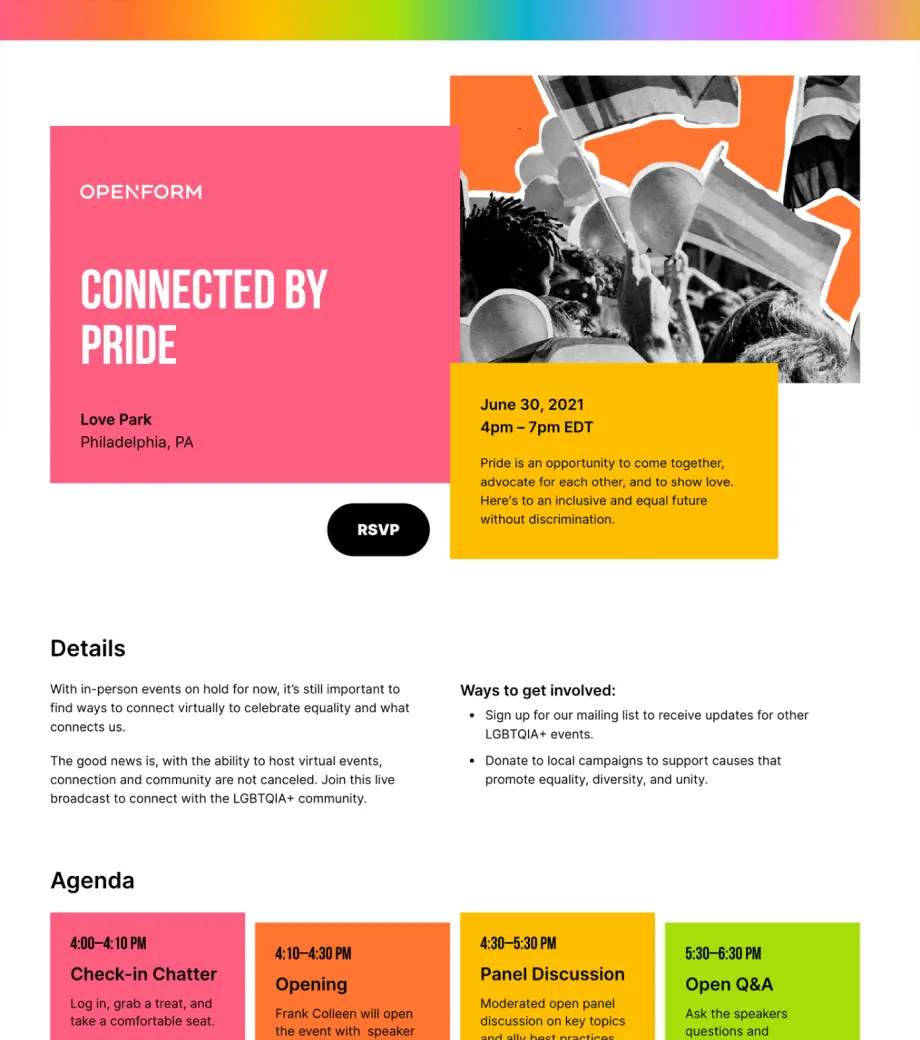
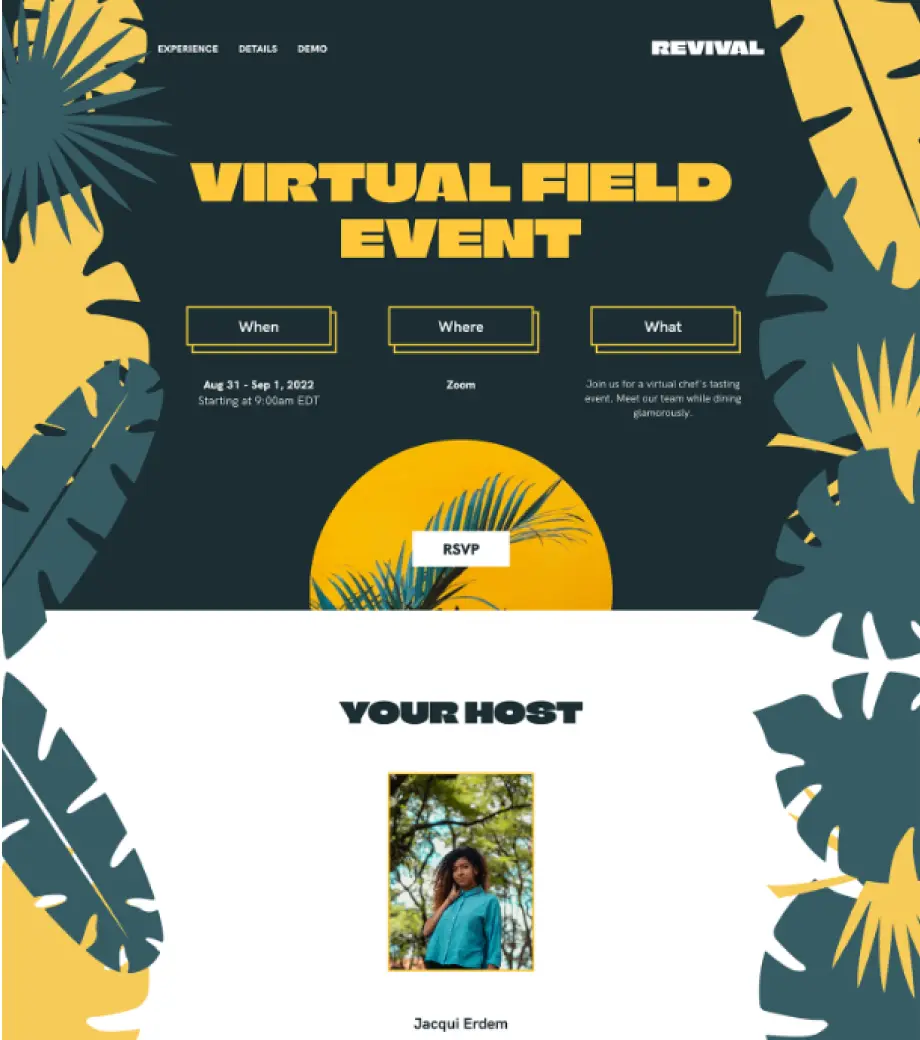
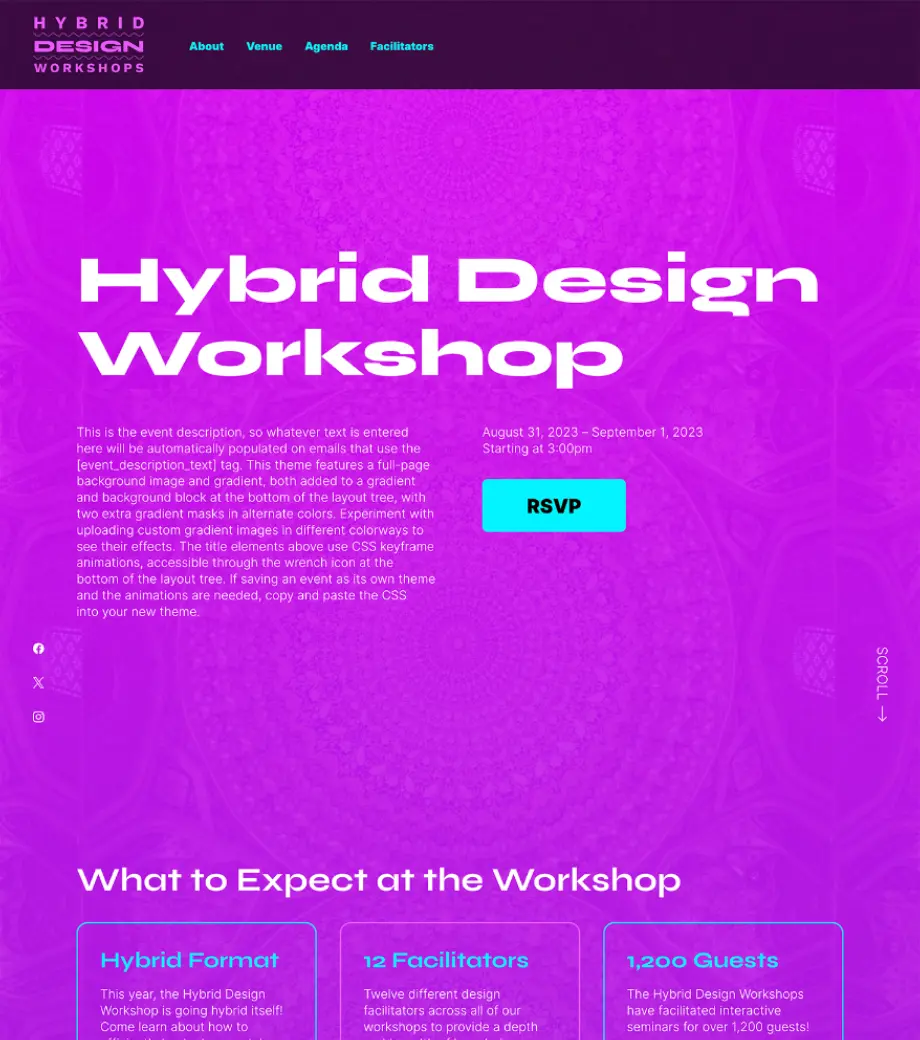
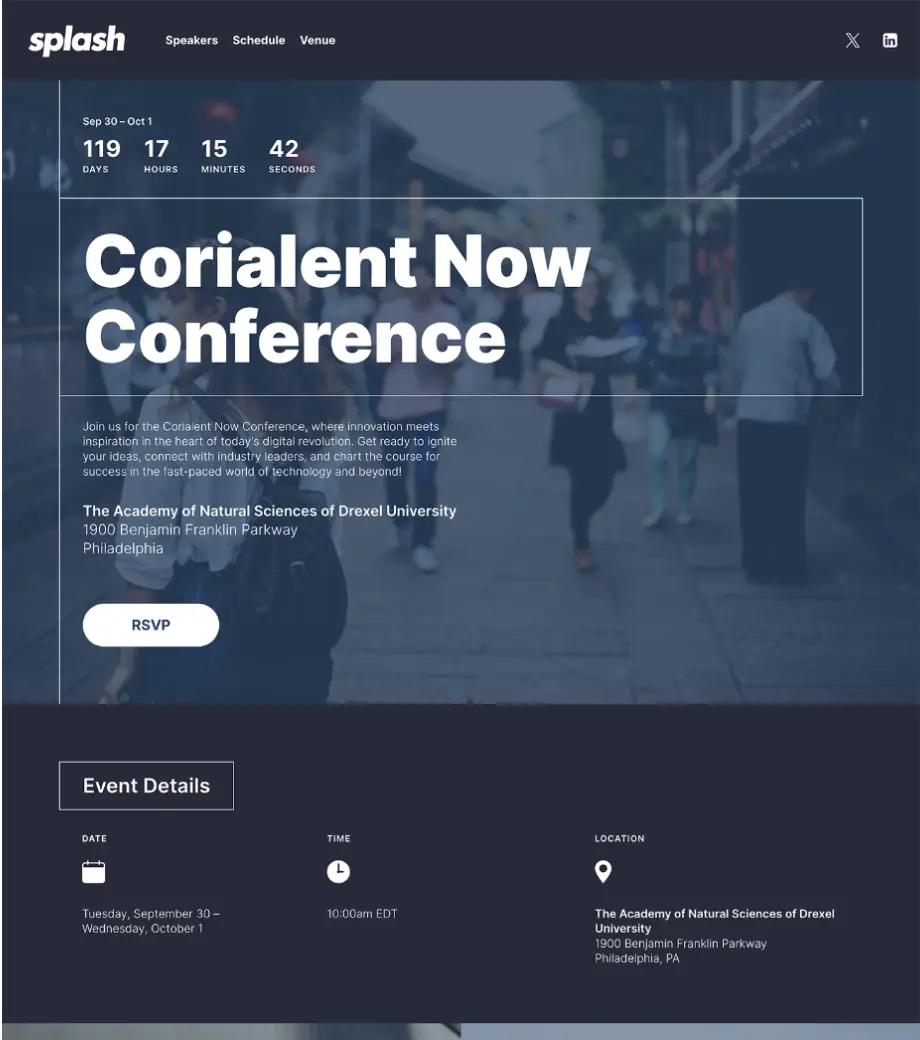
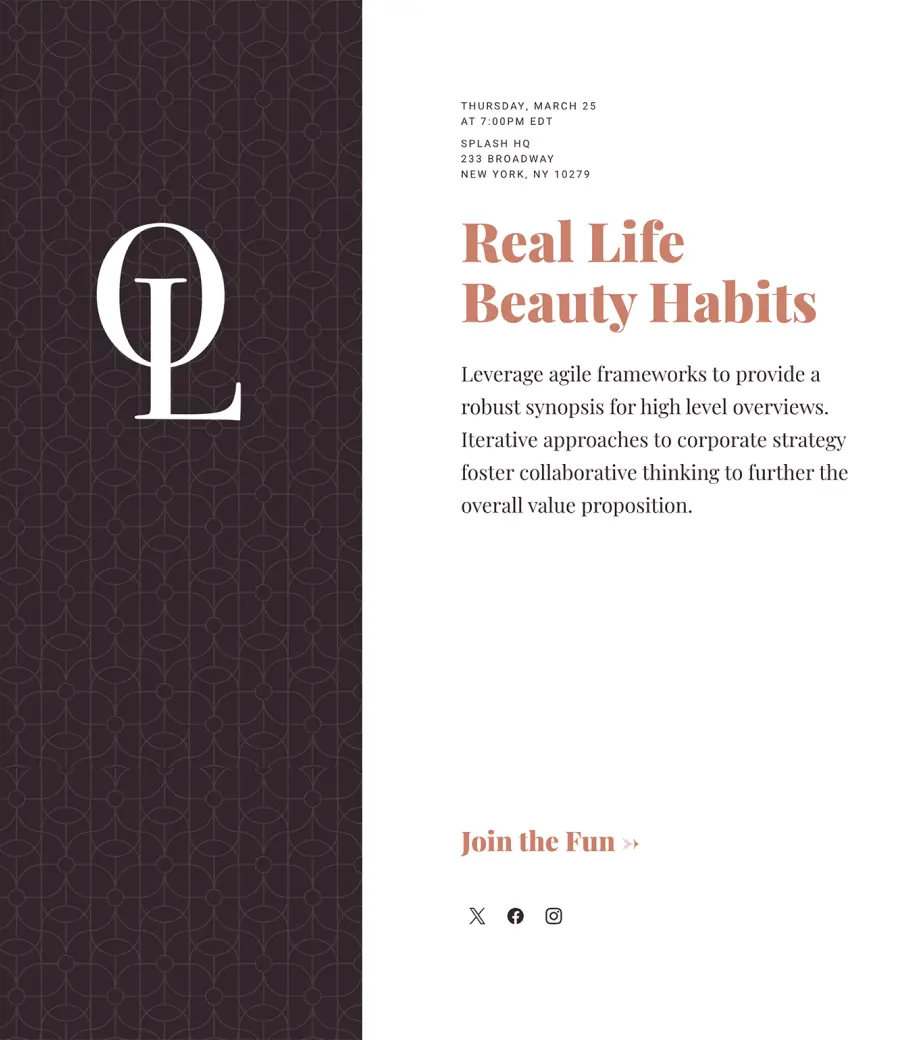
Every Splash plan comes with dozens of best-in-class, beautiful event templates.
Use Cases:
Efficiency and Speed
Pre-Built
Consistency at Scale
Self-Serve
Step 1
All branded themes are included in your Splash plan and include all designed touchpoints.
Step 2
Your brand elements will be automatically applied using your Splash Brand Library.
Step 3
Branded themes are fully customizable. Go live as-is or make as many changes as you want.
What's Included:
DIY Design Updates
Registration or Ticketing
Pre-Built Blocks
Branded Email Templates
Confirmations
Social Sharing Touchpoints
Can't decide which Theme type is right for you?
Compare Themes

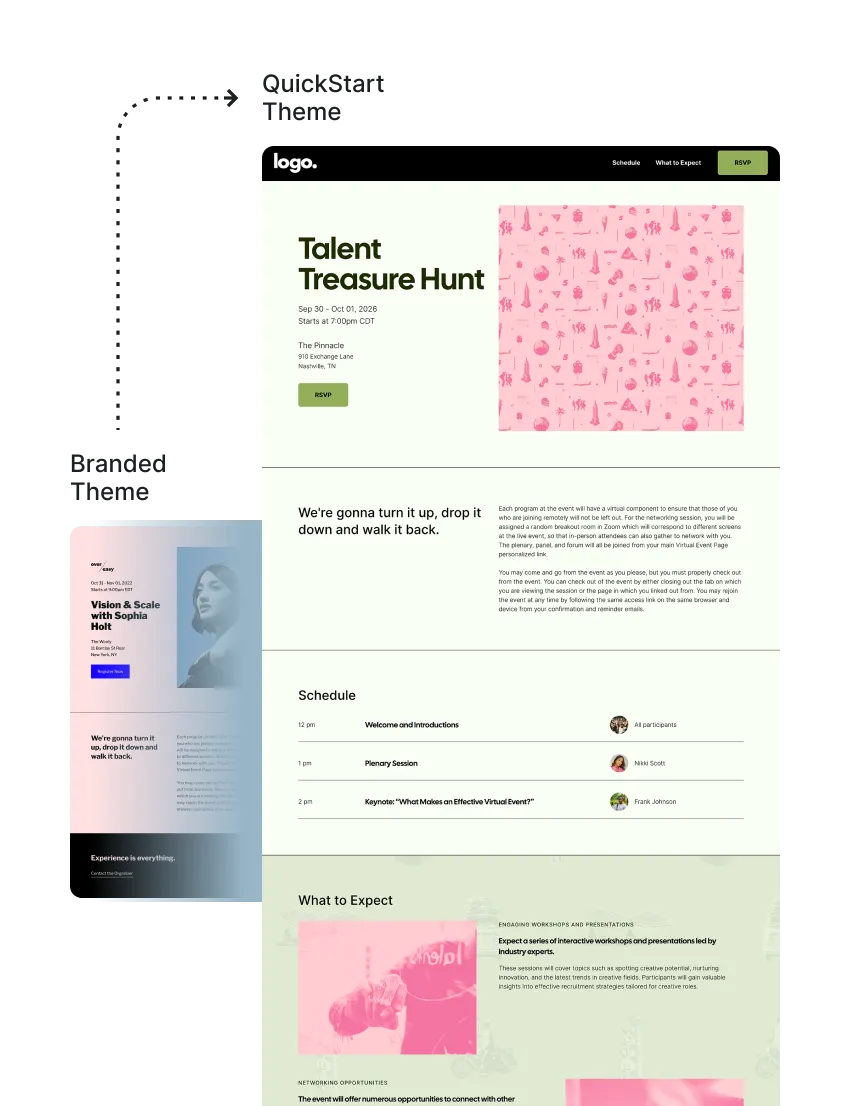
Quickstart
Themes

Get help from the Splash team to launch your event quickly with our fastest Theme offering.
Use Cases:
Efficiency and Speed
Pre-Built
Consistency at Scale
Data-Driven Design
Step 1
Choose from our selection of best-in-class Branded Theme templates.
Step 2
Complete our brand asset questionnaire, including logo, colors, fonts, and imagery.
Step 3
Our Creative team will apply your unique branding and share as a new, personalized theme.
Step 1
Choose from a selection of best-in-class Branded Theme templates.
Step 2
Provide your brand assets.
Step 3
Our Creative team will apply your unique branding.
What's Included:
Brand Application by Splash Team
2 Day Turnaround
Asset Questionnaire
Registration or Ticketing
Pre-Built Blocks
2 Email Templates
Confirmations
Social Sharing Touchpoints
Can't decide which is right for you?
Compare Themes
Ready to get started? Submit a request with our Services Menu.
Submit a Request
Ready to get started? Submit a request with our Services Menu.
Submit a Request

Evergreen
Themes

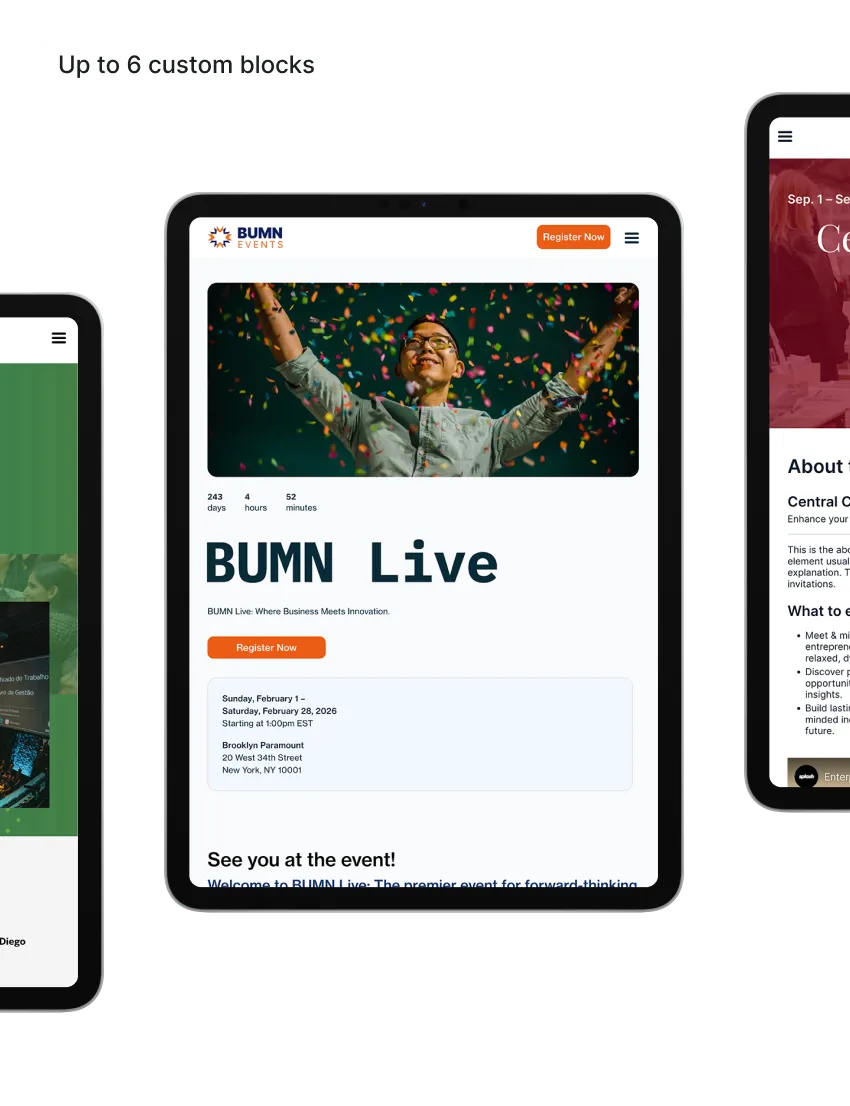
Take attendee engagement to the next level with a custom-built Theme. Our Creative team designs a bespoke, branded theme with up to six blocks, chosen based on insights from the highest-performing event pages.
Use Cases:
Consistency at Scale
Data-Driven Design
Collaborative Refinement
Step 1
Complete our brand asset questionnaire, including logo, colors, fonts, and imagery.
Step 2
Participate in a 30-minute discovery call with our team.
Step 3
Our Creative team will create a custom-built theme tailored to your brand.
Step 1
Choose from a selection of best-in-class Branded Theme templates.
Step 2
Provide your brand assets.
Step 3
Our Creative team will apply your unique branding.
What's Included:
Custom-Built Theme
30-minute Discovery Call
17 Day Turnaround
Asset Questionnaire
Collaboration with Splash Creative Team
Revisions in 4 Business Days
Registration or Ticketing RSVP Types
4 Email Templates
Confirmations
Social Sharing Touchpoints
Can't decide which is right for you?
Compare Themes
Ready to get started? Submit a request with our Services Menu.
Submit a Request
Ready to get started? Submit a request with our Services Menu.
Submit a Request

Premium Themes

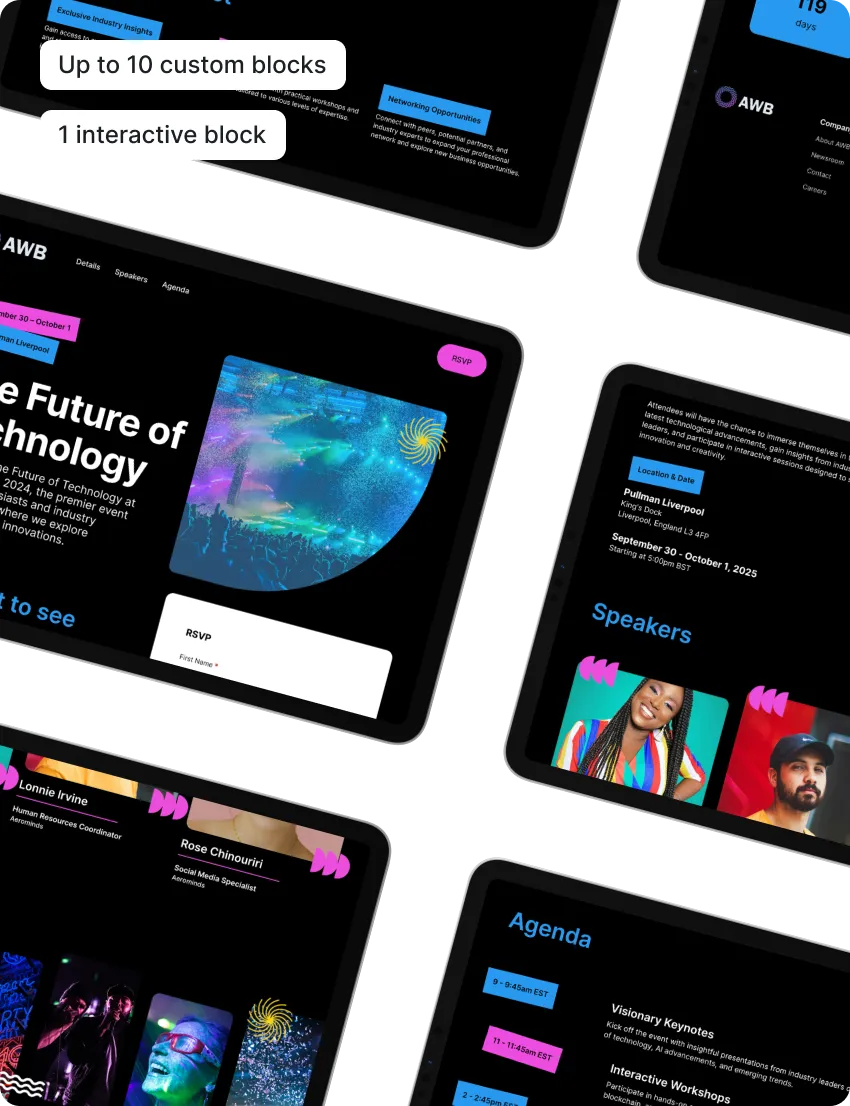
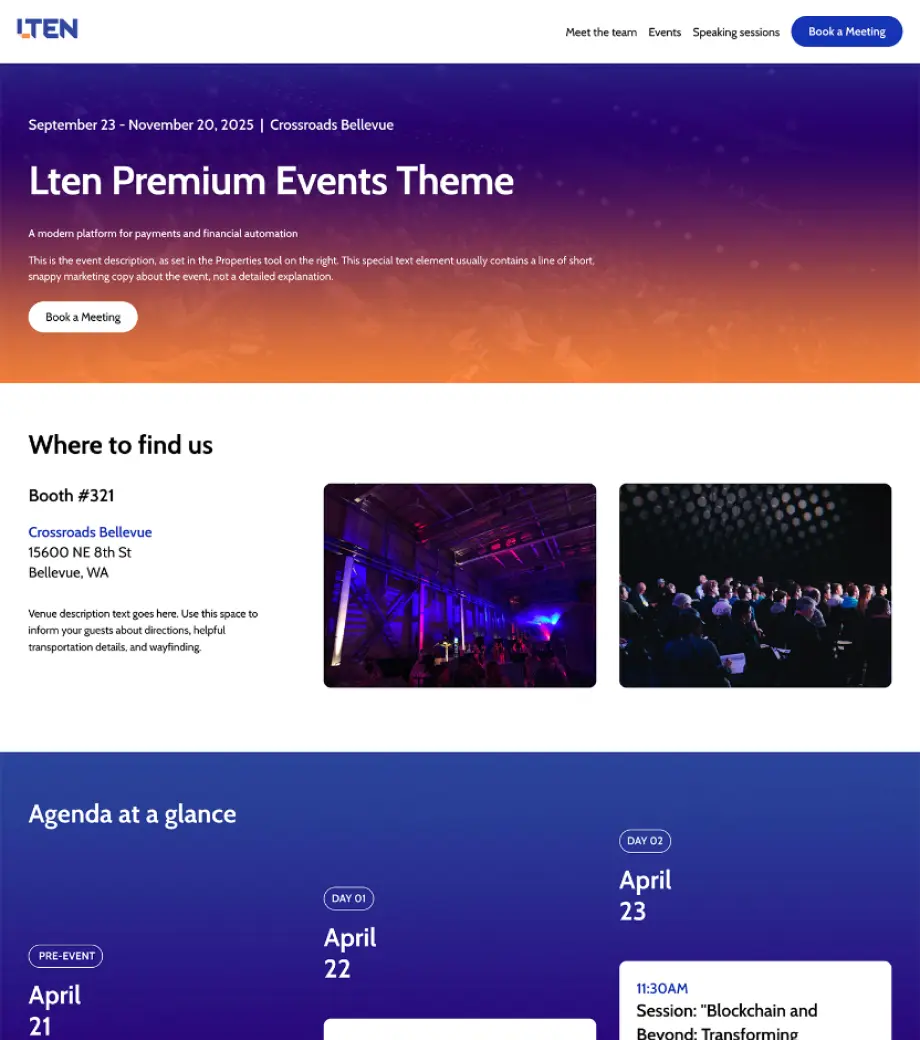
Tailored to your event needs, our scalable Event Theme includes up to ten interchangeable blocks that empower your team to build engaging and customized attendee journeys.
Use Cases:
Consistency at Scale
Data-Driven Design
Collaborative Refinement
Interactive Design
Comprehensive Brand Integration
Step 1
Complete our comprehensive questionnaire, including event program details, brand assets, and Block content preferences.
Step 2
Engage in a 60-minute Discovery call with our expert team.
Step 3
Our Creative team will create a fully-customized theme tailored to your brand and event needs.
Step 1
Choose from a selection of best-in-class Branded Theme templates.
Step 2
Provide your brand assets.
Step 3
Our Creative team will apply your unique branding.
What's Included:
Fully Custom Theme Build
60-minute Discovery Call
27 Day Turnaround
Comprehensive Questionnaire
Collaboration with Splash Creative Team
Revisions in 4 Business Days
1 Interactive Block Design
Registration or Ticketing RSVPs
4 Email Templates
Confirmations
Social Sharing Touchpoints
Can't decide which is right for you?
Compare Themes
Ready to get started? Submit a request with our Services Menu.
Submit a Request
Ready to get started? Submit a request with our Services Menu.
Submit a Request

Hub
Themes

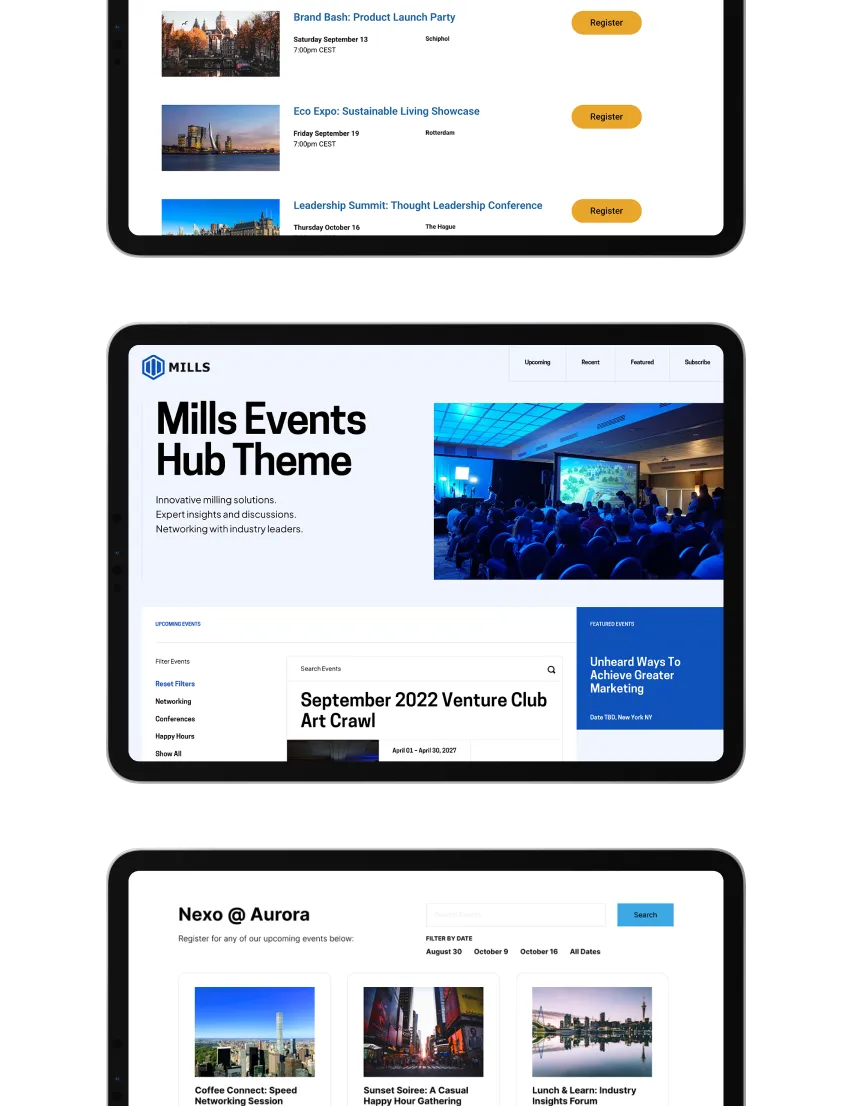
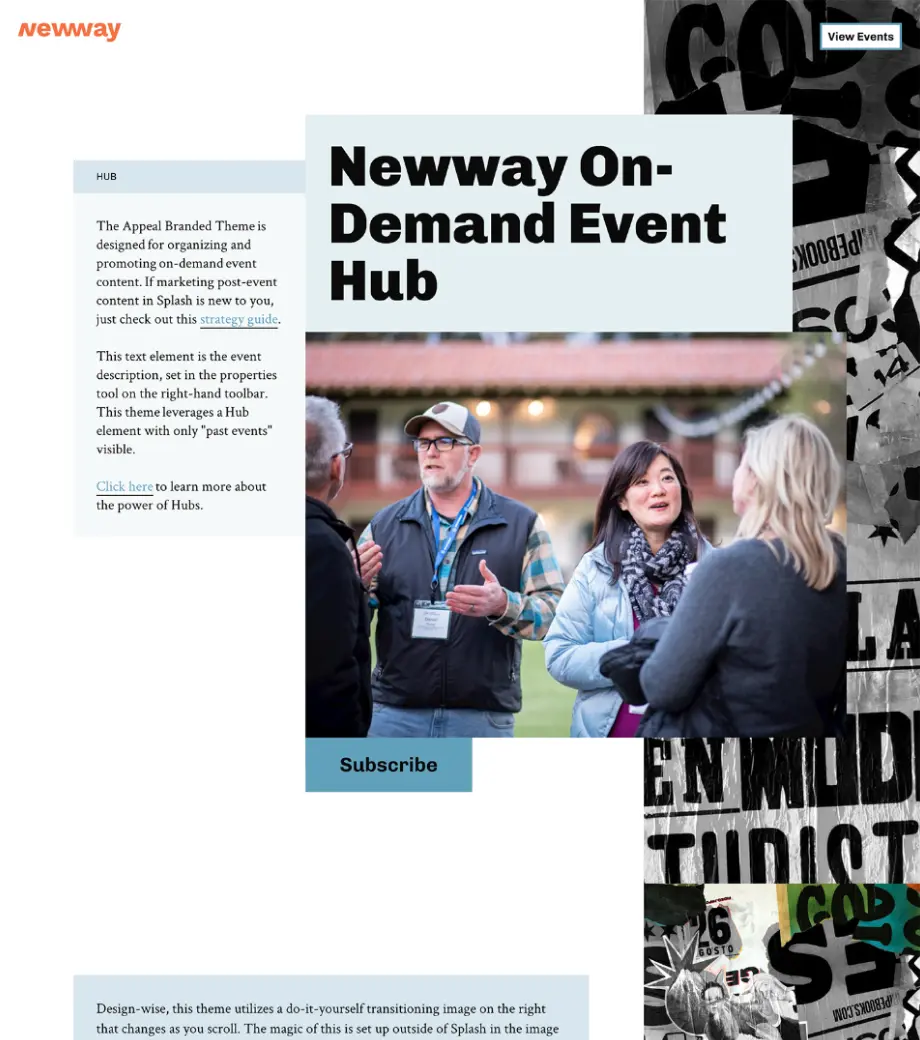
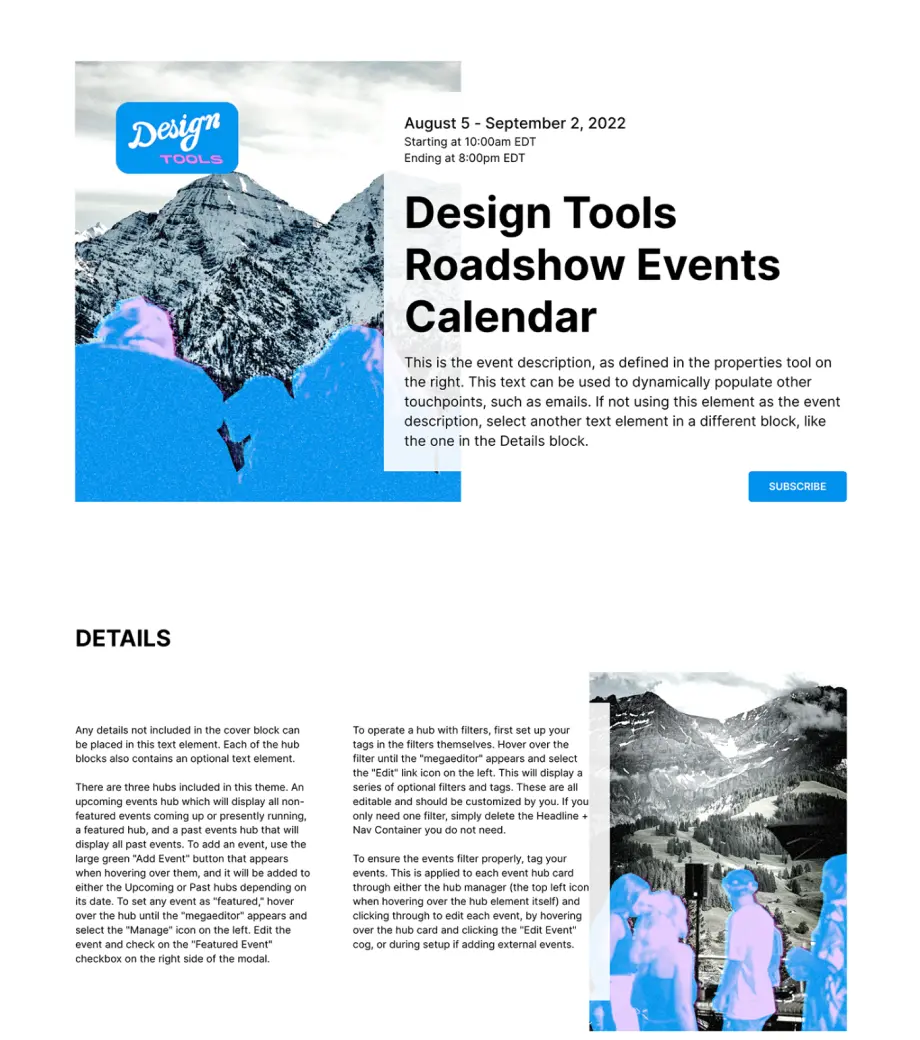
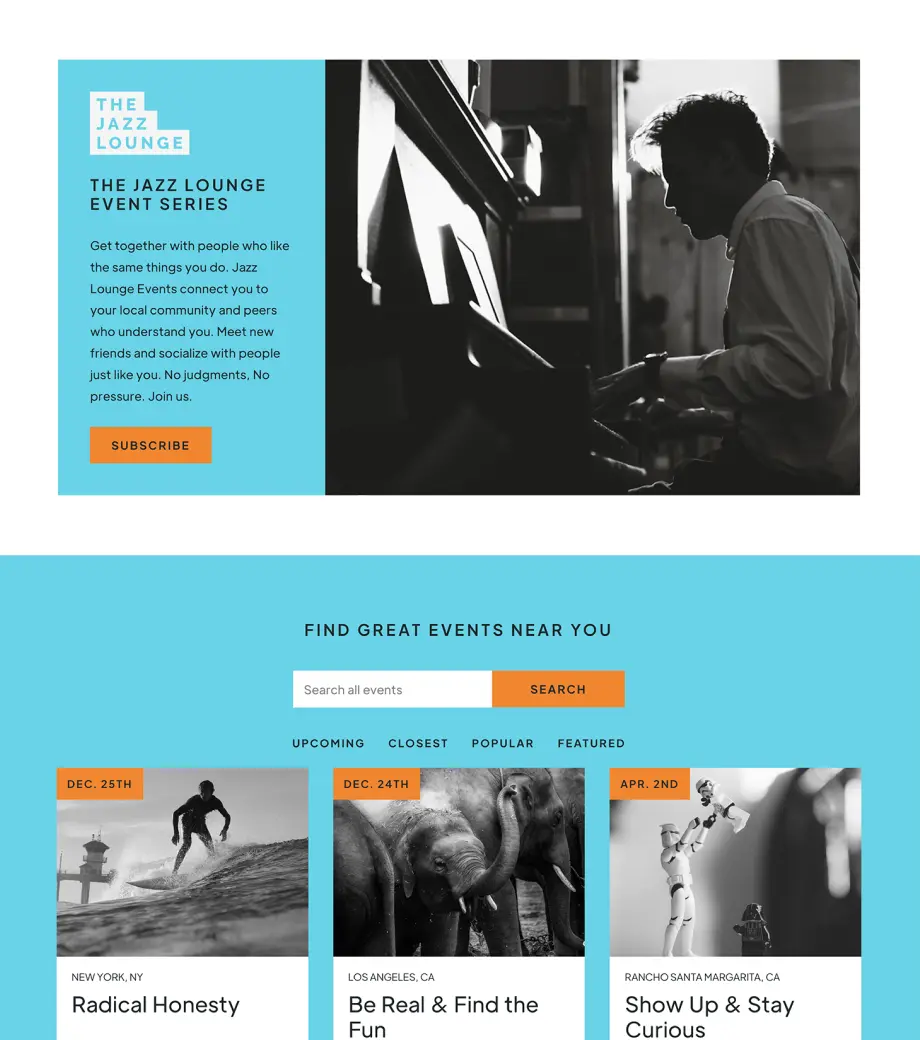
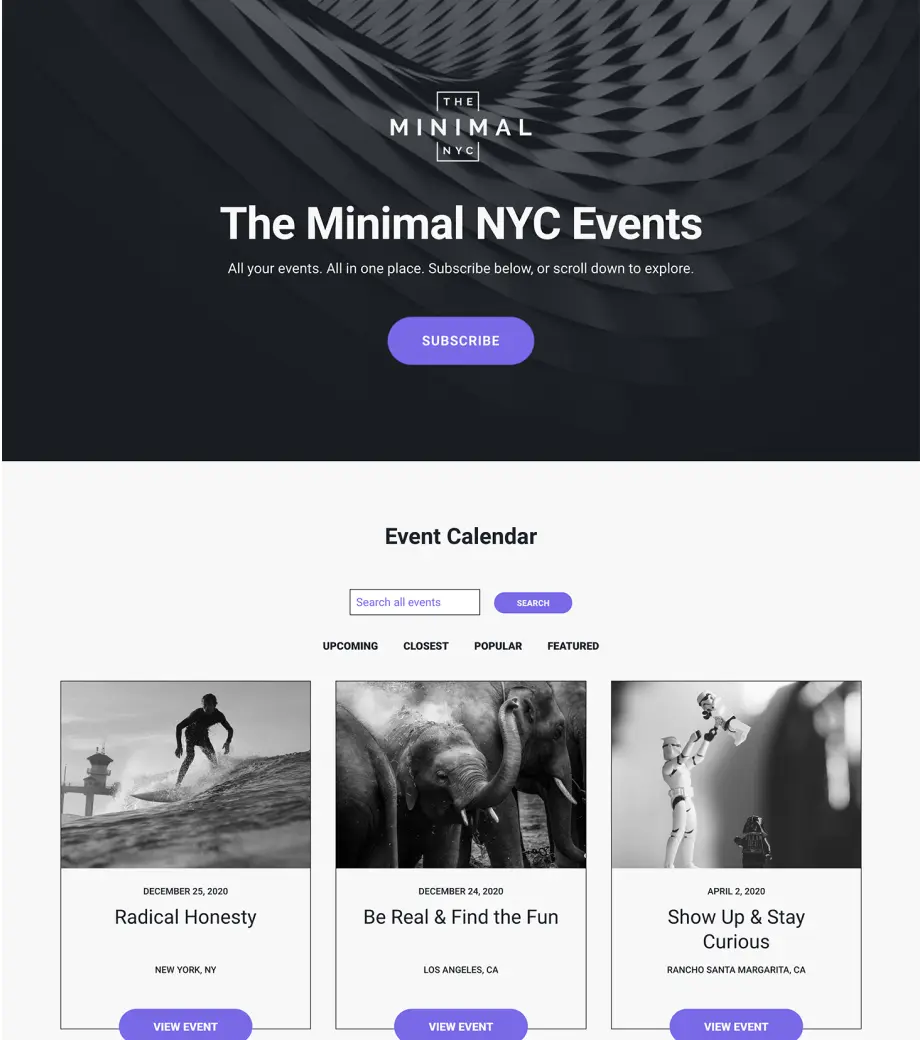
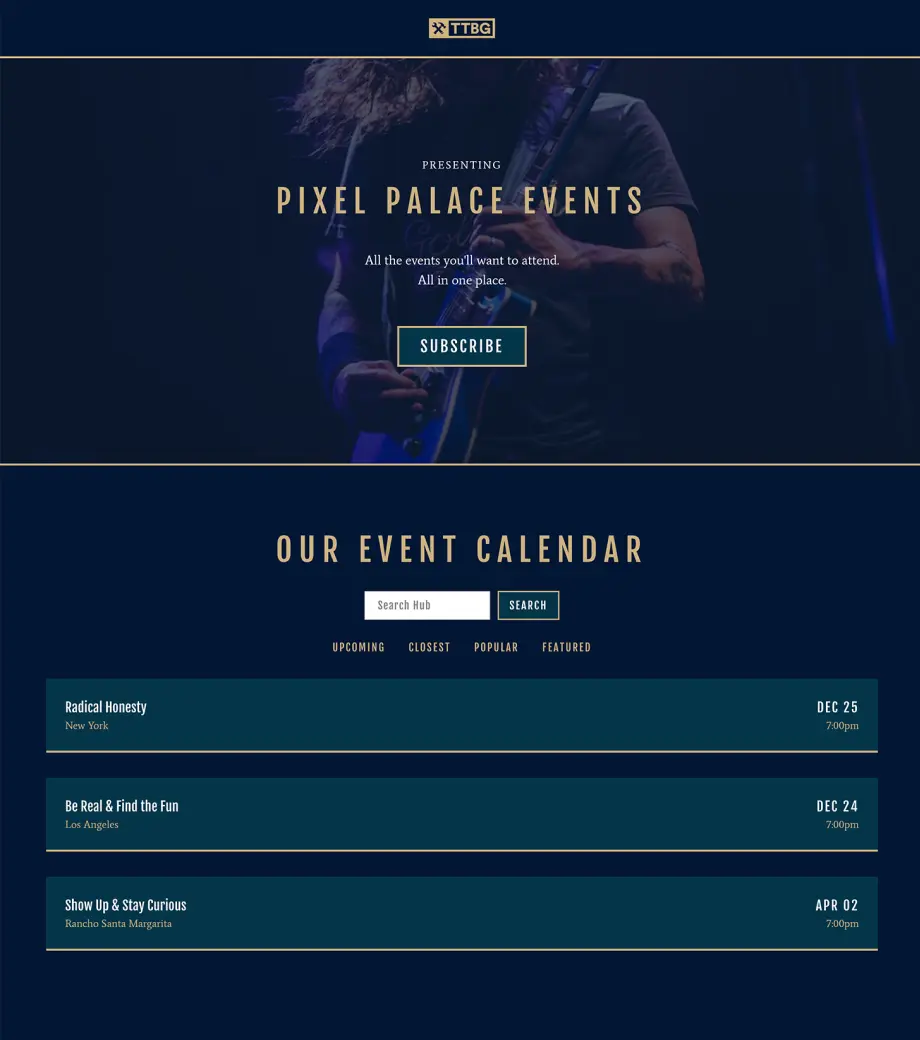
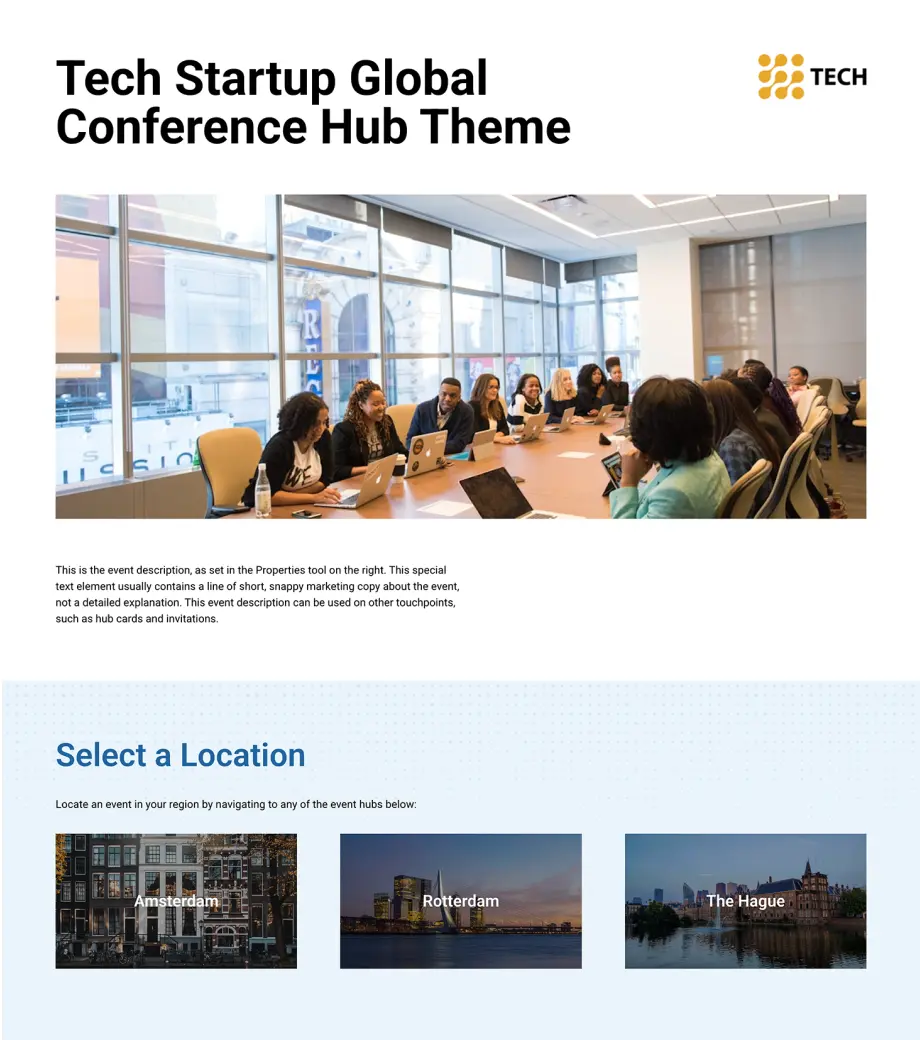
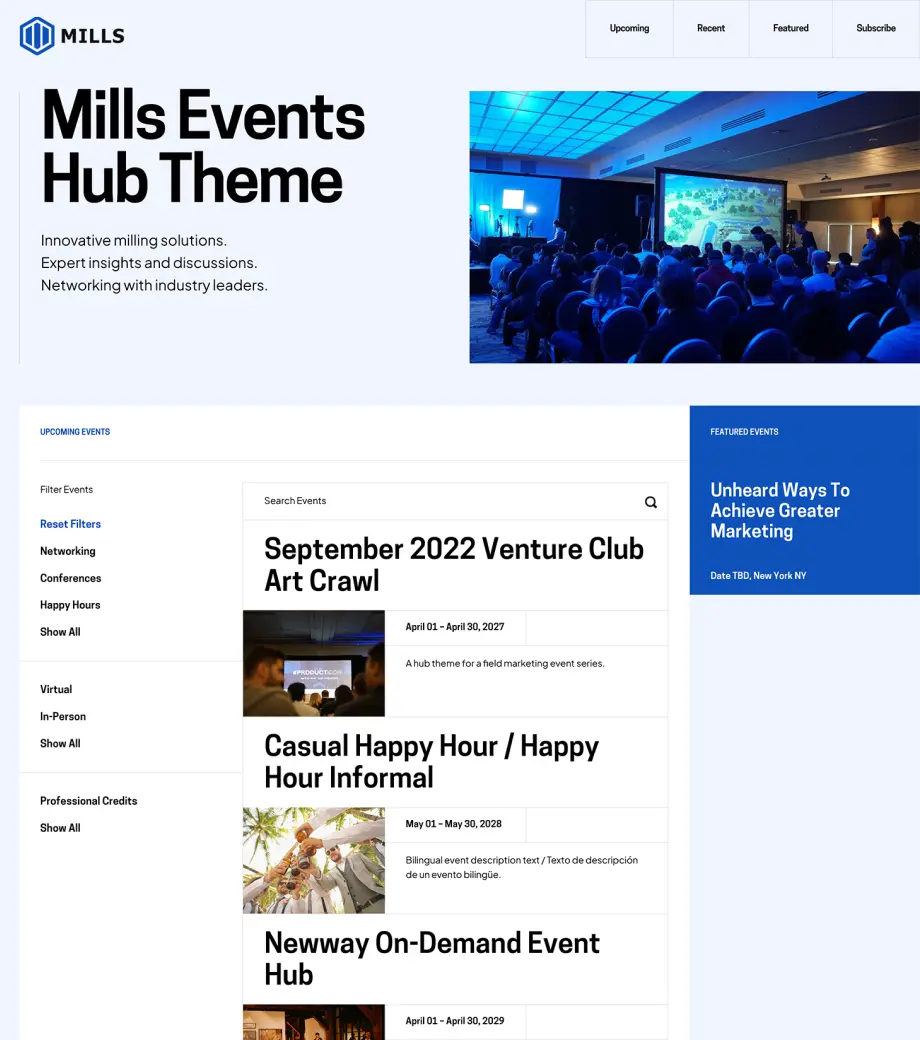
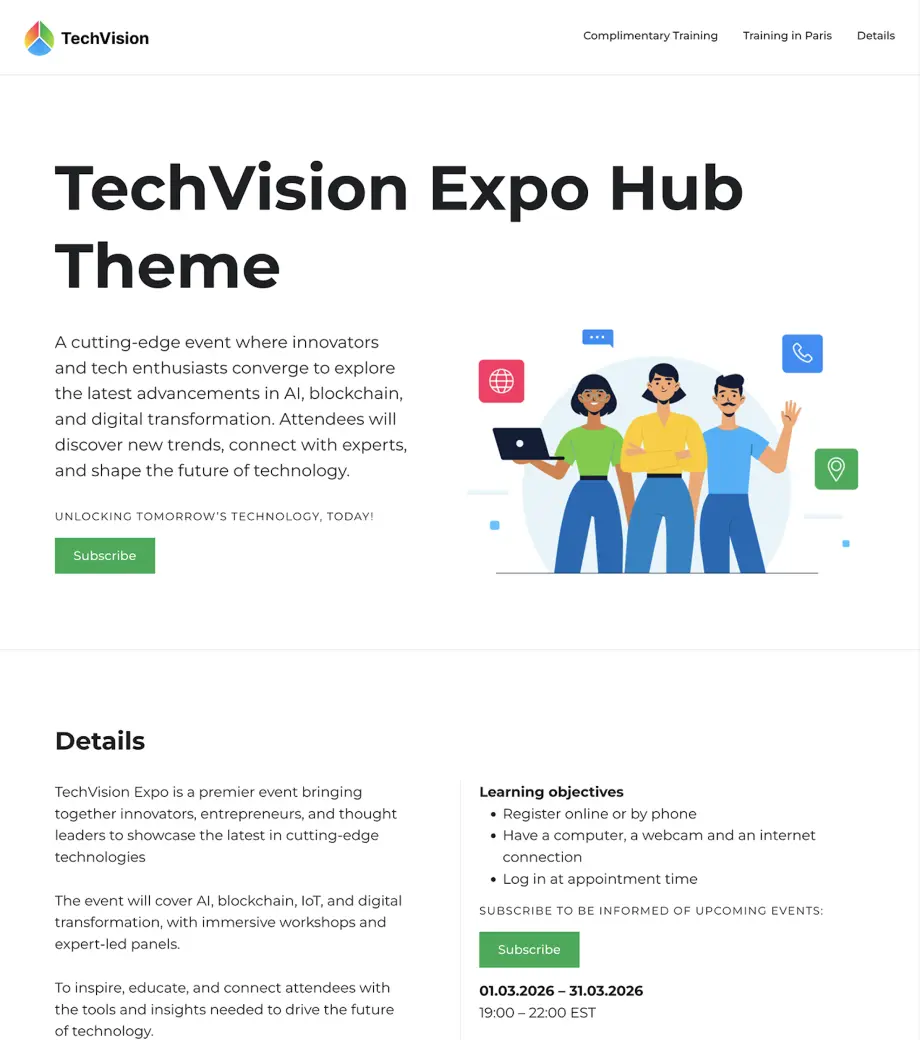
A Hub is a dynamic landing page showcasing multiple events in a filterable list or card layout. It’s perfect for featuring one event or hundreds, past or upcoming, and even those hosted outside of Splash.
Use Cases:
Consistency at Scale
Data-Driven Design
Collaborative Refinement
Interactive Design
Comprehensive Brand Integration
Step 1
Participate in a 60-minute Discovery call with our expert team.
Step 2
Collaborate and revise with guidance from the Splash Creative team.
Step 3
Recieve a custom-built event calendar tailored to your brand.
Step 1
Choose from a selection of best-in-class Branded Theme templates.
Step 2
Provide your brand assets.
Step 3
Our Creative team will apply your unique branding.
What's Included:
Fully Custom Hub Theme Build
60-minute Discovery Call
27 Day Turnaround
Comprehensive Questionnaire
Collaboration with Splash Creative Team
Revisions in 4 Business Days
RSVP Type: Subscribe
1 Interactive Block Design
1 Email Template
Confirmations
Social Sharing Touchpoints
Can't decide which is right for you?
Compare Themes
Ready to get started? Submit a request with our Services Menu.
Submit a Request
Ready to get started? Submit a request with our Services Menu.
Submit a Request

Compare Themes

Which theme is right for your event?

Branded Themes
Included
Quickstart Themes
$
Evergreen Themes
$$
Premium Themes
$$$
Hub
Themes
$$$
Landing page type
Event
Event
Event
Event
Calendar
Call to action
Registration
Registration
Registration
Registration
Subscribe
Discovery call
Creative collaboration
Design customization
Asset questionnaire
Block design
Pre-Built
Pre-Built
Pre-Defined
Custom
Custom
Email templates
4 – 8
2
4
4
1
Build & QA timelines
Business days
2
7
11
11
Revisions
Business days
4
4
4
Interactive block design
View Interactive Blocks
Add-On
1
1

FAQ

Will I have any Themes in my account upon my 1st time logging in?
Absolutely! Upon first login, you’ll have instant access to over 30 diverse Themes. Explore our Branded Theme section to find the perfect fit for your event needs.

Pro tip: Set up your Brand Library with your company’s logo, fonts, and colors to simplify the event creation process.
Do I have to purchase a theme to create an event page?
Purchasing a Theme isn’t required to create an event. However, all event pages in Splash must be created from a Theme; whether it’s a selection from one of our out-of-the-box Branded Themes, or one already saved as your own.

Need an extra hand? We offer Services where our Creative team can build a theme on your behalf with your collaboration.
What are the differences between the QuickStart and Evergreen Themes?
Our QuickStart Service lets you choose from a library of pre-designed Branded Themes. Once you make your selection, provide us with your brand assets and our Creative team will take care of the rest.

For a more collaborative experience, the Evergreen Service includes a consultation from our Creative team. They curate layouts based on your program goals and unique brand needs.
What is the fastest way to spin up an event page?
We recommend selecting from one of our many Branded Themes.

Check out this page to determine which theme best suits your event needs. Once you select a theme, you’re just a few clicks away from launch.

If you have any questions, please refer to our Support Center, or consider one of our training services to ensure that all your boxes are checked.
What are the differences between an event and a Hub?
Think of an event as a single happening, like a conference or a webinar.

A Hub, on the other hand, is a calendar that showcases multiple events. It’s a powerful tool for attendee discovery, guiding attendees to individual events.

Check out our page on Hubs for all the intel on how Hubs can bring up your attendee engagement.
I’d like Splash to build out a theme for me. What are the next steps?
Great! To get started, take a look at all of our theme offerings: from QuickStart, to Evergreen, to our most custom Premium offering.

The best choice for you will depend on your budget, timeline, and desired level of involvement.

If you'd like to discuss your needs and explore these services further with one of our experts, please submit a request here.

I have my logo, fonts, and colors, but where do I go from there?
You’re in luck — that’s all you need!

Now, log in to Splash, navigate to the Library, and then to the Brand tab to upload your files.

Once uploaded, you can preview how your branding will appear on an event page using our pre-built Branded Themes.
See Splash in action. Get started today.