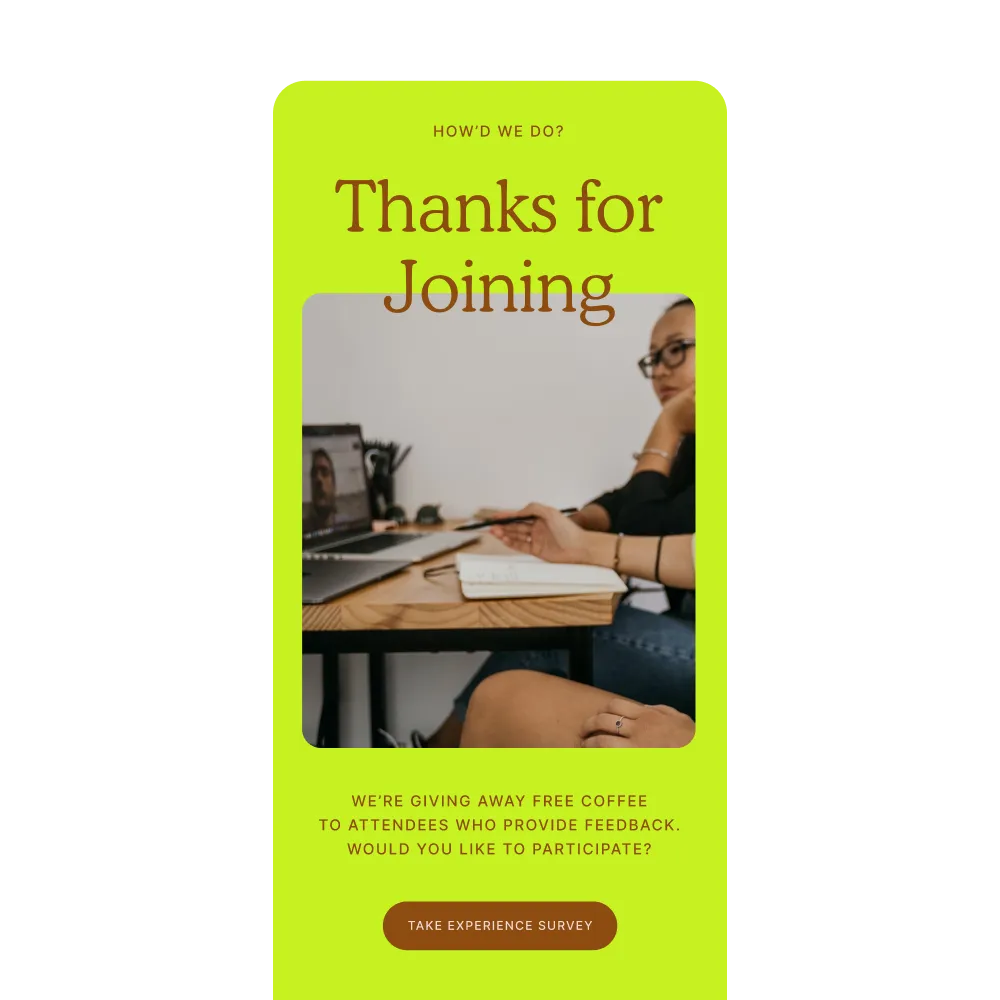
Planning your next event?
Take a self-guided tour of Splash.
Try an Interactive Demo

Event Website Builder

Design without barriers: Bring your brand to life.

Turn your design ideas into reality with simple yet powerful tools (no coding required!).

Event Design Tools

Dazzle your attendees with jaw-dropping events — from invitation to follow-up.

Incredible events start with incredible design and are served with a side of seamless branding. Cutting edge templates, intuitive, easy-to-use tools, and the power of automation deliver attendee experiences guaranteed to excite and inspire.

A laptop and mobile phone displaying a branded event registration page for a CoreWallet 'Building a Better Budget' webinar, showing event details, date, time, and a registration button

Event Branding

One and done branding: Eliminate repetitive tasks.

A consistent brand experience builds trust and affinity with your audience. The Splash Library means only uploading your assets — colors, fonts, and logos — once. Afterward, every touch of the attendee journey is automatically branded to perfection.

A brand kit interface in Splash showing the Over/Easy brand with saved fonts, colors, and logos, alongside a preview of a branded event page automatically applying those assets

Branded Themes

Select pre-built themes from our impressive library.

Our collection of themes are inspired by industry research and best practices for converting invitees into guests. Using a pre-built theme to create an event gets you 90% done with set-up in just a few clicks!

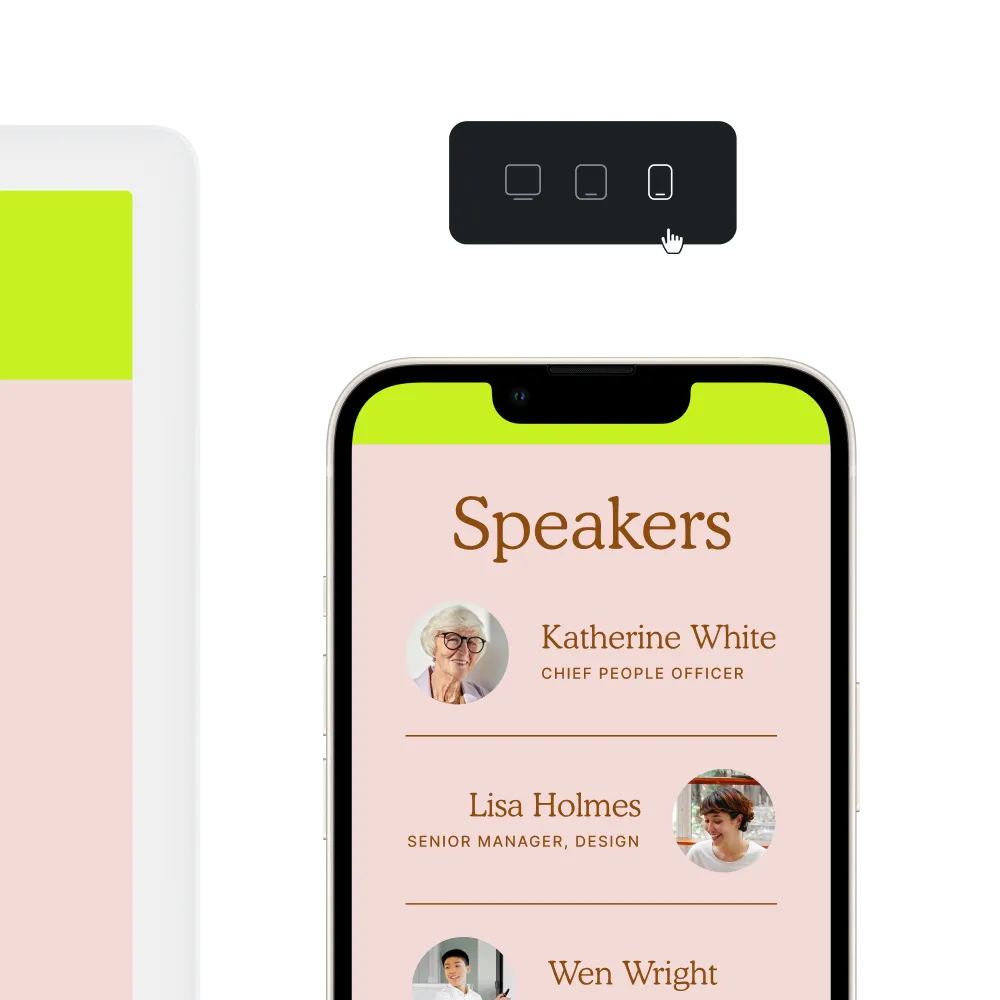
A desktop monitor, tablet, and smartphone displaying the same branded event page in a bold brown and green checkered theme, showing consistent design across multiple devices

Touchpoints

One and done branding: Eliminate repetitive tasks.

A consistent brand experience builds trust and affinity with your audience. The Splash Library means only uploading your assets — colors, fonts, and logos — once. Afterward, every touch of the attendee journey is automatically branded to perfection.
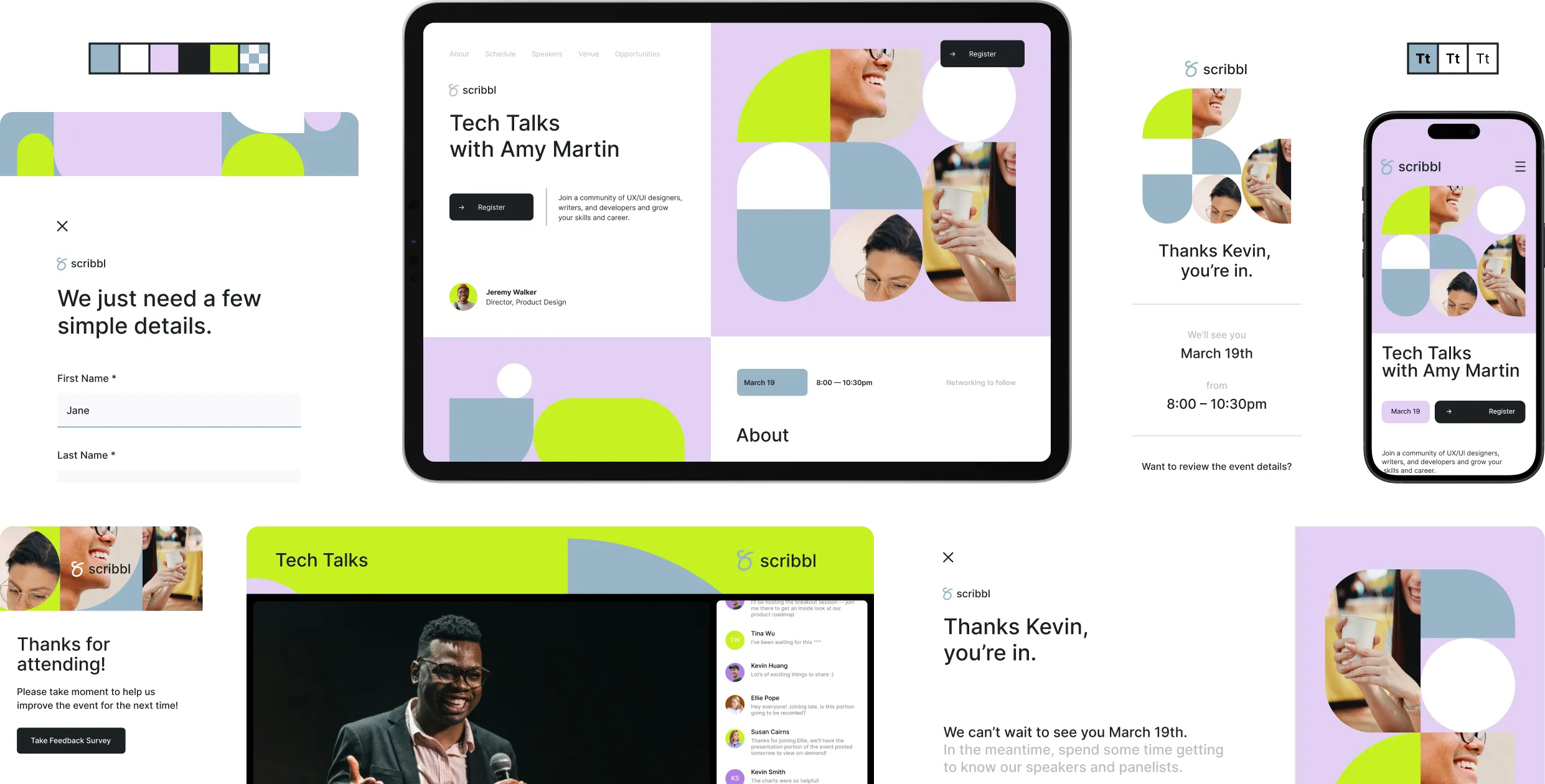
Multiple screens showing consistent branding across every stage of the attendee journey for a Scribbl 'Tech Talks with Amy Martin' event, including the event page, registration form, confirmation message, post-event follow-up, and mobile views

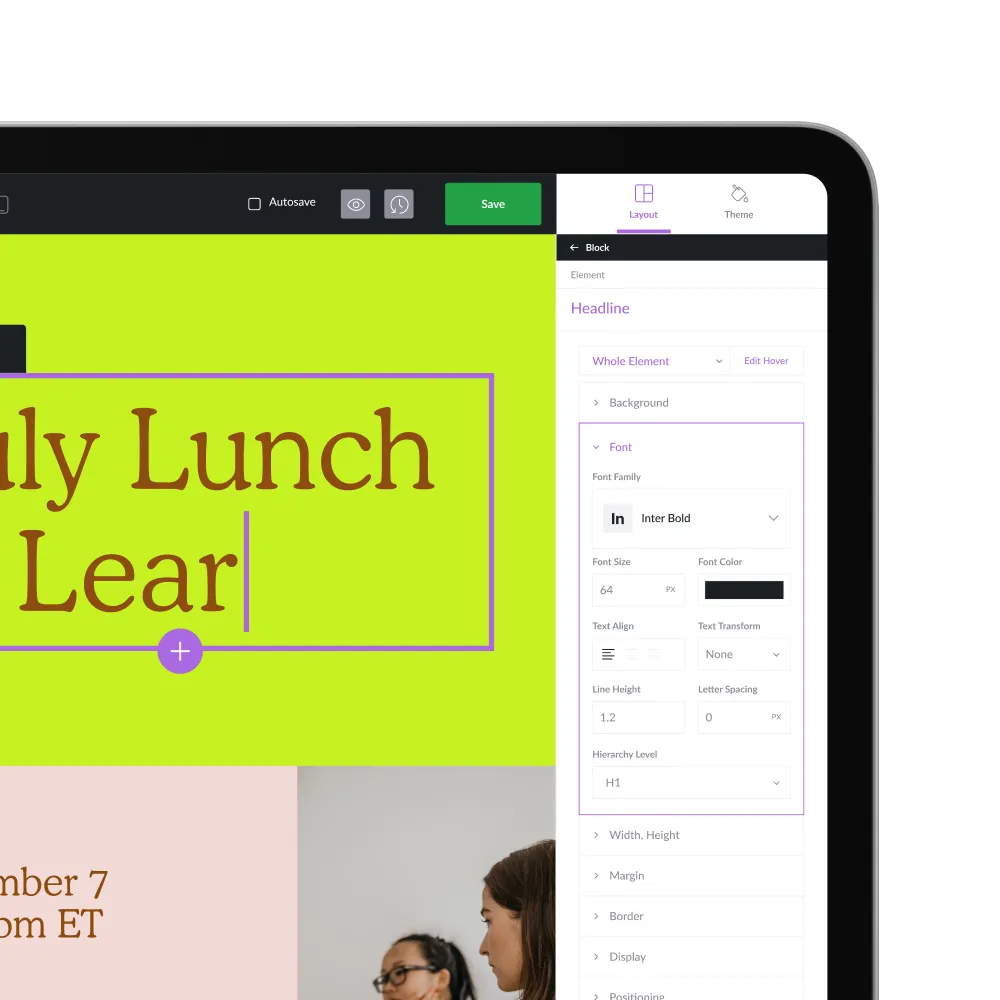
No-Code Design

Create beautiful events  — no coding or design skill required.

Launching an event shouldn’t require help from a web developer. Splash helps you translate your design ideas into reality, regardless of skill level and experience.

A laptop screen showing Splash's no-code event page editor, with a CoreWallet 'Building a Better Budget' event page open alongside a design panel for customizing fonts, colors, and layout
Giphy logoUnsplash logo
Search Giphy and Unsplash libraries right from the platform. No more downloading and trying images.

Splash has taken away the pain points of making individual, one-off requests to our creative teams, giving us much more autonomy. Our templates allow us to put guardrails up that protect our brand so we can really focus on the experiential elements.

Morgan Bennett
Senior Manager of Brand Marketing, Burton

How Design Works

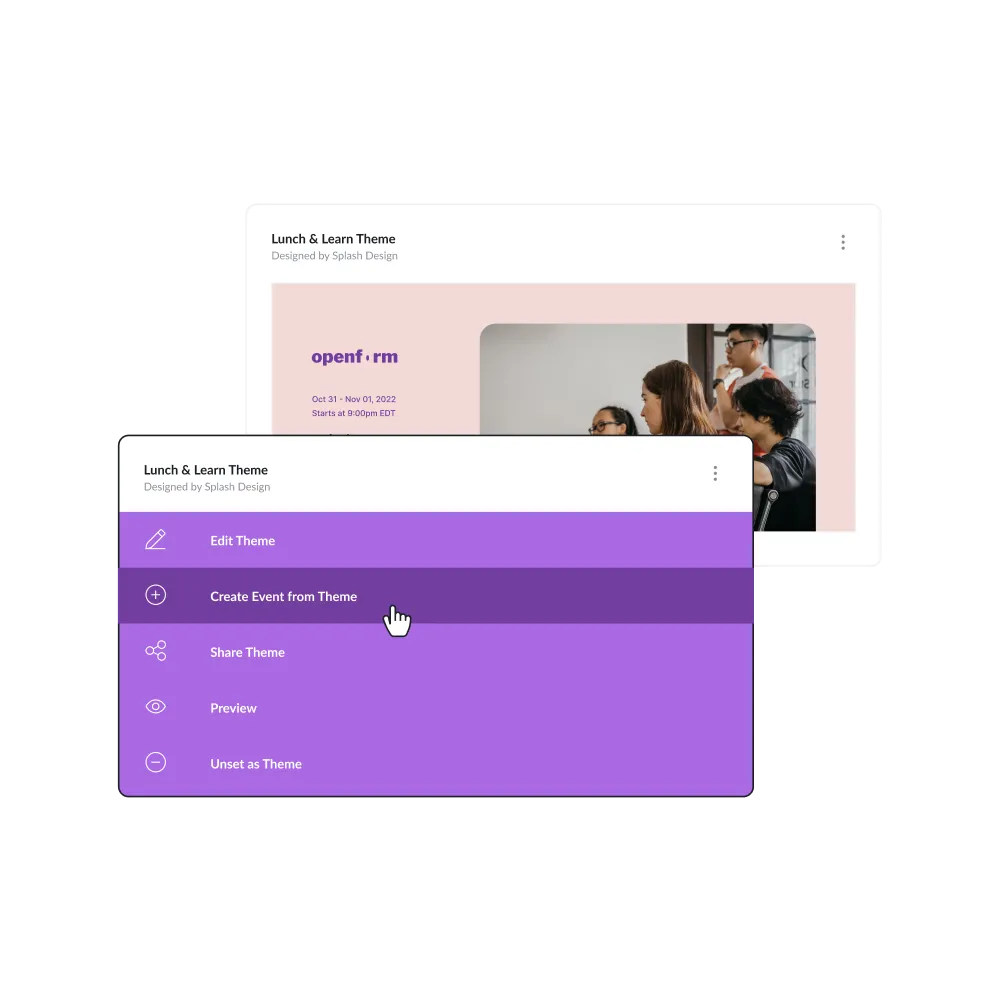
A Splash event page with a dropdown menu open showing theme options, including editing, previewing, and sharing the theme
Themes
Create an event using a theme; your brand guidelines are applied automatically.
Touchpoints
Customize the content, like your event page, emails, social and virtual touchpoints with the easy-to-use tools.
Responsivity
Preview the experience for any device: Your event page is automatically optimized for mobile, desktop, and tablet.
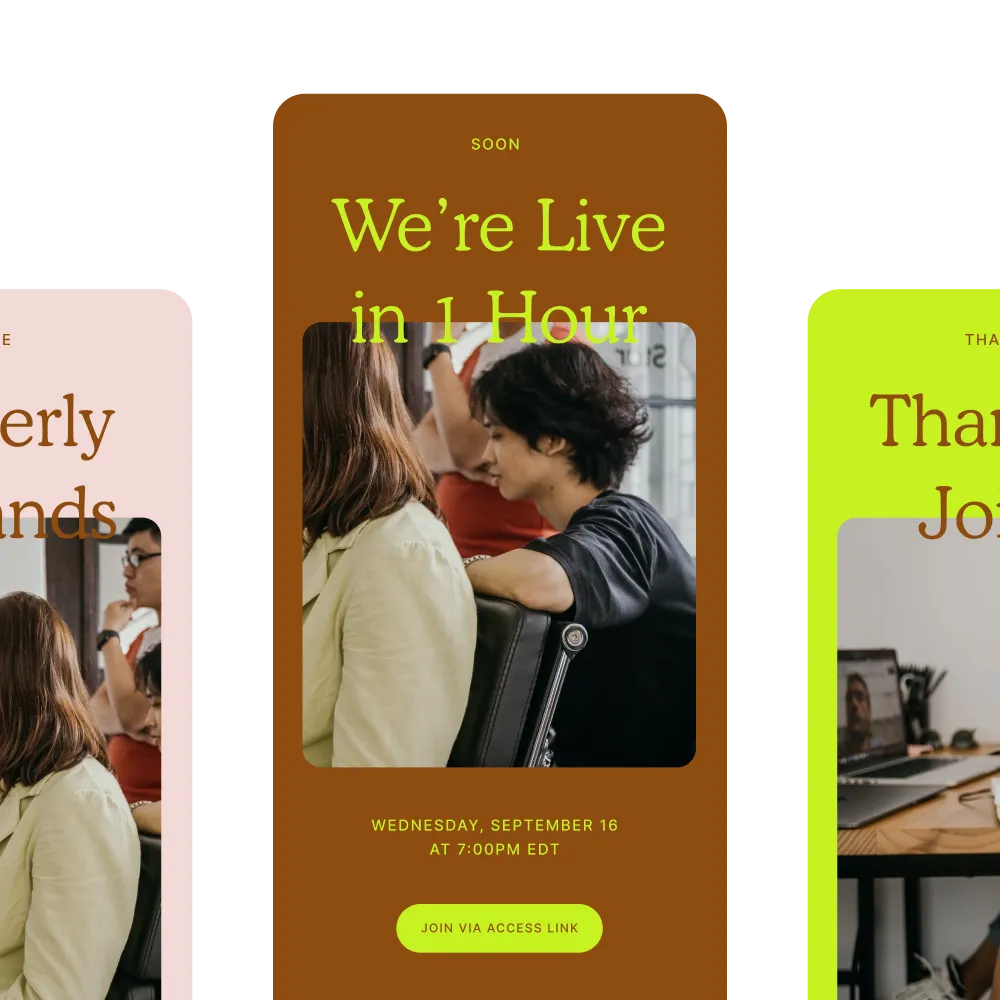
Emails
Send or schedule the snazzy, on-brand emails you’ve built (using pre-built templates, of course!).
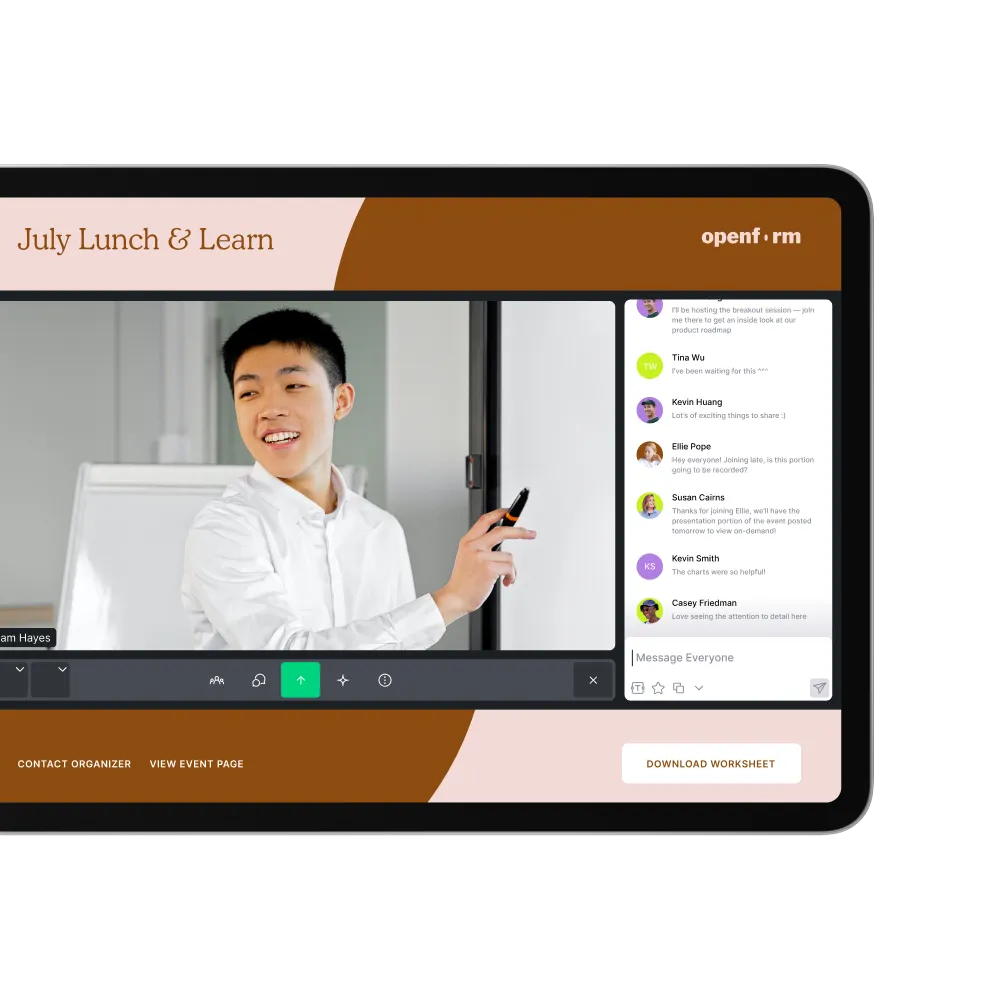
Virtual
Guests join your event in a branded virtual venue, or check in IRL using the Splash Host app.
Follow-up
Send your beautifully designed, on-brand thank you notes, surveys, and post-event follow-ups to continue engaging, nurturing and gathering insights.
Design better event pages and emails today.