Product Pulse: August 2025

Published
August 25, 2025
Last Updated
Category
Company & Product News
Start Reading ↓
Written by
Perry Piep
Subscribe to get new blog posts delivered to your inbox.
2
minute read
Complete
Subscribe
More Blog Posts
In a hurry? Read the summary.

Event marketing is equal parts art and science.

And if Psych 101 taught us anything, it’s this: our brains crave order.

We love clean layouts, clear navigation, and color-coded agendas.

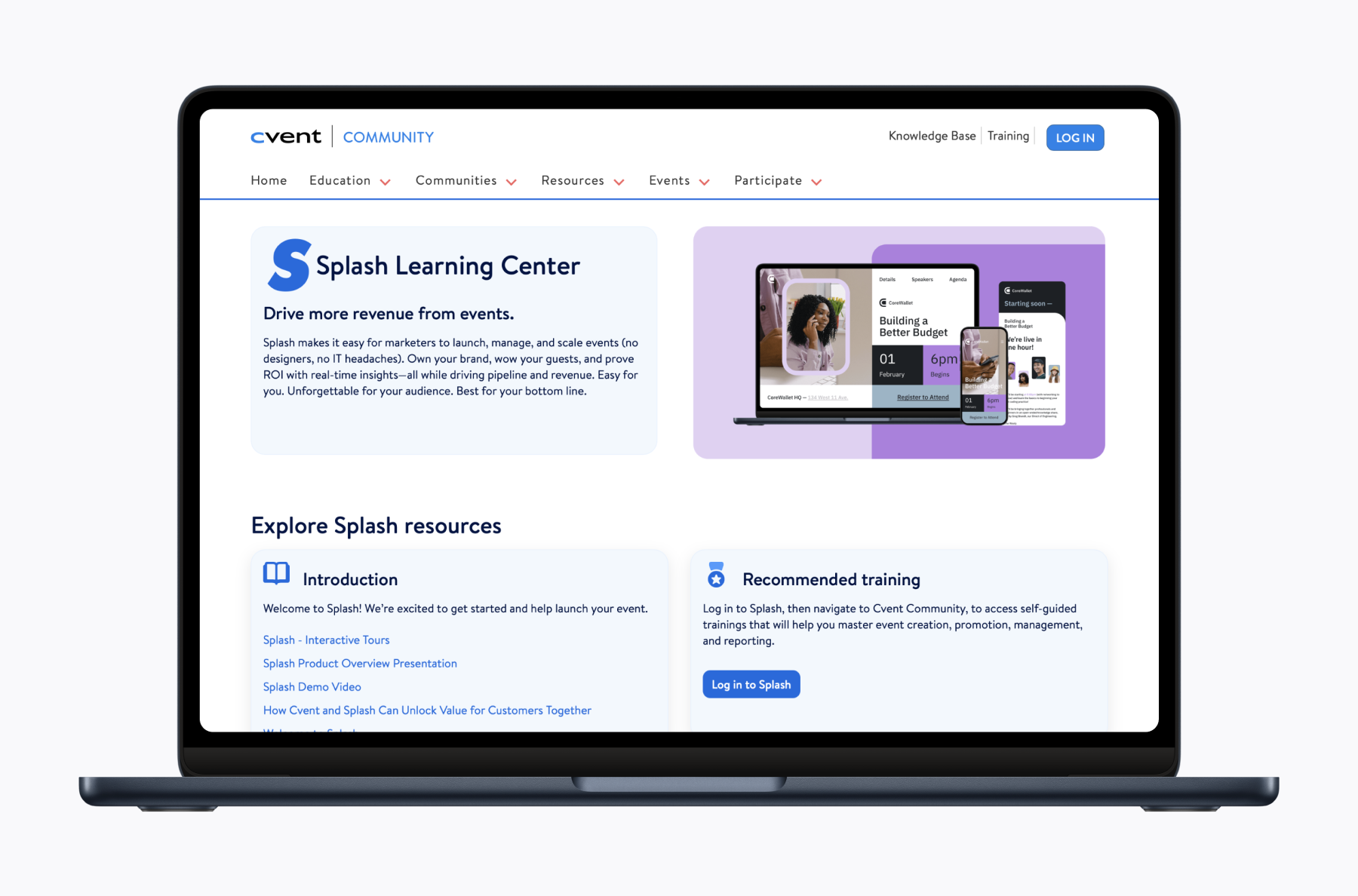
That’s exactly why we built the new Splash Learning Center—your one-stop, organized hub for every tip, tutorial, and how-to.

Let’s see how we’re bringing it all together.

Welcome to the Splash Learning Center (Launching August 29)

Meet your new homebase in the Cvent Community.

Beyond organized support and helpful articles, we’re rolling out new perks for a smoother experience and a stronger sense of community.

New additions:

  • Discussion forums to swap tips, ask questions, or just vent
  • Valerie, your new virtual assistant, ready with quick answers and personalized guidance
  • Product news and updates, so you’re always in the know
  • User groups to connect with fellow event pros and share ideas

What stays the same?

  • Your Priority or Priority Elite support plan benefits aren't changing. Your dedicated support phone number still works.
  • Saved links to Splash articles? Still good.
  • Support by email? Not going anywhere.

Getting started is easy:

On August 29, log into your Splash account and click Help to open the Learning Center.
Questions about the move? Your Customer Success Manager is standing by. We’re here to make this transition smooth and simple.
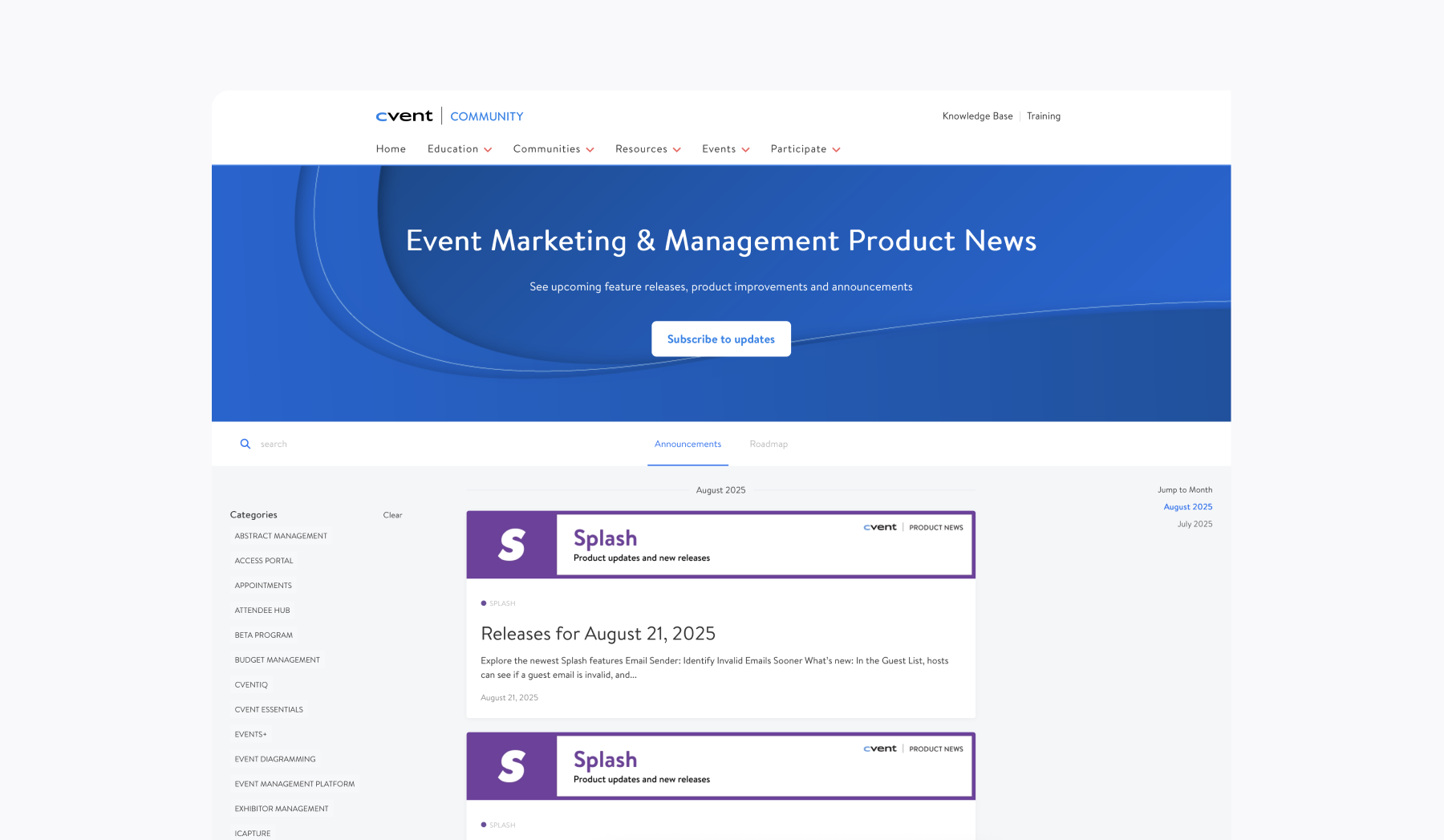
Product News: All Updates, One Bookmark Away

The Product News hub brings you the latest updates on every new feature in Splash—and every other Cvent tool.

Bookmark it, and you won't miss a beat.

(And yes, the Product Pulse will continue. Because who doesn’t love a good encore?)

Resources are covered. Next, let’s see what’s new on the product front.

Tailored Session Visibility

You asked and we listened.  

Now you can finally control exactly who gets into your sessions.

Picture this: You’re running a packed conference with multiple tracks, breakout sessions, or maybe a multi-day experience.

Now, you decide who sees what and when.

  • Running an internal pre-con? Auto-add it to your staff's agenda so nobody misses a beat.
  • Got a C-suite roundtable for your VIPs? Make it "Required" so only invited guests can register and join.
  • Offering a special training just for new hires? Auto-add it to their schedules so they’re set from day one.

No more one-size-fits-all event agendas.

You’re in total control, session by session—so every guest gets the right experience.

How it works:

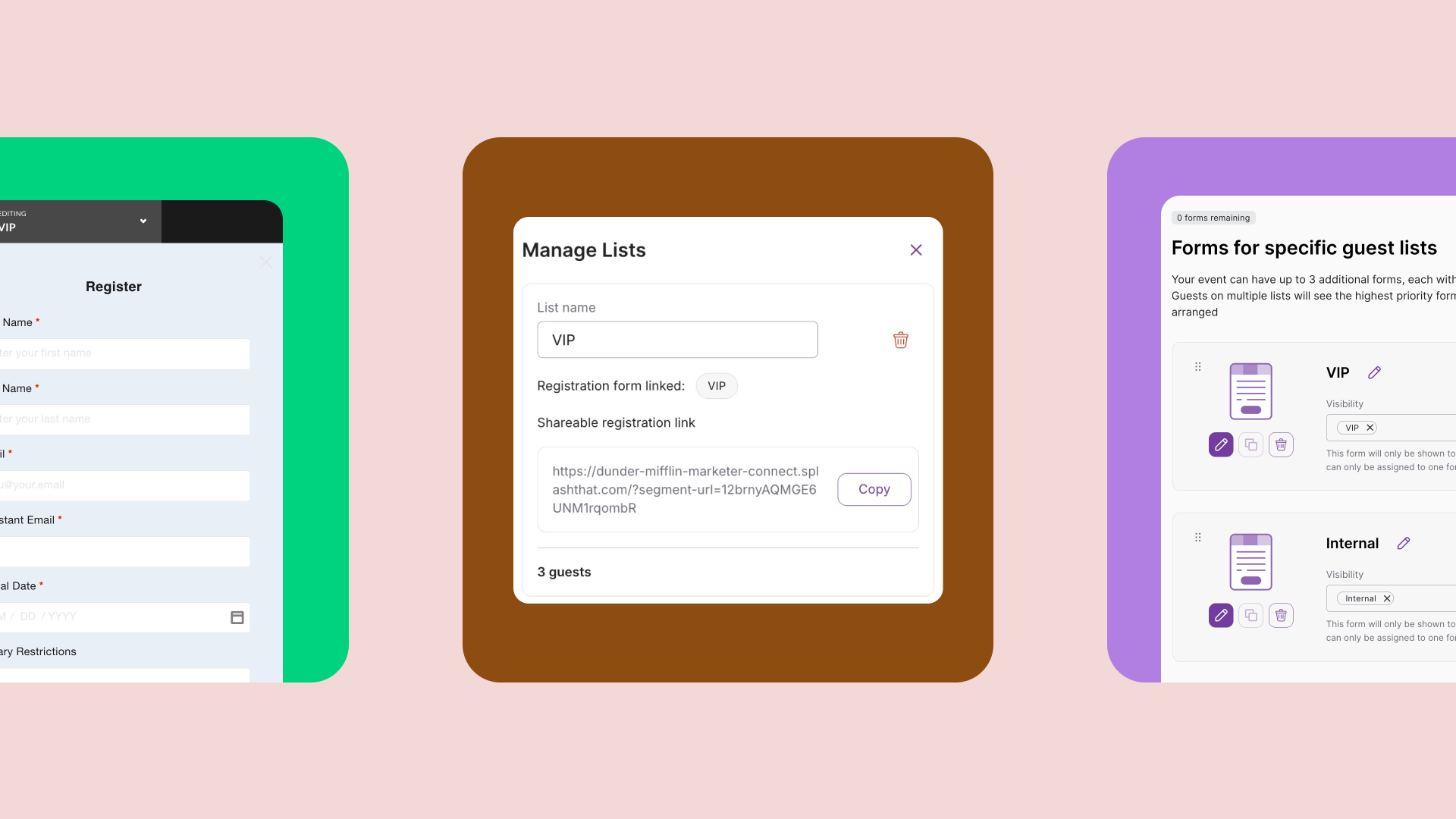
  1. In the Guest List, create a new list and add select guests
  1. Head to the Sessions tab and find your session
  1. Under Sessions Visibility, switch to My lists
  1. Select your list and you’re done!  

You’re also in control of how these select guests join.  
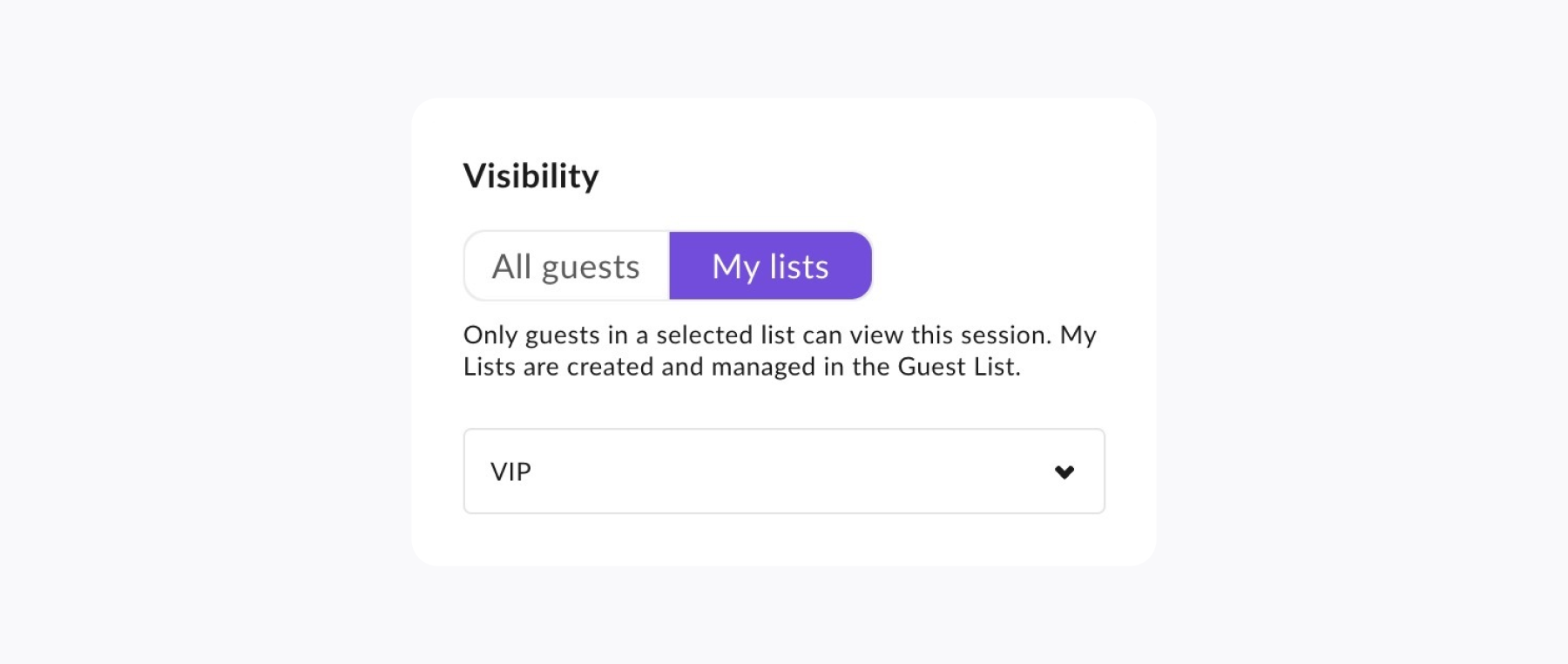
  • Choose Included to auto-add the session to their agenda
  • Or pick Required so guests are prompted to register themselves

Go forth and turn a long list of sessions into a personalized path for every attendee.

Written by
Perry Piep
Perry Piep is a Product Marketing Manager at Splash. As a former field marketer (and one of Splash's first customers, ever), Perry brings years of experience organizing national conferences, happy hours, tech talks, and everything in between. Currently, she is passionate about educating Splash's customers on the latest updates through content creation and her recurring webinar series, "Build It & They Will Come." When she's not on the mic, she enjoys sketching fellow commuters on the subway and relaxing at a local coffee shop.

See Splash in action. Get started today.

Book a Demo