.png)


These days, data protection isn’t a nice‑to‑have — it’s table stakes.
The more your audiences grow and your reach expands, the more trust becomes the currency everything runs on.
So, this month, we doubled down on the fundamentals: more transparency, tighter control, and privacy settings that make it clear who can see what.
Here’s what’s rolling out:
Let’s take a closer look.
As your events draw bigger, more global audiences, the stakes around email reputation get higher.
Hitting inboxes in different regions means playing by different rules — and proving that every subscriber truly wants your messages.
Double opt‑in makes that crystal clear.
How it works:
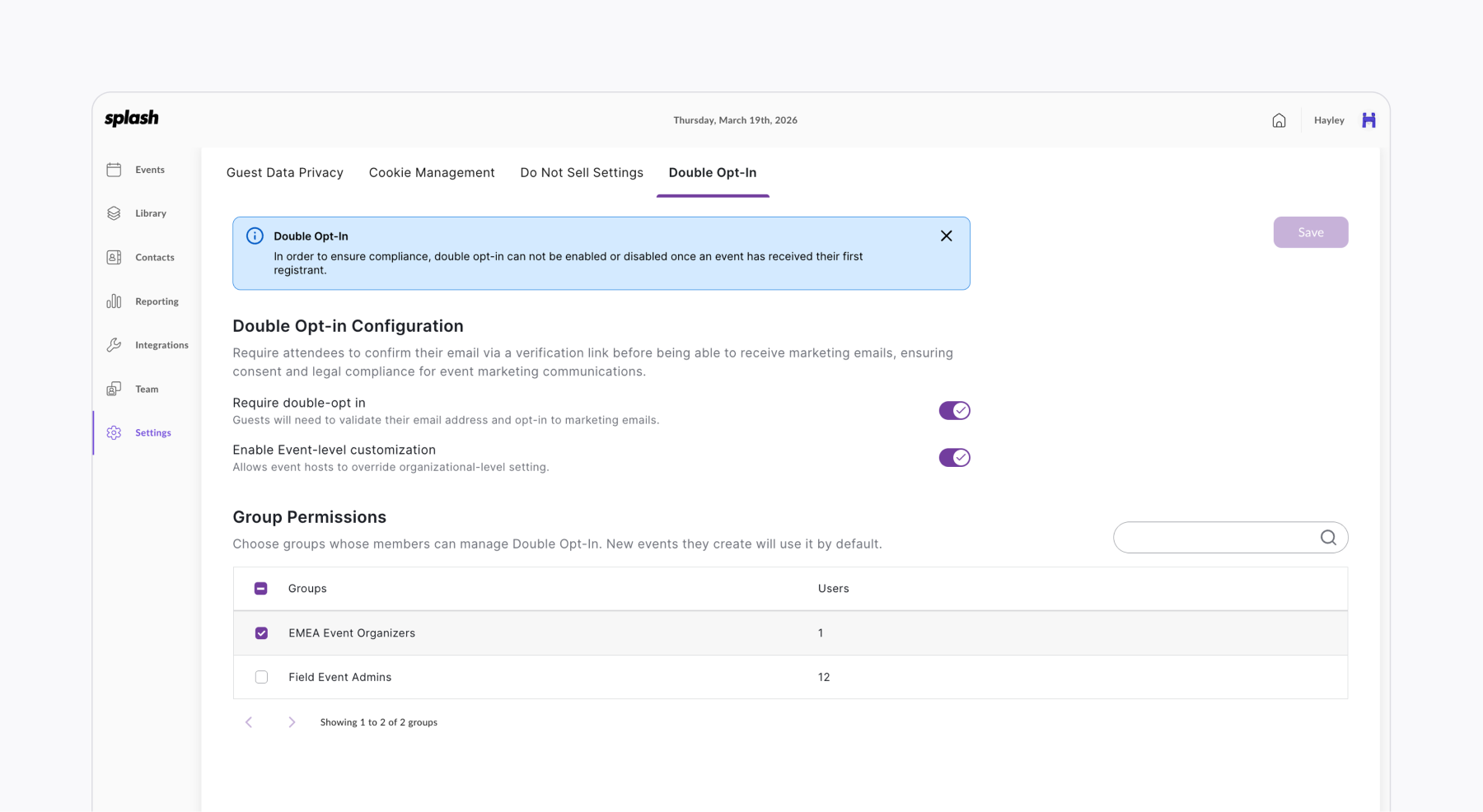
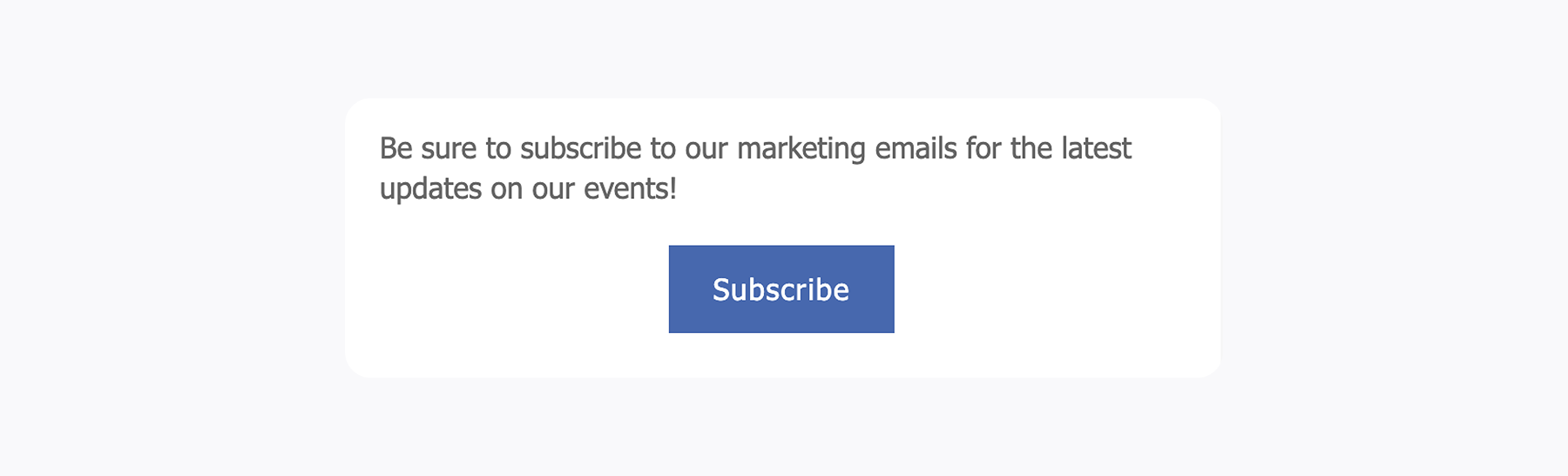
When double opt‑in is enabled, guests register as usual and immediately receive a confirmation email asking them to verify they want your communications.
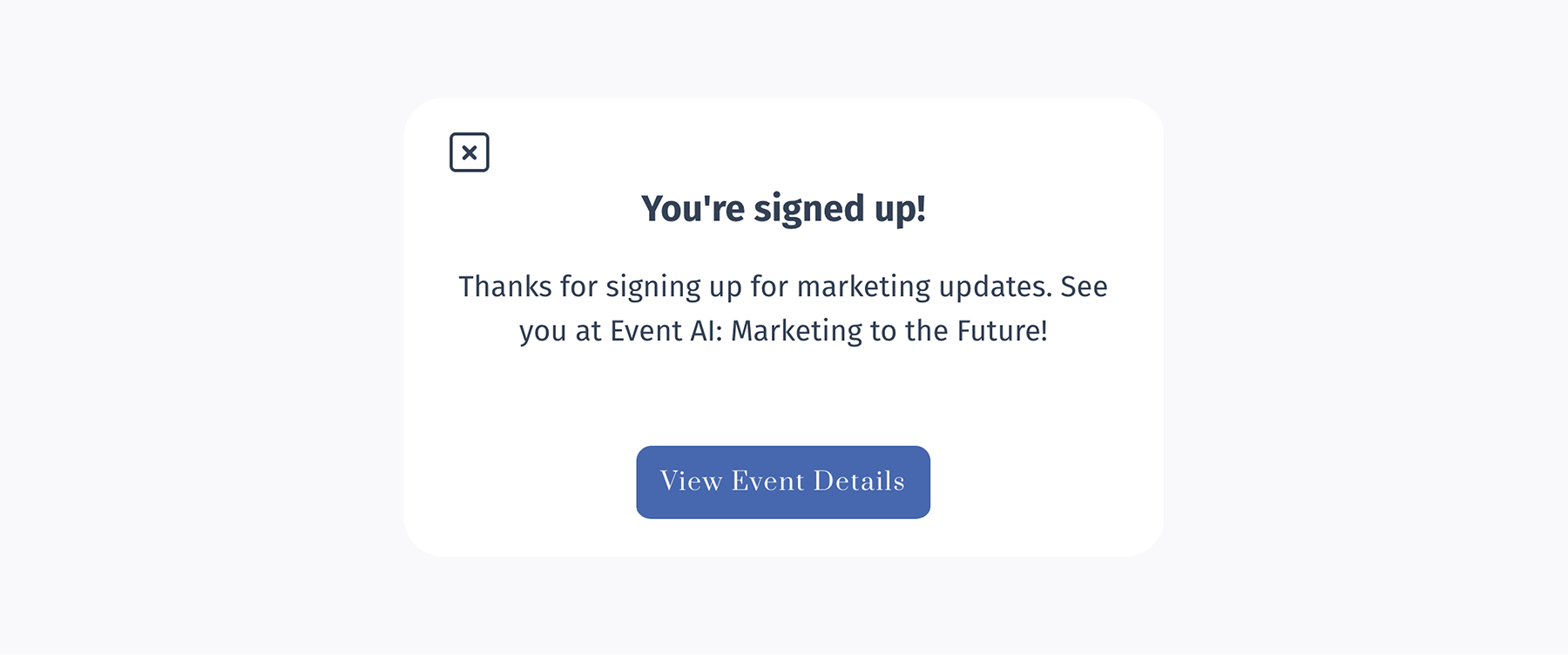
➡️ If they subscribe: They’re officially opted in. They’ll receive all your marketing‑related event emails (save‑the‑dates, invitations, reminders, and follow‑ups).
➡️ If they don’t subscribe: They’re automatically skipped on those sends and clearly marked as “not opted‑in” so you always know their status.
You can enable double opt-in at the organization level or event level, depending on how you manage your audiences.
Keep in mind: This is a highly restrictive feature — best suited for global audiences and teams
that need the extra layer of compliance and permission.
People want more control over their data — and they’re paying attention to how it’s used.
You’ve probably seen the “Do Not Sell My Information” option on just about every website.
It lets you opt out of having your data shared or sold by the business hosting the experience — often for things like targeted ads.
And just to be clear: Splash never sells your guests’ data.
That requirement comes from California’s privacy laws (CCPA and CPRA), which set the bar for giving consumers more control.
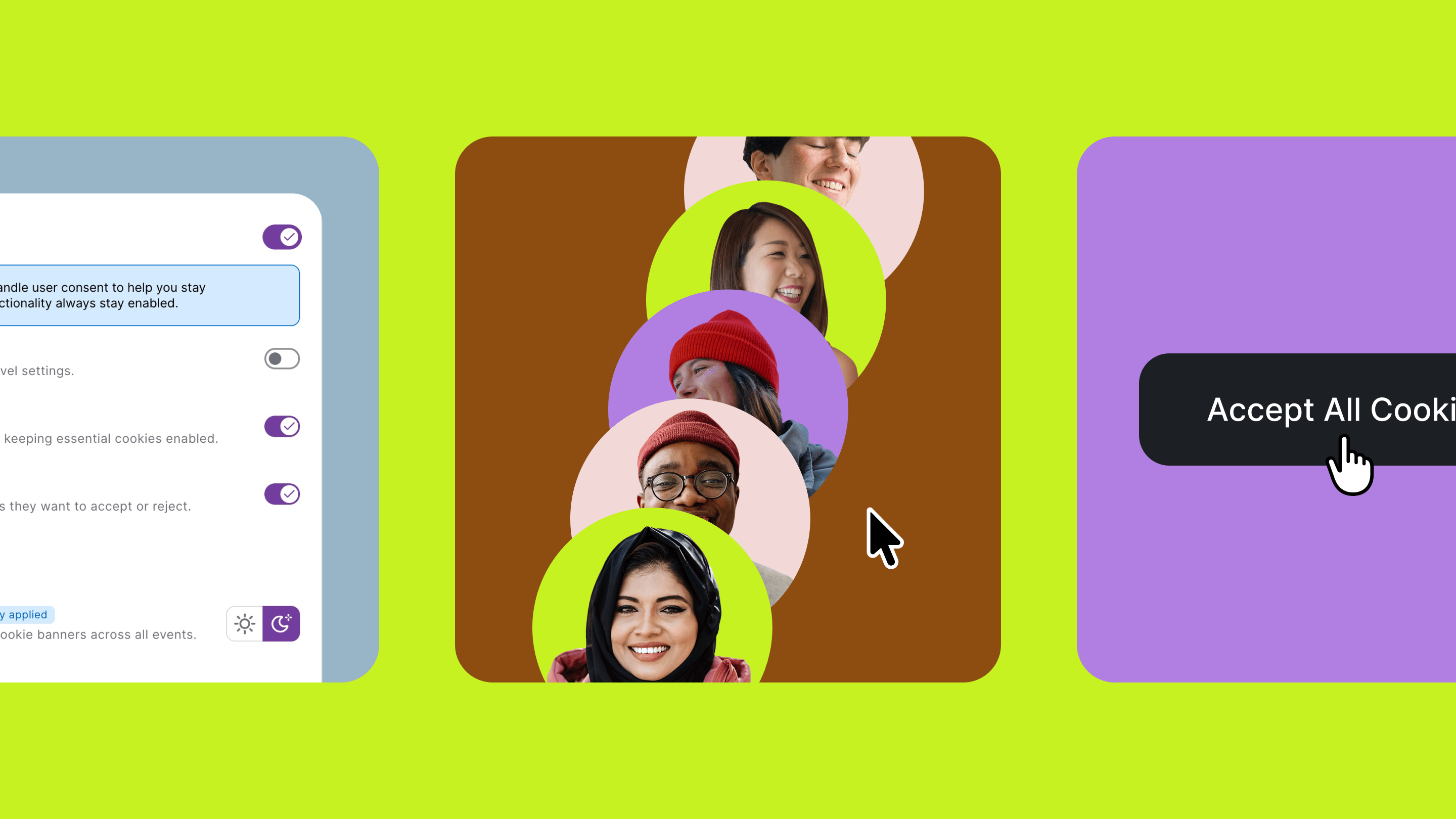
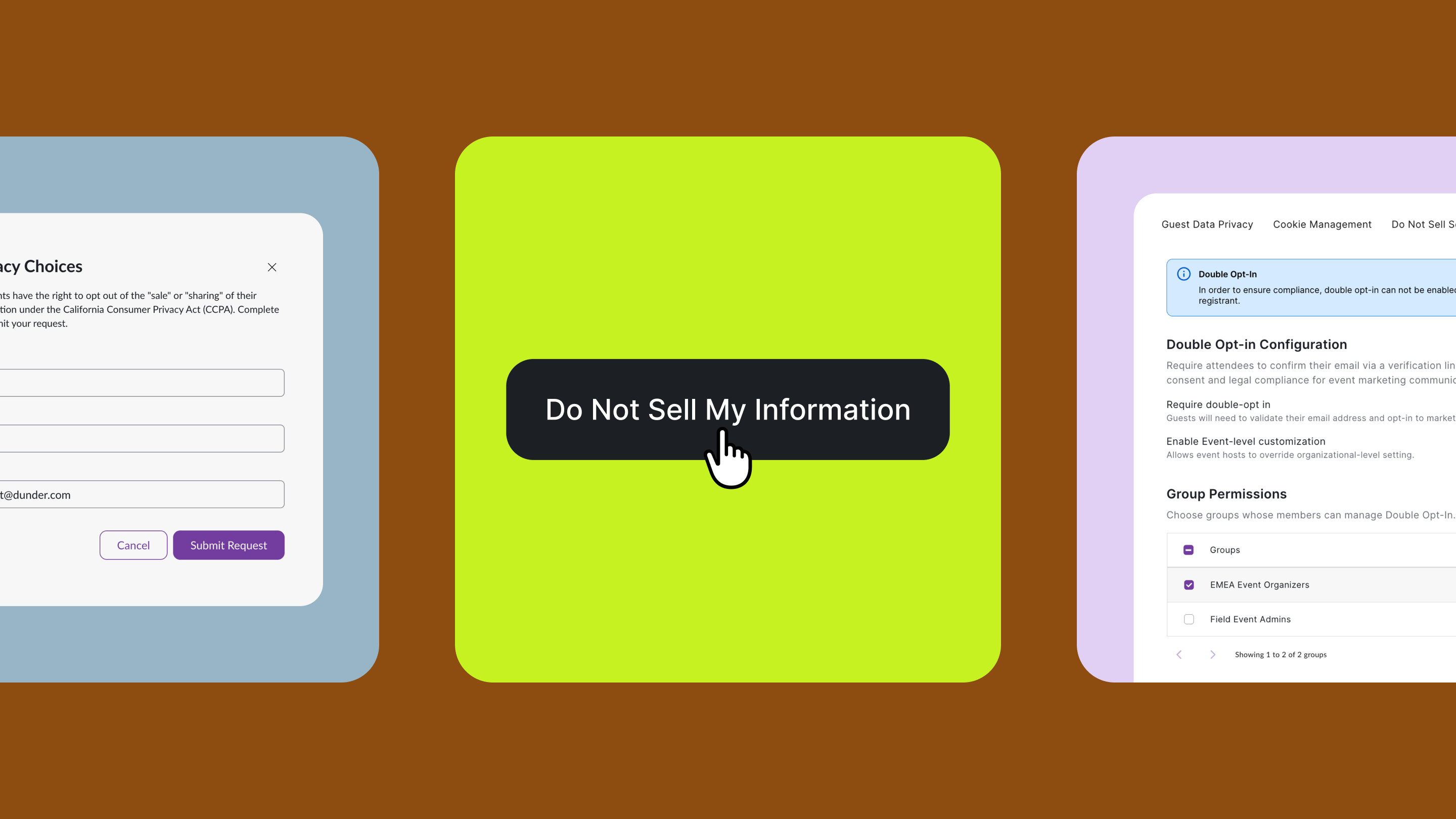
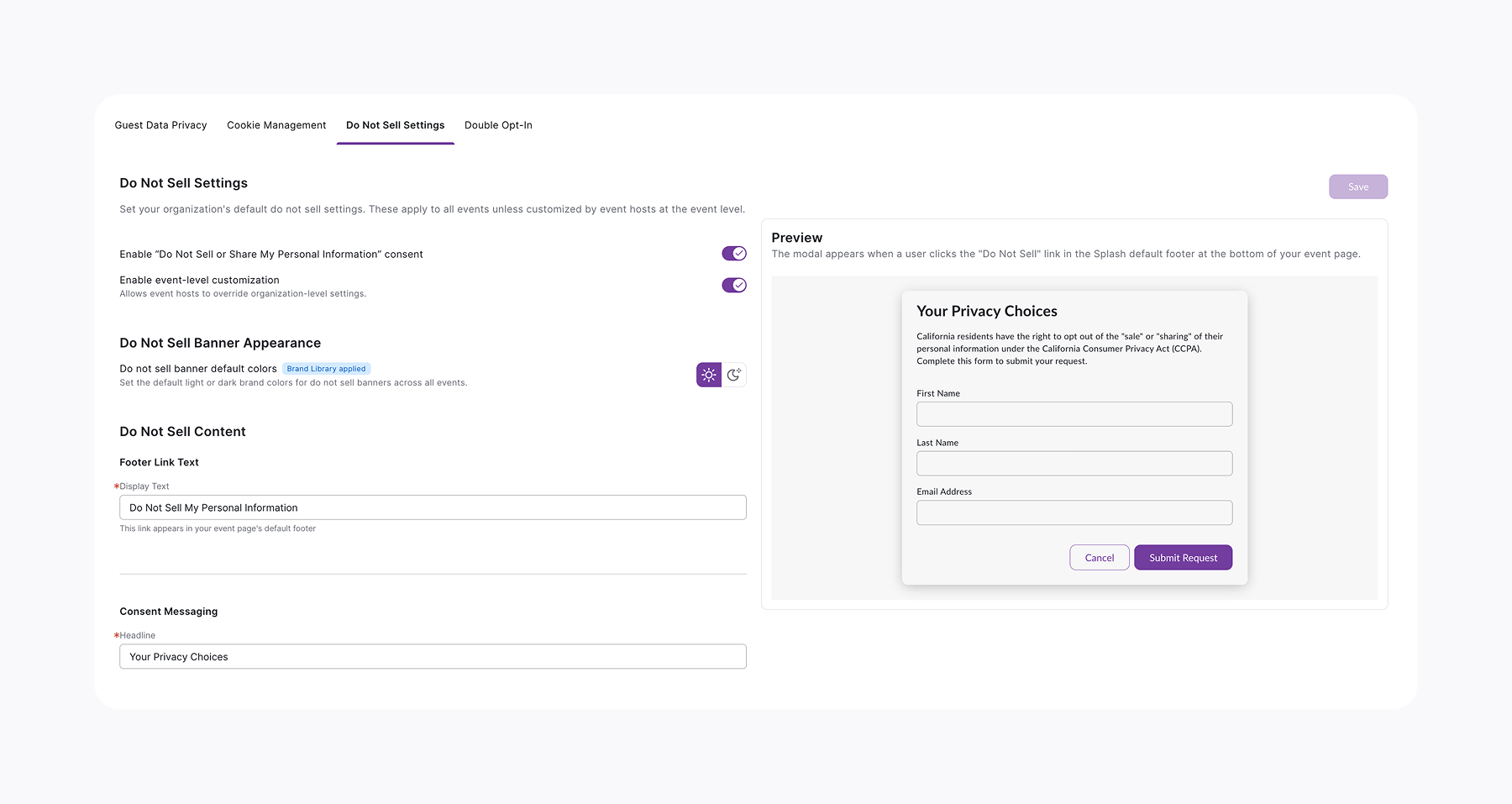
Now in Splash, you can choose to offer this same opt‑out to your guests by enabling Do Not Sell settings at the org or event level.
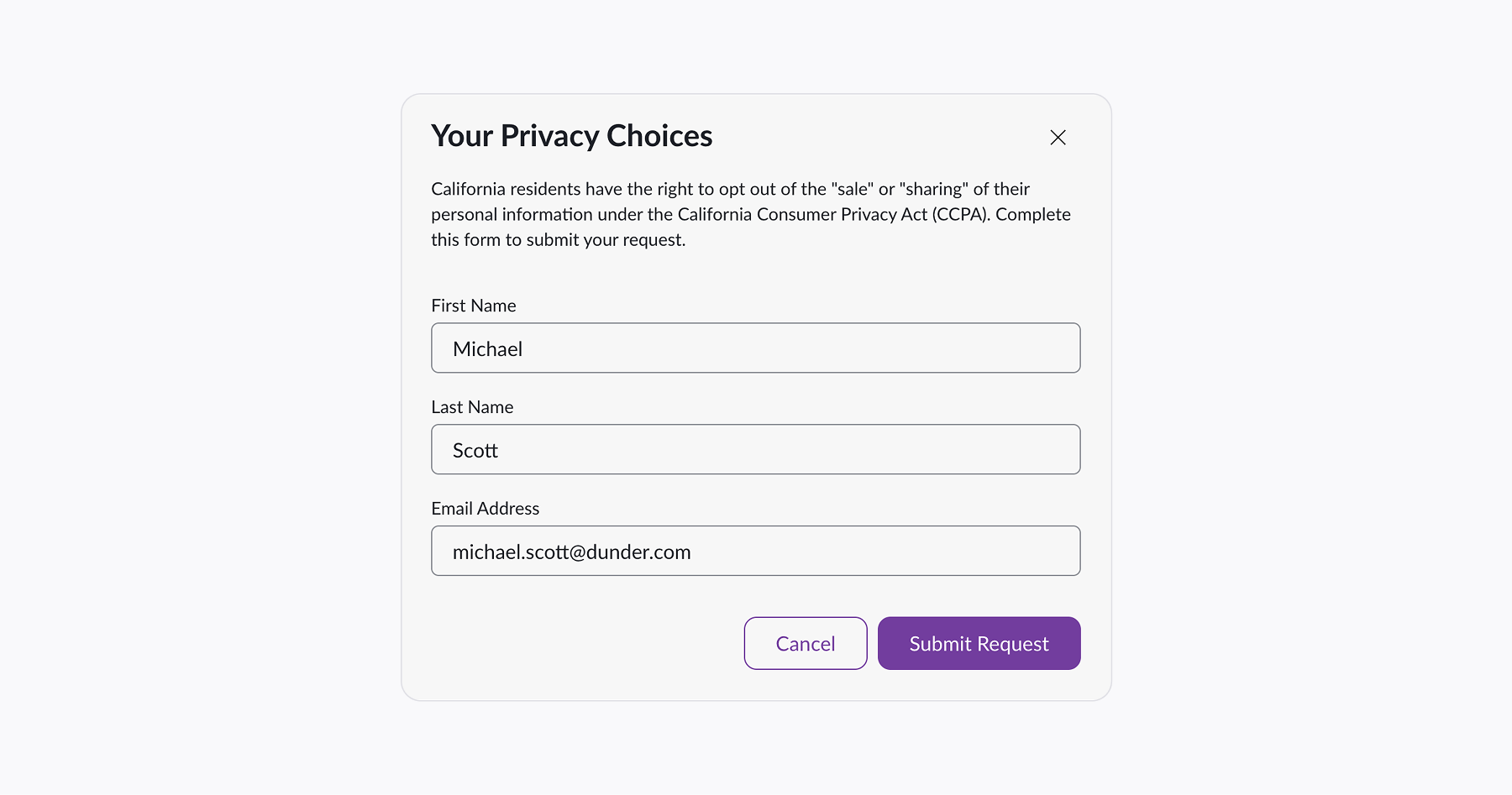
When enabled, a “Do Not Sell My Information” link appears in your event page footer. You can customize the text, and anytime a guest submits the form, their preference is automatically noted on the Guest List.
Why you might enable it:

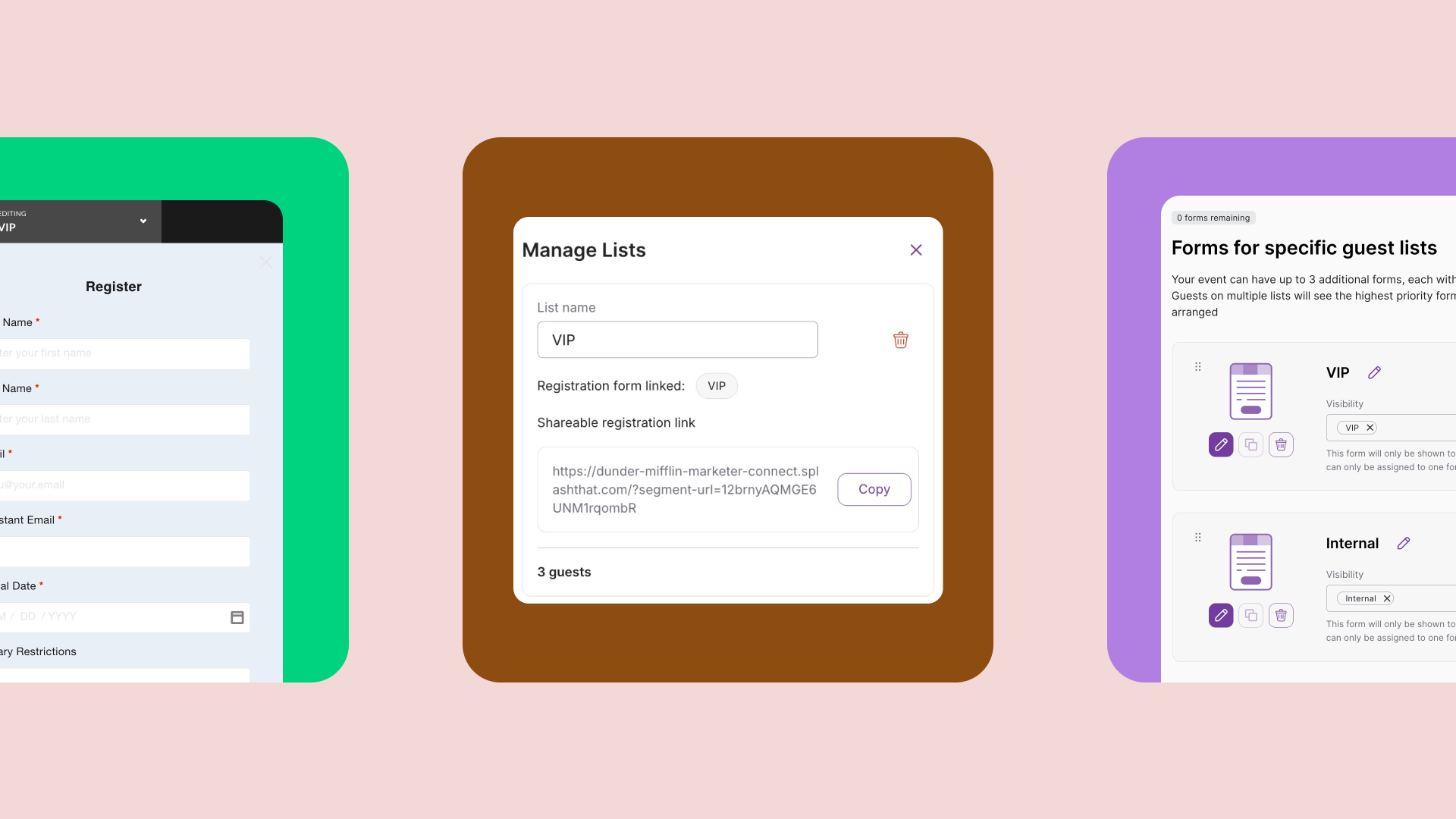
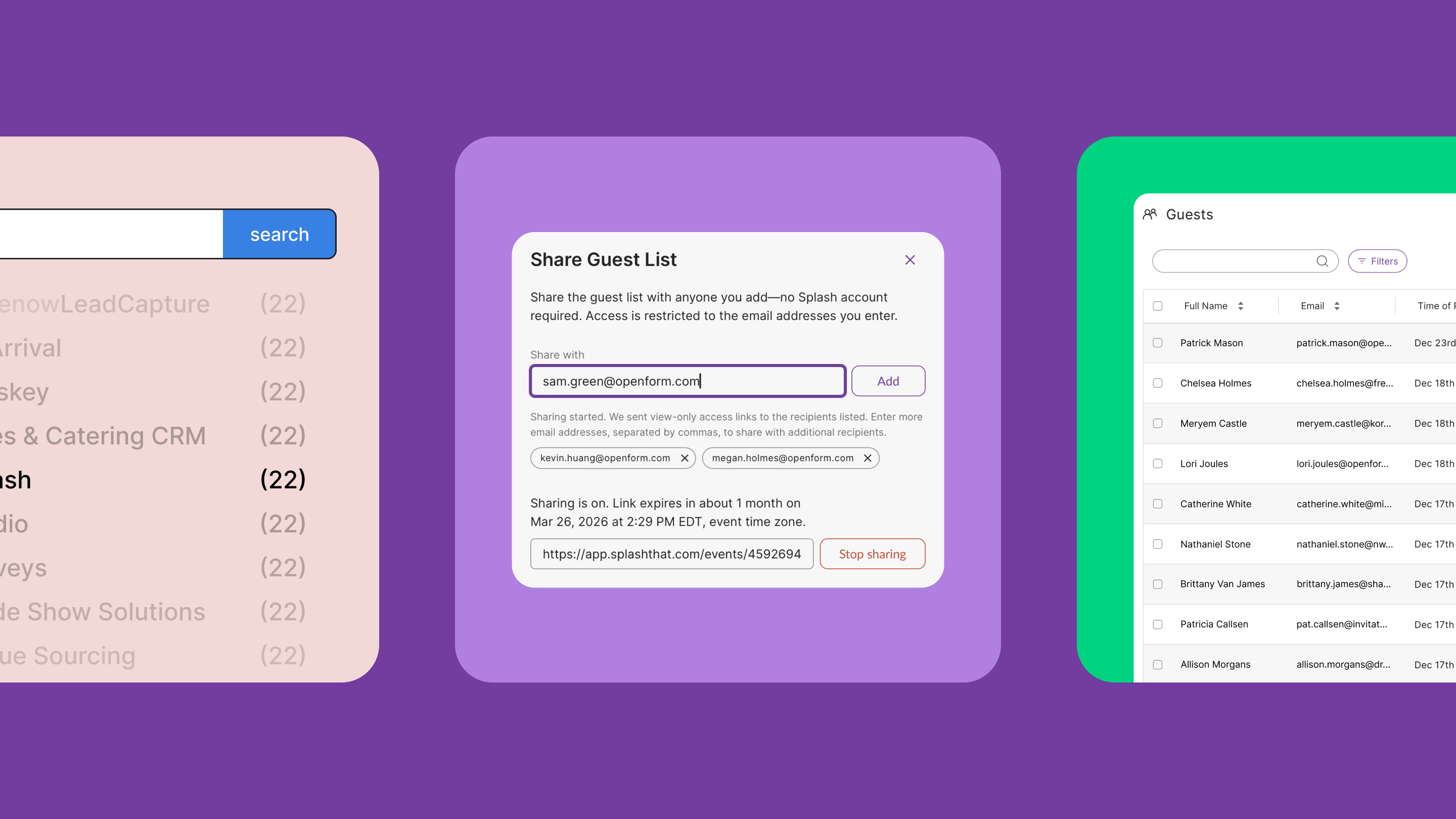
We recently rolled out a new way to share your guest list — a simple, secure link where you choose exactly who gets access by entering their email addresses.
And now, we’re building on that foundation with advanced guest list sharing.
Coming soon:
All of our updates are designed to give you tighter control, safer sharing, and total peace of mind with your guest data.
Go forth and scale, knowing your pages and guest data protections scale right alongside you. We’ll see you next month.