

This month is all about loving the details.
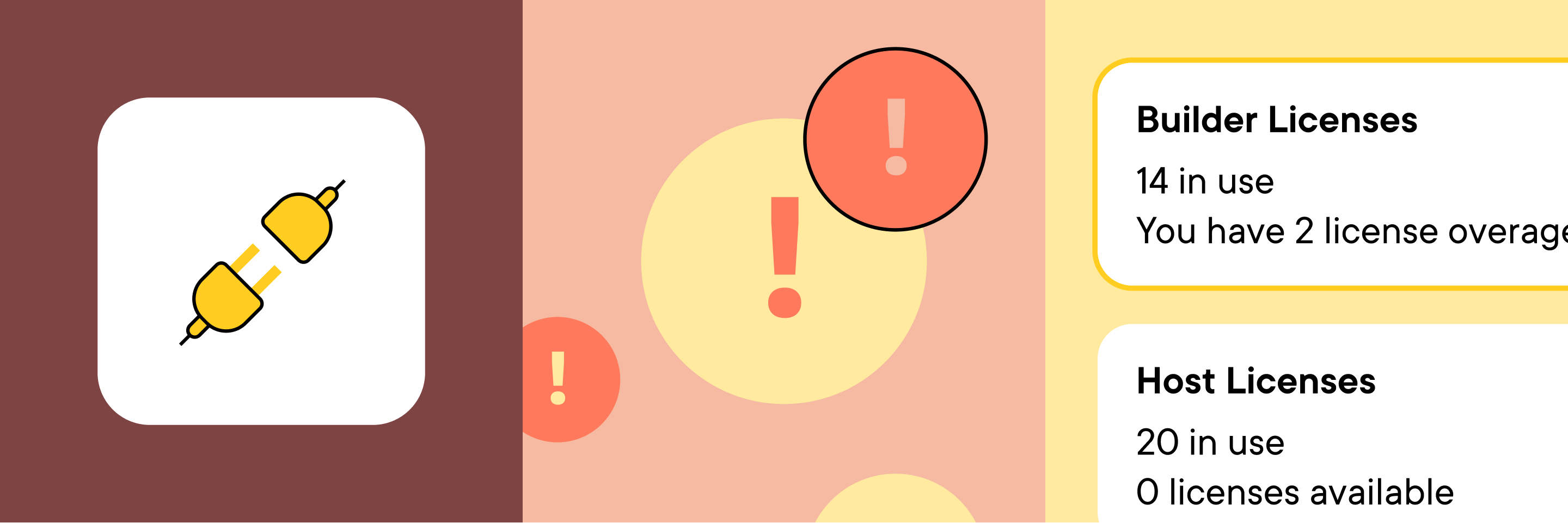
We’re adding more informative error messages to the Marketo integration for faster troubleshooting, providing Admins visibility into License usage, and introducing you to our newly redesigned website.
Our goal is to keep data flowing to your Marketo instance – clean and uninterrupted.
That’s why we’ve added more detailed messaging to the Marketo integration Activity Log to let you know when:
Invalid Marketo credentials are entered.

A batch pull or push has failed.

A connected Marketo program is deleted.

A guest status update is mapped to a Marketo status that doesn’t exist.

These new error messages will not only help you get to the root of an issue faster, but they’ll save your team from making unnecessary API calls.
Learn more about troubleshooting using the Activity Log.
Admins – we have major news.
License counts are now available in your Team tab.
Here’s what’s included:

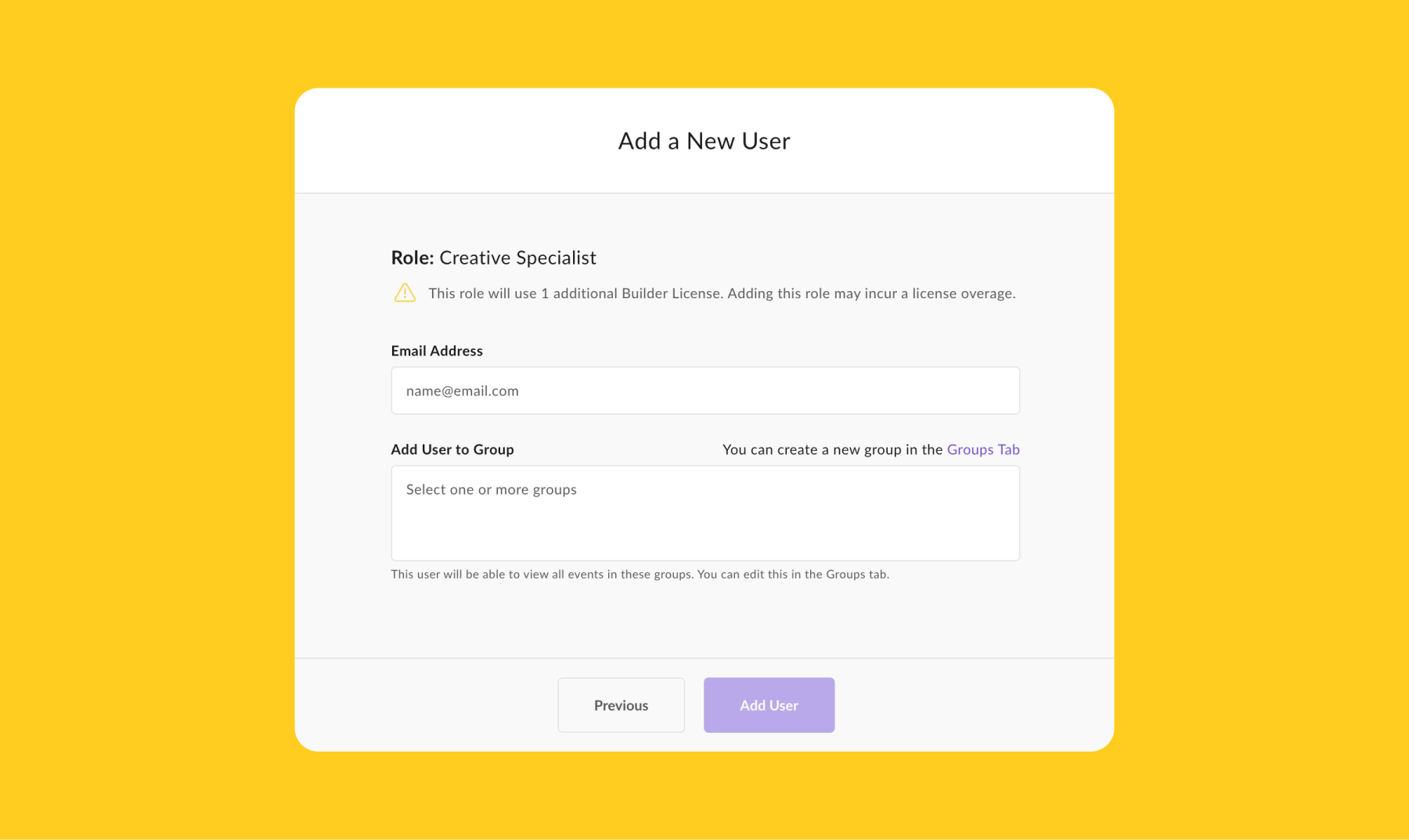
Bonus: We even included messaging to let you know when adding a new user will exceed your License purchase limits.
Learn more about managing your team in Splash.
Notice anything different about us?
If you’ve visited splashthat.com recently, you might have caught it…
We launched a brand new website.
While there’s tons of new content and visuals to dig through, there are a few key resources you’ll want to bookmark.
The Resource Library → We’ve rounded up our resources in one place and added built-in search and filter functionality so you can find the exact info you’re looking for.
Customers Page → We keep this page updated with stories about Splash customers – like you – who share how they use Splash to power their programs, promote their brand, and prove event success.
Community Page → We have one of the largest online event marketing communities. And everyone is really nice. And really smart. Join us!