.png)


Spring is so close we can actually feel the energy changing — can you?
For us, it’s a time to experiment, get creative, and see what sticks.
#OverheardOnSplashMarketing usually sounds something like,
Here are the newest features available in Splash to help put some pep in your step this Spring season.
Quick rewind: Back in January, we introduced a powerful new interface for hosting multi-session in-person and virtual events.
It’s the kind of change that makes planning complex events like user conferences, product summits, or internal all-hands that much less intimidating.
But wait, there’s more.
We just introduced new improvements for both hosts and attendees.
First up, faster session creation.
New sessions now automatically inherit the end time of previous sessions. This is a small but mighty benefit for hosts responsible for creating multiple sessions at a time.
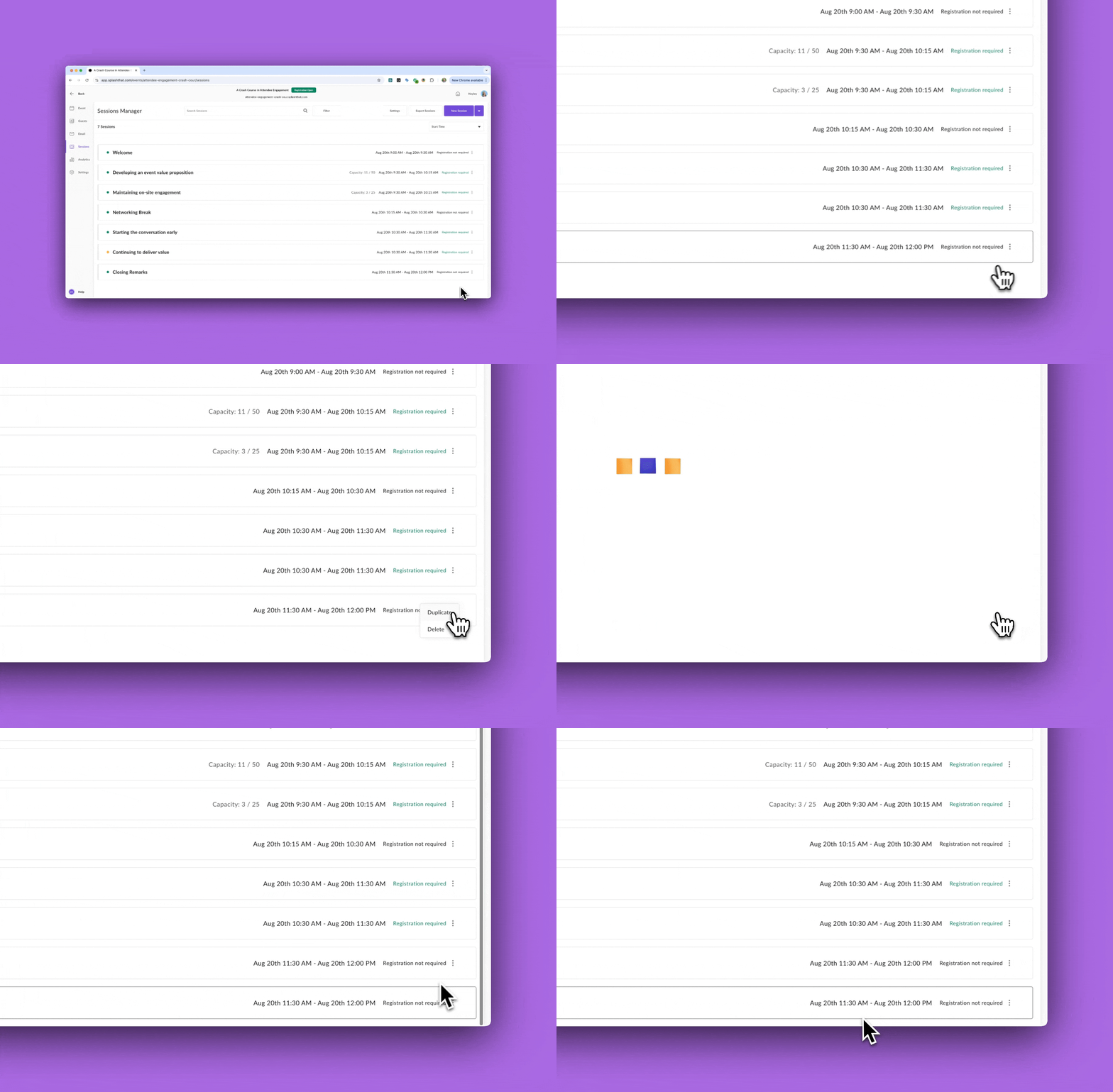
Don't worry, you can still adjust times as needed.
Next, is a big update on the email front.
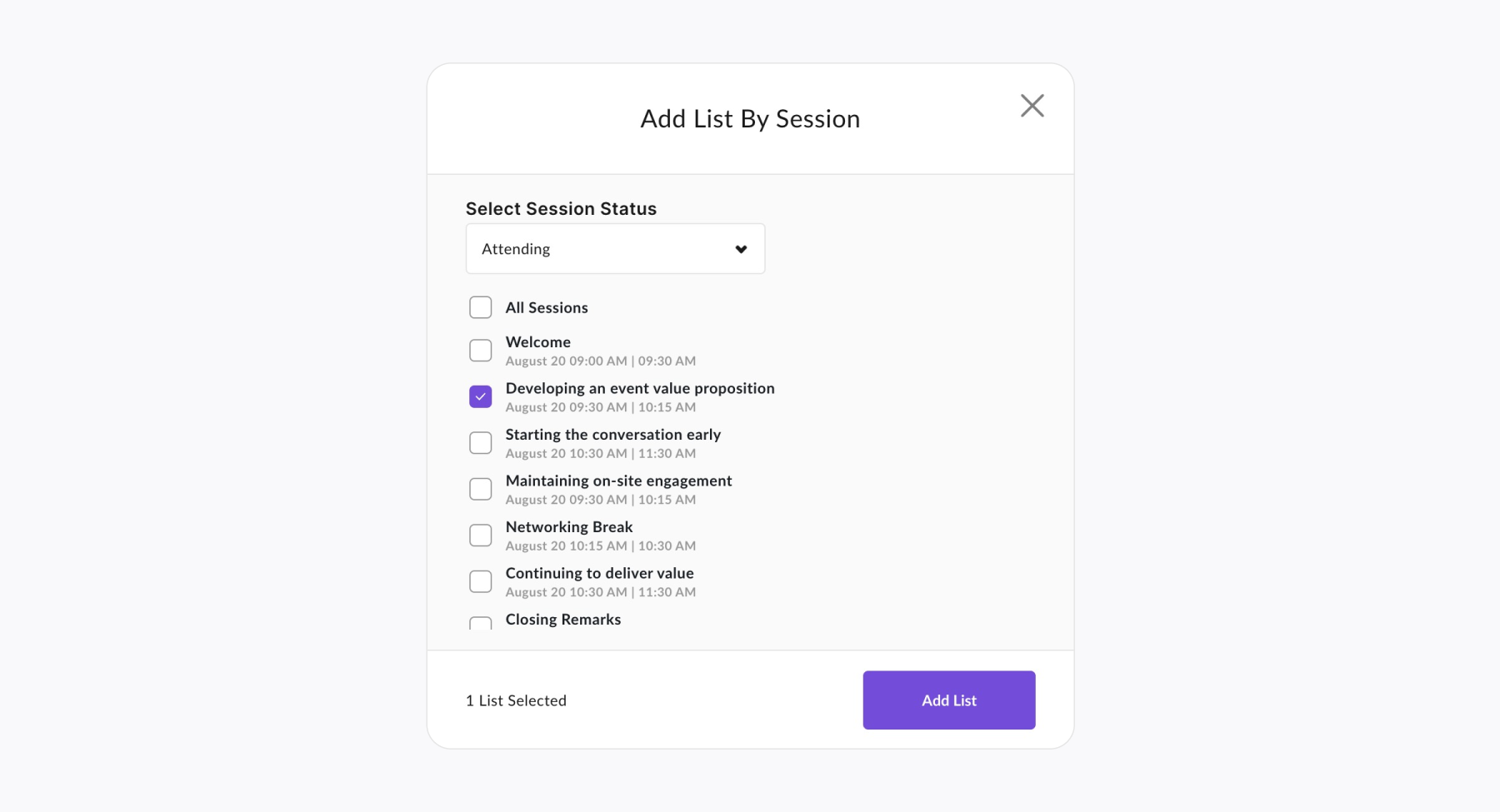
New dynamic lists for sessions make it easier than ever to send targeted updates to session guests.
Quick refresher: In Splash, a dynamic list is a living, breathing list of attendees organized by status (like Attending or Checked In). It automatically updates in real time, so your emails are always sent to the right people.
With session dynamic lists, you can now schedule your entire email sequences, from reminders to follow-ups, per session.
Select the right status and session from the Recipients tab of an email.
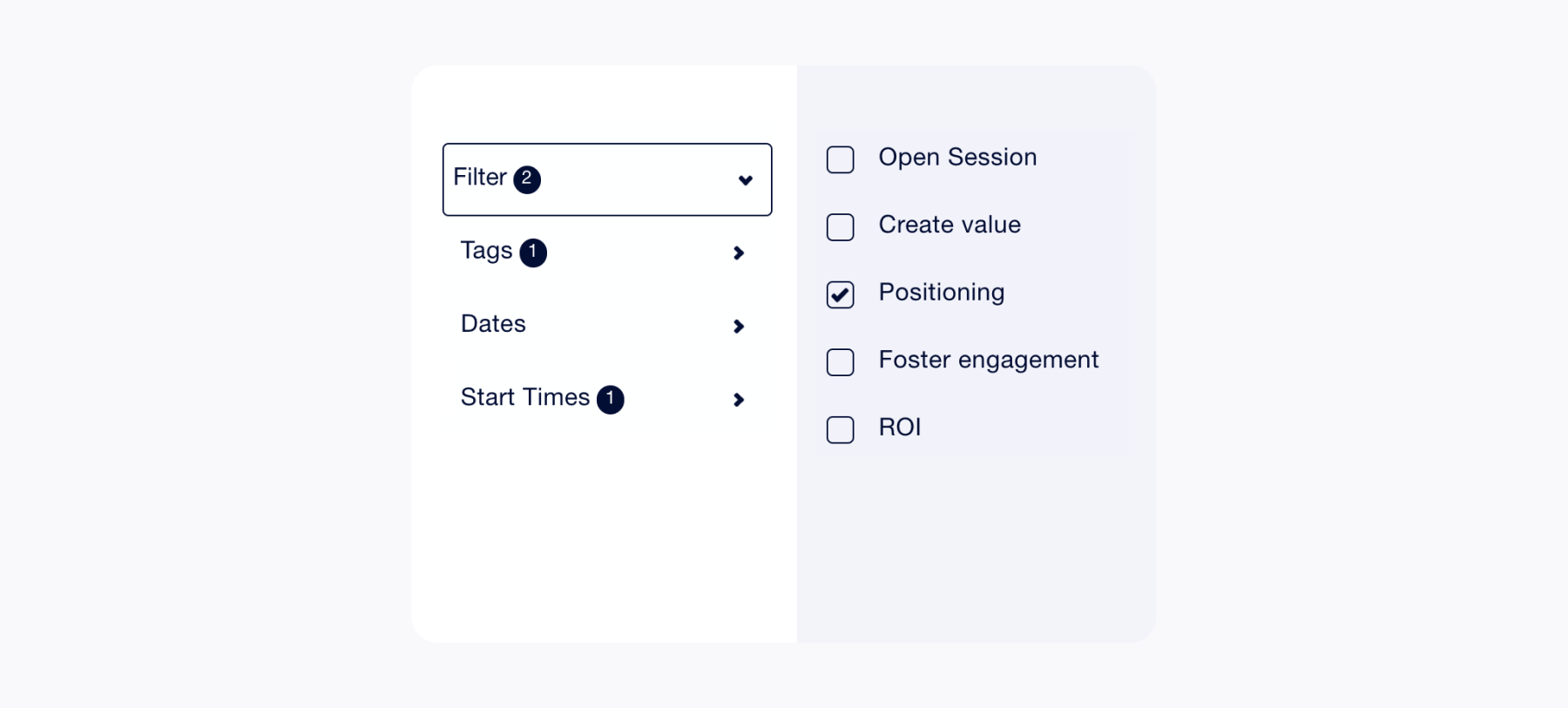
Last up, we added filter tags to the agenda page.
Remember, the agenda page is where guests browse upcoming sessions and build their schedule.
Filters help guests find their preferred sessions and new filter tags make it clear which filters are applied.
There’s more to come, including better session analytics and a new way for guests to build their agenda directly on the event’s RSVP form.
Have you seen Splash Studio’s new backstage experience yet?
The makeover dropped at the top of Q1, and included highlights like:
We’ve got two more updates for you this month.
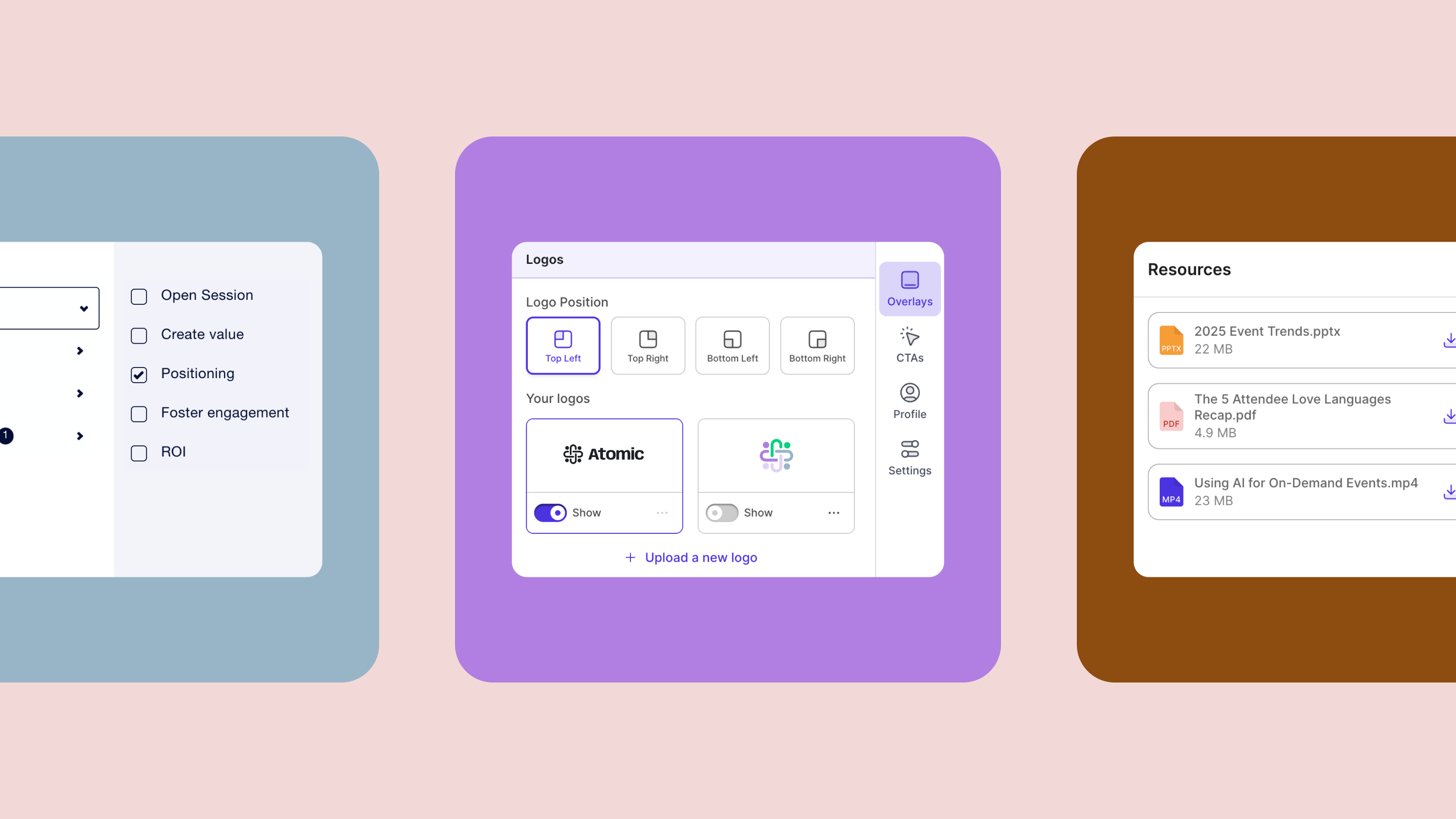
Introducing logos in the Overlays tab.
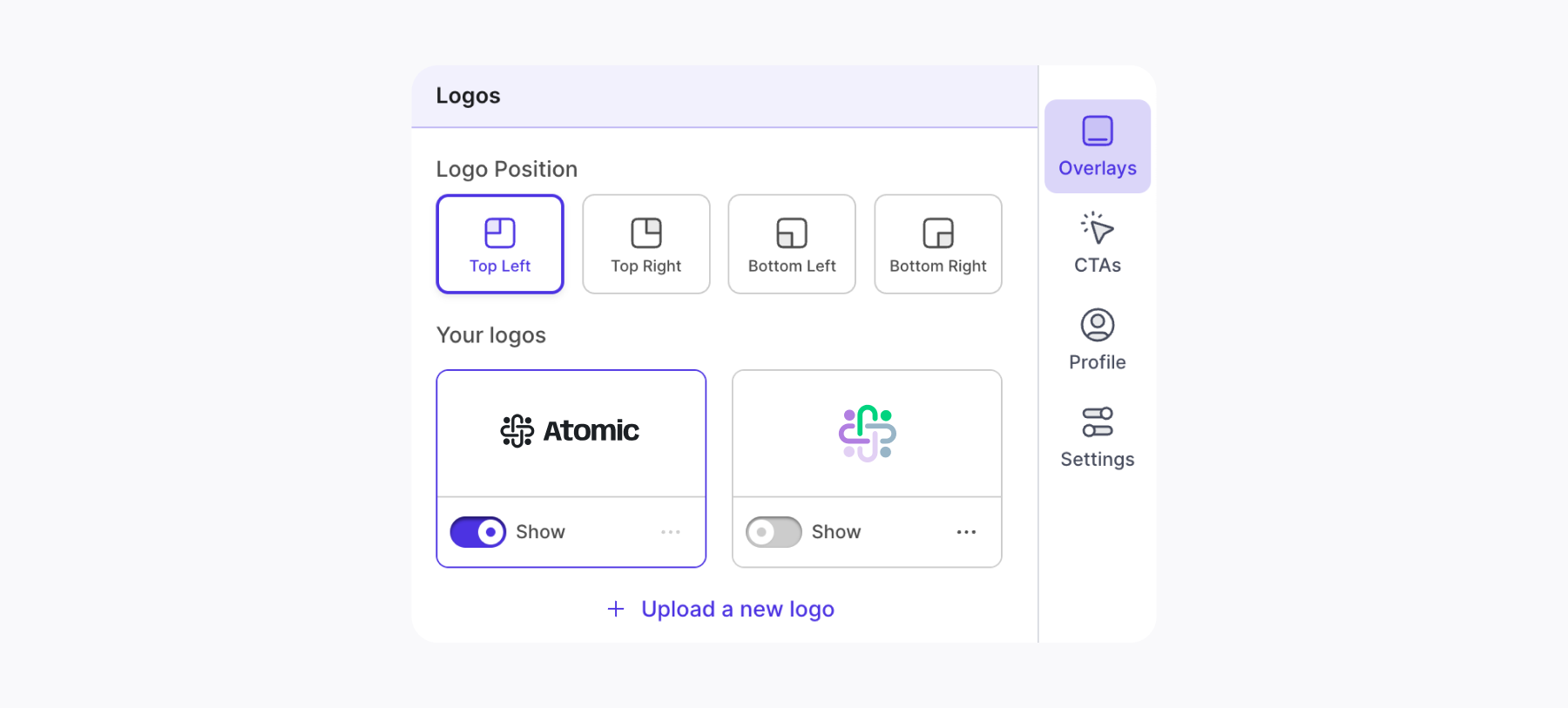
Keep your logo front and center at all times — regardless of if you’re screensharing, demoing, or simply speaking.
Just upload your preferred logo(s), choose your logo position, and toggle it on when you’re ready.
Next, give your attendees one simple destination for all event resources.
The new Resources tab (AKA “The Place to Be”) is perfect for storing takeaway slides, help links, and demo request forms.
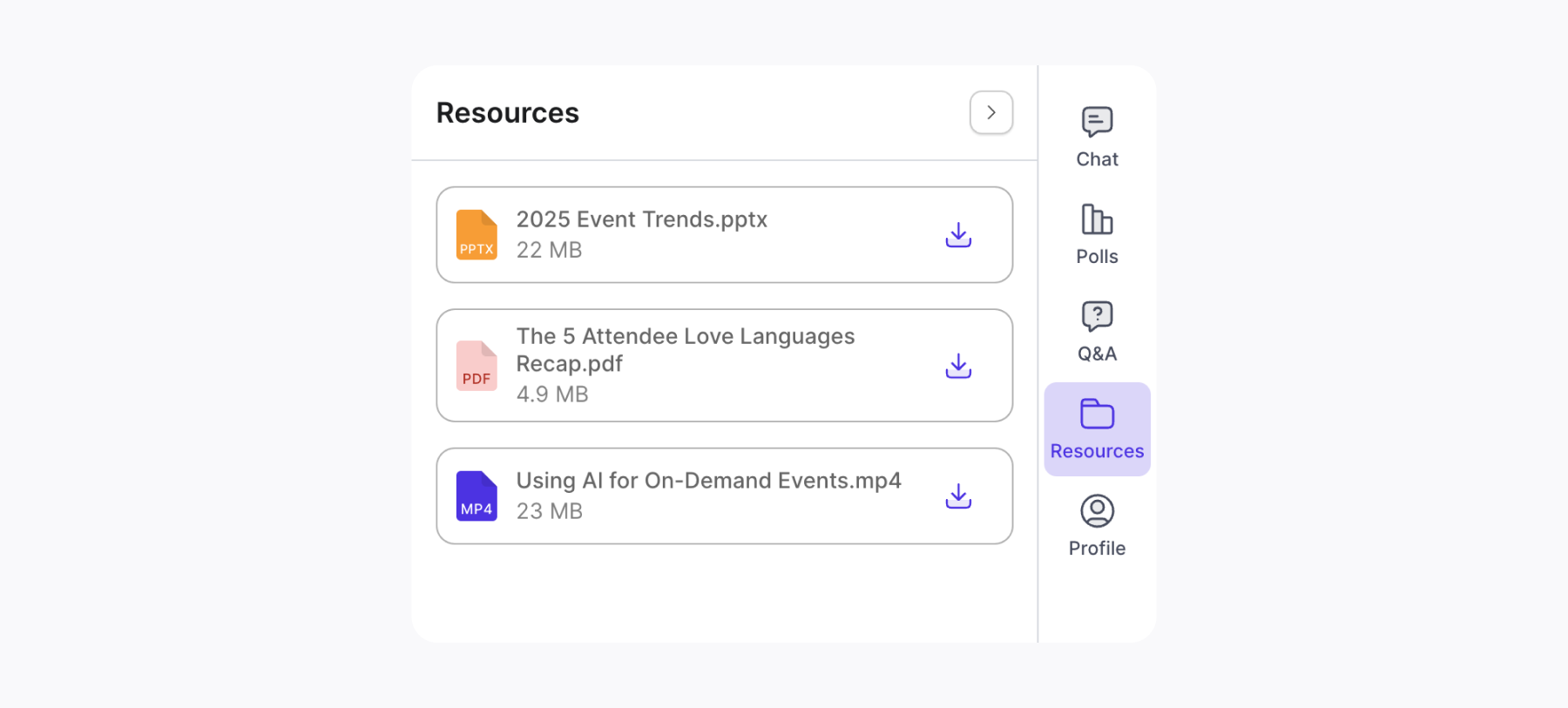
Simply upload files or add links and when you’re ready, make your resources folder public.
Spring cleaning doesn’t just mean organizing that random drawer full of papers in your kitchen. (Just me?).
Here at Splash, we're also getting our tech in check to keep you running smoothly.
First priority: Better account security.
In case you missed it, multi-factor authentication (MFA) is now required for all Splash users.
This adds an extra layer of security to ensure your event and attendee data is protected
Reminder: If you log into Splash through SSO, you don’t need to set this up on your account.
Next up, is a new home for Splash platform updates.
This includes any recent incidents or upcoming maintenance.
Basically, it’s your answer to the occasional: “Anyone else experiencing this?”
Subscribe to Splash updates using these quick steps:
This month, we’re taking inspiration from the innovators in modern real estate technology, VTS.
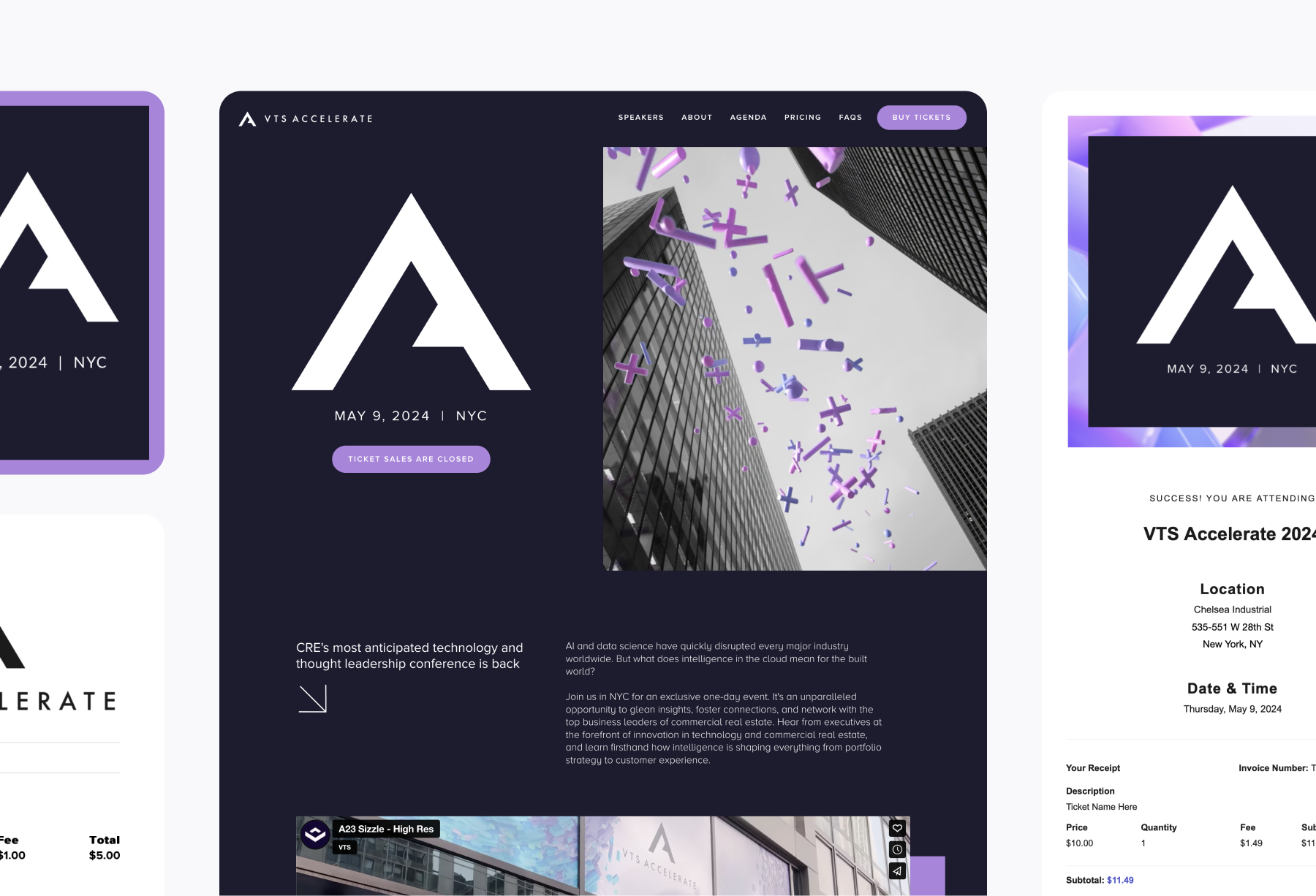
Their VTS Accelerate page features:
Straight from the brains of the Splash marketing team comes this month’s “How Splash Uses Splash” tip:
Converting live webinars into on-demand showcases.
If you enrolled in our Event-Led Growth Masterclass & Certification, then you learned that on-demand sign-ups and views account for up to 40% of our webinar performance here at Splash.
Do you want to leave 40% of the impact on the table?
To quote Dr. Evil — How about no?
That’s why we’re dropping a how-to for keeping your Splash virtual events evergreen, meaning: