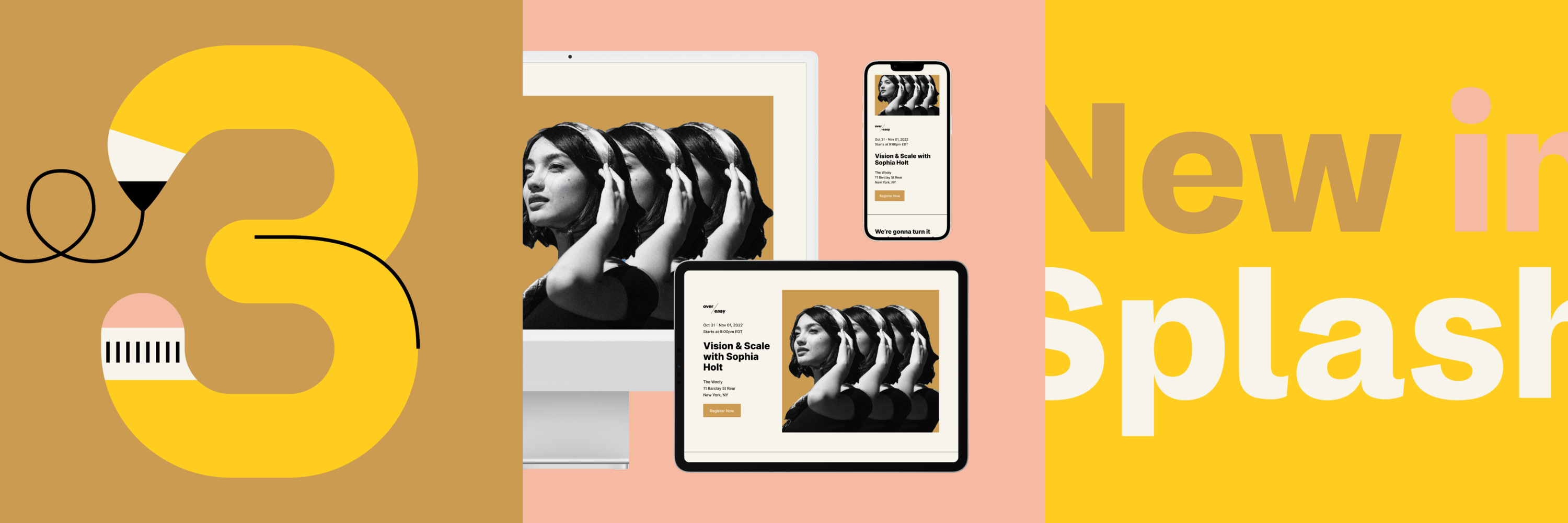


It's official: Fall is here.
While you can’t wrap your event page in a sweater or sprinkle it with pumpkin spice, you can dress it up in different ways.
This month, we partnered with our Creative Team for the latest design trends guaranteed to leaf — er, leave — eyes pleased and drive RSVPs.
Bonus: We’re revealing our new Branded Themes Hub – a showcase of all the pre-designed templates Splash has to offer.
The goal of every event page is to inspire an action.
Your landing page can have the works – compelling content, an incredible speaker line up, even a stacked agenda. But if your registration form is out of sight, it’s out of mind.
Cue the inline form.
An inline form is when your registration form is embedded on your event page rather than opened in a modal (pop-up). This makes your entire form immediately visible to guests.
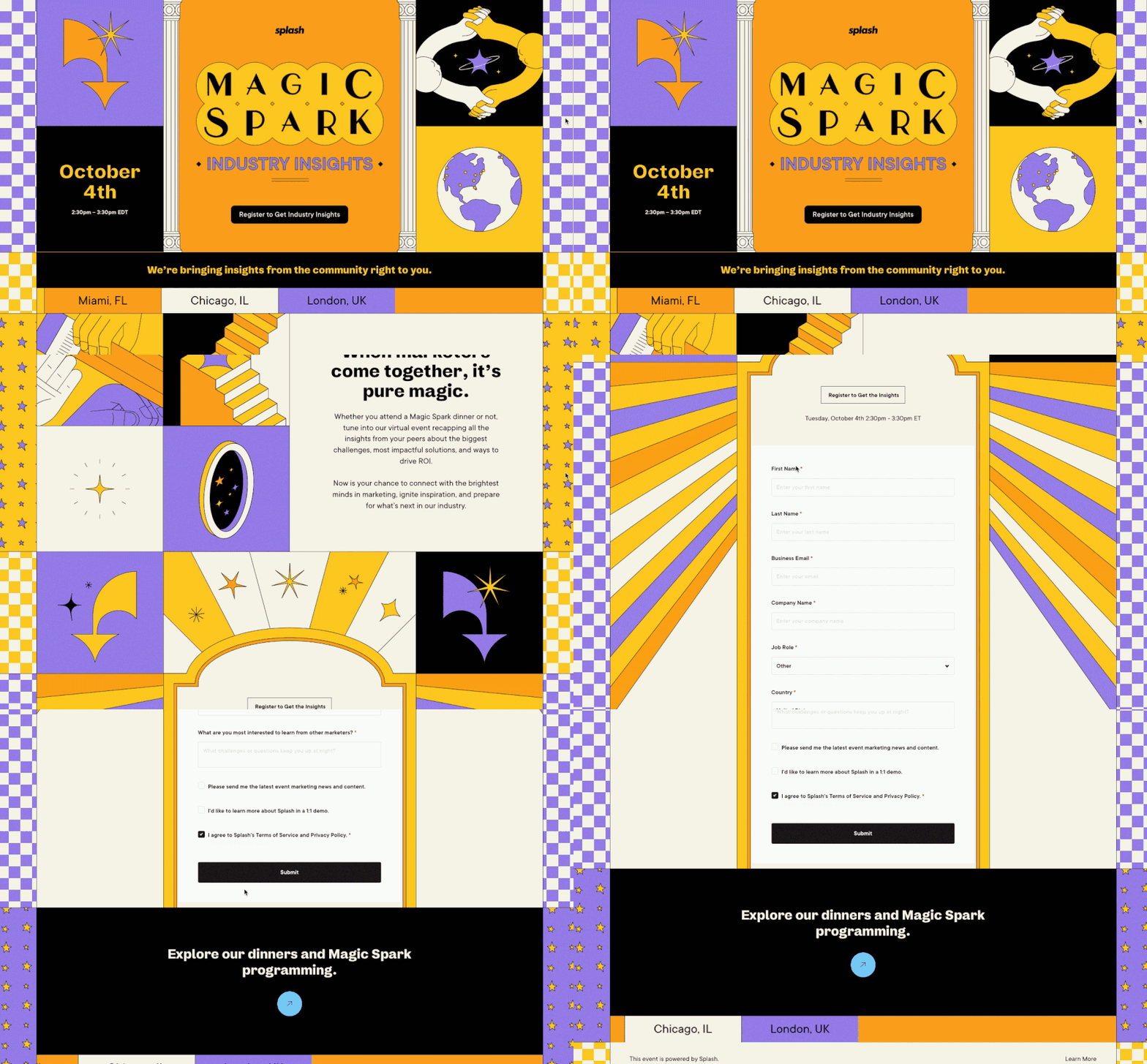
Instead of hiding the most important part of your event page, bring it to the forefront and watch your conversion rates skyrocket.
Here's how it works:
Follow these steps to add an inline form to your event page.
If you want guests to take a specific action on your page, give them a CTA they can’t miss.
A fixed navigation is a block that "sticks," or stays pinned, while guests explore the rest of your event page.
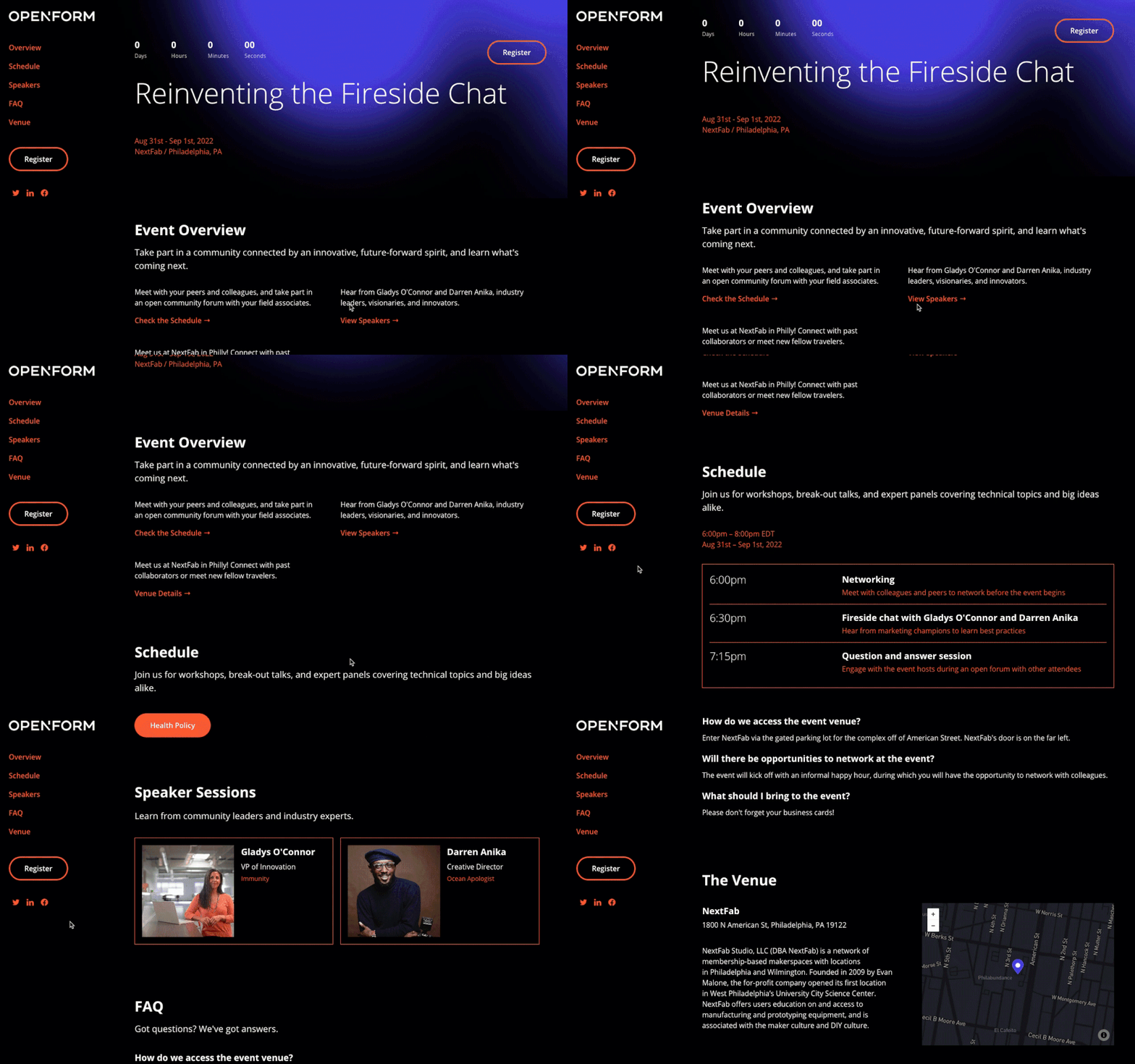
Because a fixed navigation is visible no matter where a guest is on your page, they’ll be constantly reminded of the action you want them to take.
You can use fixed navigation for CTAs like:
…and more.
Follow these steps to add a fixed navigation to your event page.
In addition to your standard file types, Splash also accepts Scalable Vector Graphics, more commonly known as SVGs.
SVGs bring some powerful and unique values to your imagery like:
Plus, designers love them.
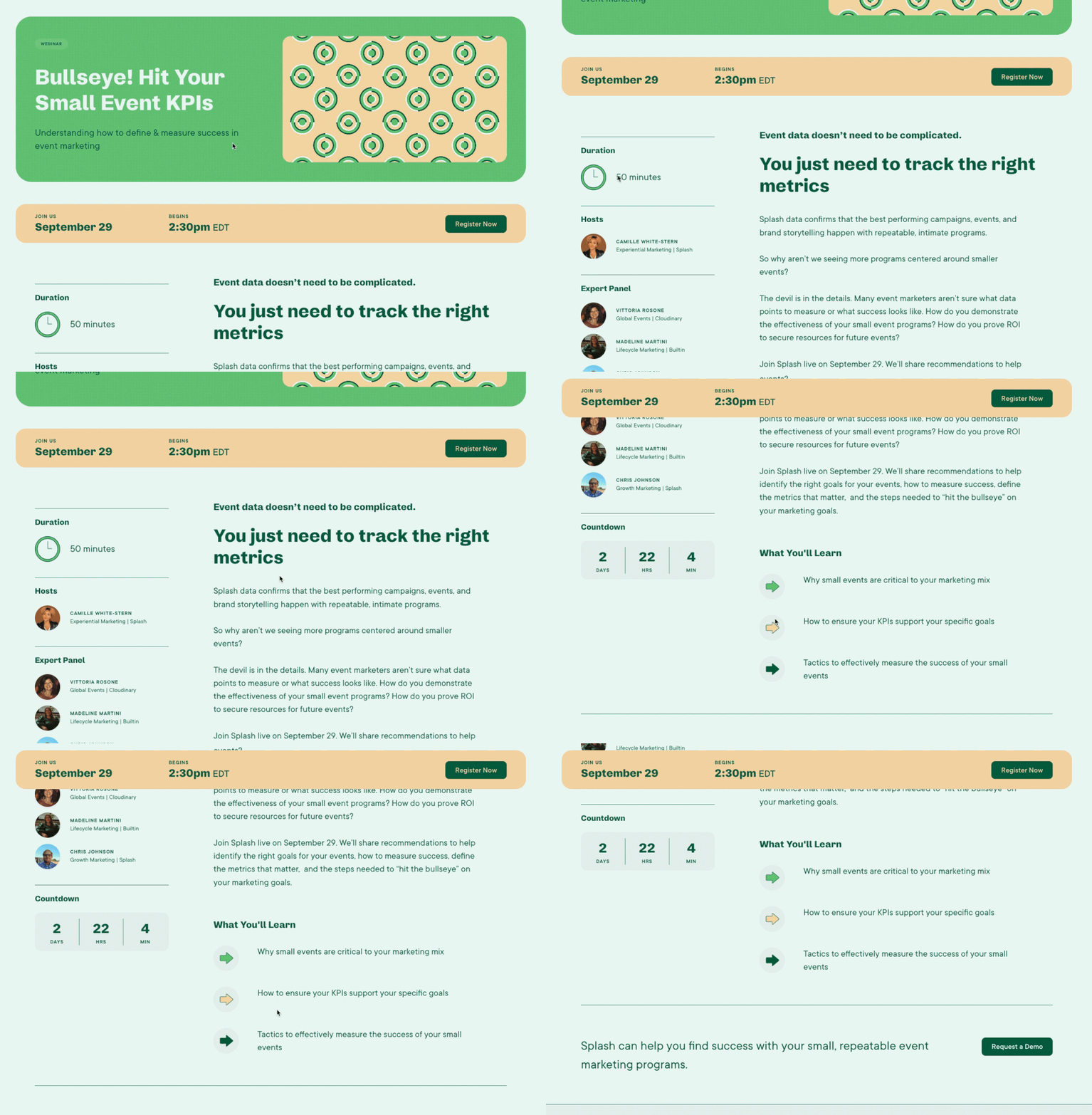
What does that mean for you? No more waiting in long design queues for simple image edits.
You can update the color of your image right in Splash while staying on-brand.
Here's how:
Follow these steps to design your page with SVGs.
Get ready to save this next design resource.
We’ve created an interactive hub where you can explore Splash’s full library of pre-designed Branded Themes.
Bonus: All Branded Themes come with built-in best practices (like the three design tips above) so you can get up and running in minimal time.
The hub includes different filters for you to find exactly what you're looking for. Plus, each theme has a dedicated page with information about what’s included in the design.
Find the perfect theme? Click the Start Building button in the top right to instantly create an event using that theme.
Ready, set, bookmark: Branded Themes Hub

Branded Themes are designed using the logos, fonts, and colors from your Brand Library.