In a world of six-feet-apart, there's more reason than ever to invest in the relationships that matter.
That's why this month's release is all about meaningful connections. (It's also why you're invited to our special launch event.)
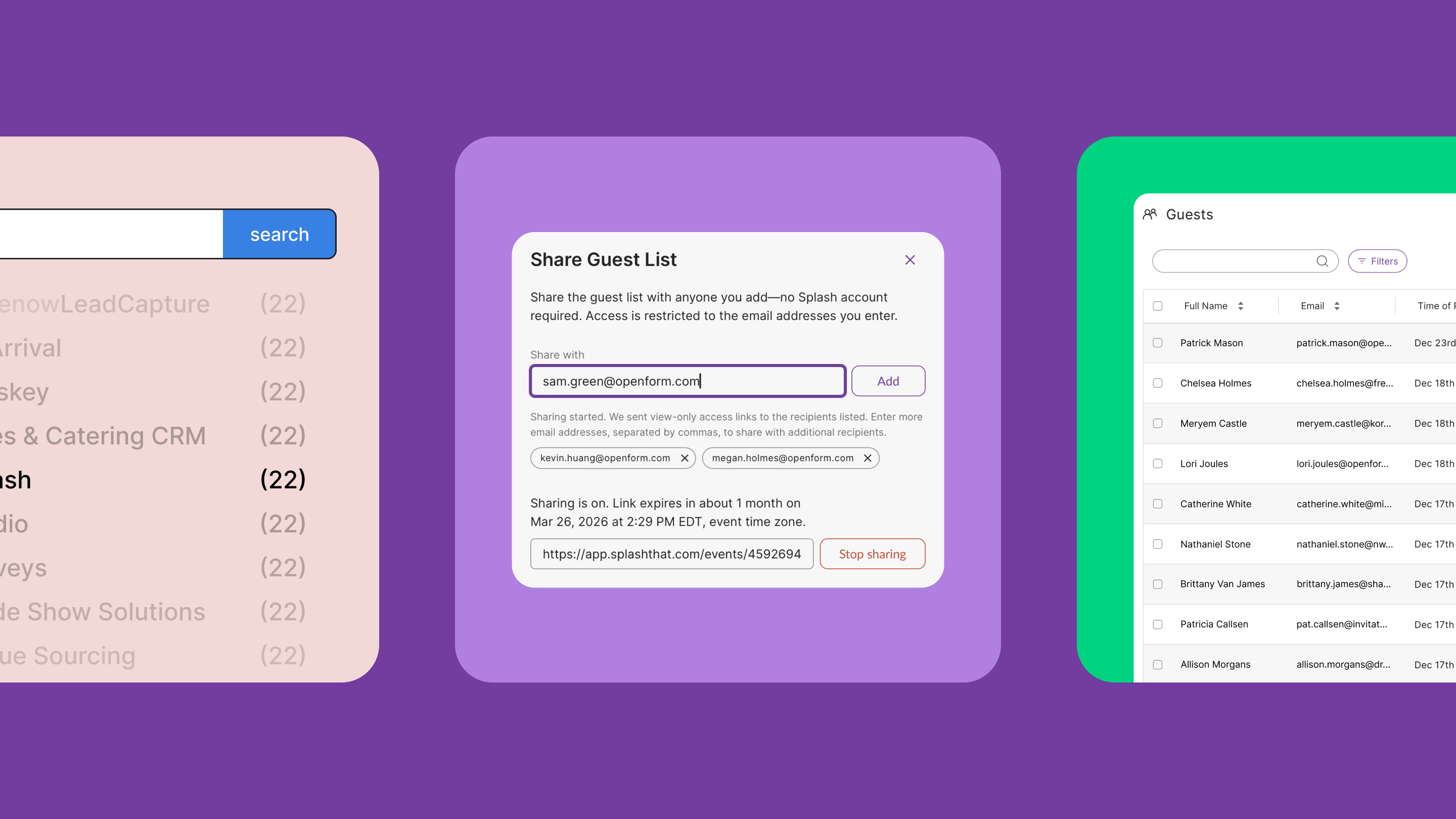
Start by linking up with Zoom Webinar or ON24 ↓ to automate webinar setup and keep registration data in sync. These native integrations will be live in your Integrations tab next week, and they couldn’t be more excited to provide actionable analytics — and time back
Then, leverage an all-new Survey Branded Theme ↓ to connect with your guests and gather feedback with style. This theme has everything you need to get the answers you crave from the virtual event attendees you love.
Finally, opt into our Library beta ↓ to get hands-on with the future of global asset management, starting with Forms and Themes. If you’ve ever wanted to build a repository of registration forms — branding and compliance in check — this is your moment to connect the dots.
Time to get up close and personal.
These native integrations are available to users with a paid Splash plan.
You have a webinar provider, but it doesn’t create branded, scalable event pages. It also doesn’t send emails. It also doesn’t give you actionable dashboards — but Splash does. And now Splash is making it easy to put your existing webinar tech to work.
Automate webinar creation and keep data in sync with Splash whether you use Zoom Webinar, ON24, or BlueJeans for your virtual events.
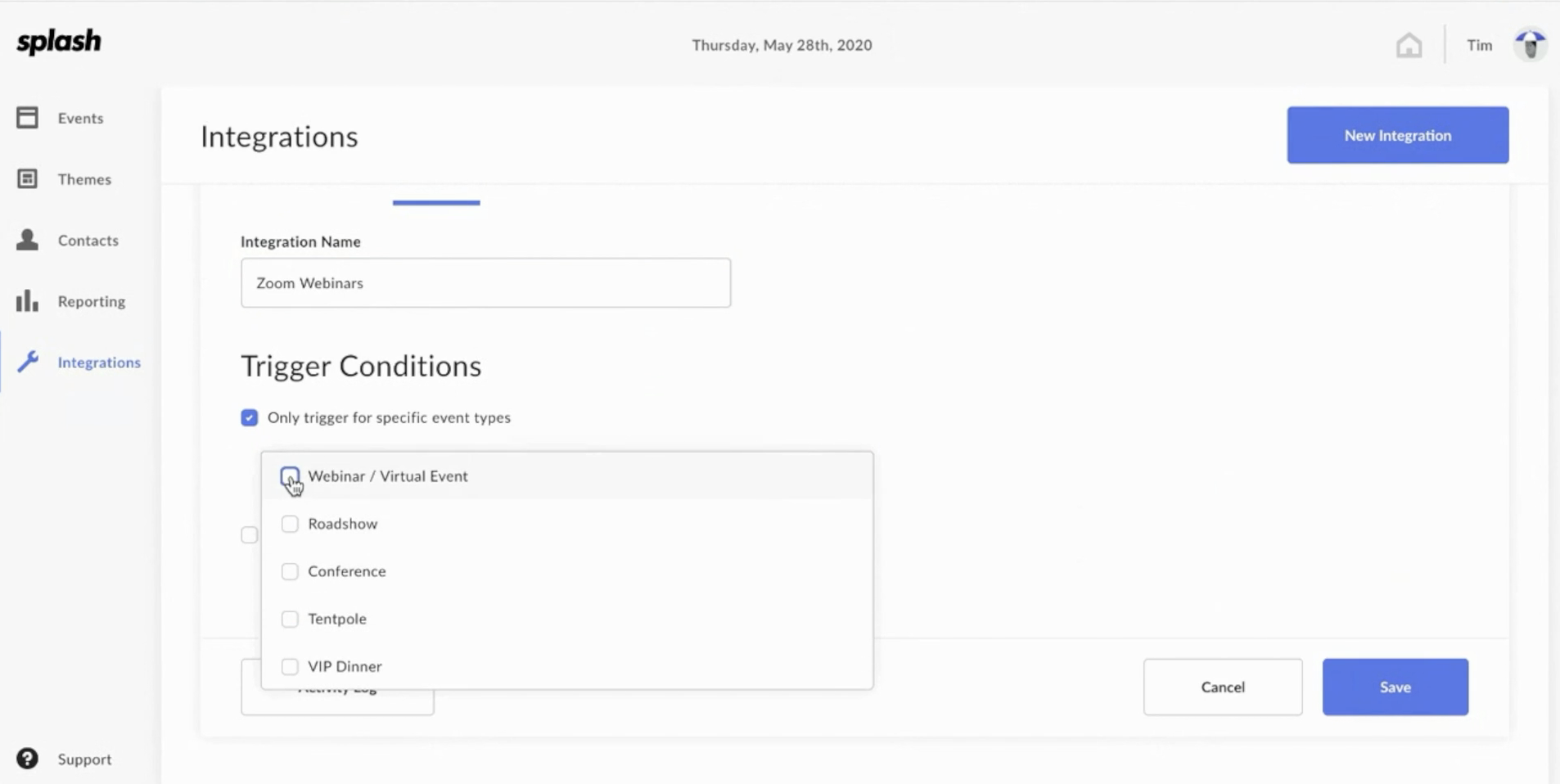
The Customer Success team’s own Nicole Brunswasser knows that “Zoom and ON24 have been two of our customers’ most widely requested webinar platform integrations. And now, you’re getting the data in Splash to prove the value of these webinars. We heard you — and we’re delivering.”
Key functionality:
These highlights just scratch the surface. Read the guides for more on configurations and use cases.
How do I access these integrations? Next week, just hit that Integrations tab in Splash and select the webinar provider your team uses. If you have configuration questions along the way, check out our step-by-step instructions.
What about embedding live streams? We thought you’d never ask. Start using the Virtual Event Page touchpoint to brand your live streams, automate guest check-in, and offer a dynamic event page that magically updates from registration collection, to countdown portal, to live event — all via one URL.
Psst ... join us for a special launch event that will take your Zoom events to the next level.
This theme is available to all users with a paid Splash plan.
Have you heard of guest feedback? Yes. Splash designer Alex Zahradnik knows you have. "We instituted a process at Splash to best determine which event needs we can best support with a branded theme, and inline surveys were right at the top of the list."
When you're seeking feedback from your guests, look no further than the Survey Branded Theme. With a questionnaire embedded directly on the event page, and minimal layout that's a breeze to customize, you'll get the guest answers you crave with branding that shines.
Featured blocks include downloadable content, images, and venue and date elements — so no matter how or when you collect feedback, your guests are greeted with the right experience.
How do I start using this theme? If you have a paid Splash plan, this theme is already in your account. Just create a new event, choose the Other category, and select Global Feedback. Or, check out all our Branded Themes.
What can I use this theme for? Ever wonder whether your event had the impact it deserved? Use this theme. Ever wish you could offer post-event downloadable content while gathering valuable feedback? Use this theme. Sense a theme? Use this theme.
This feature is available in beta to users with a paid Splash plan.
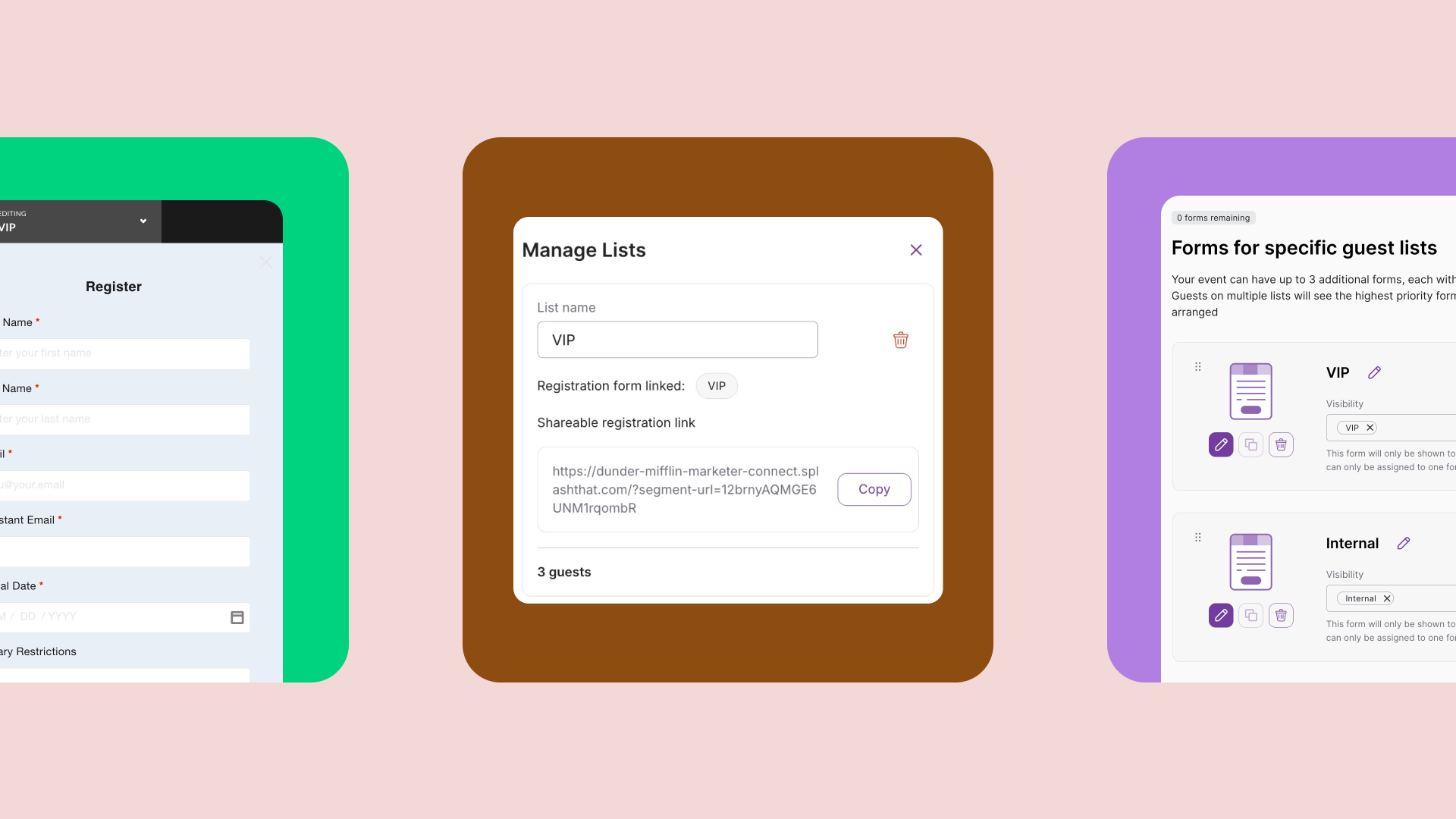
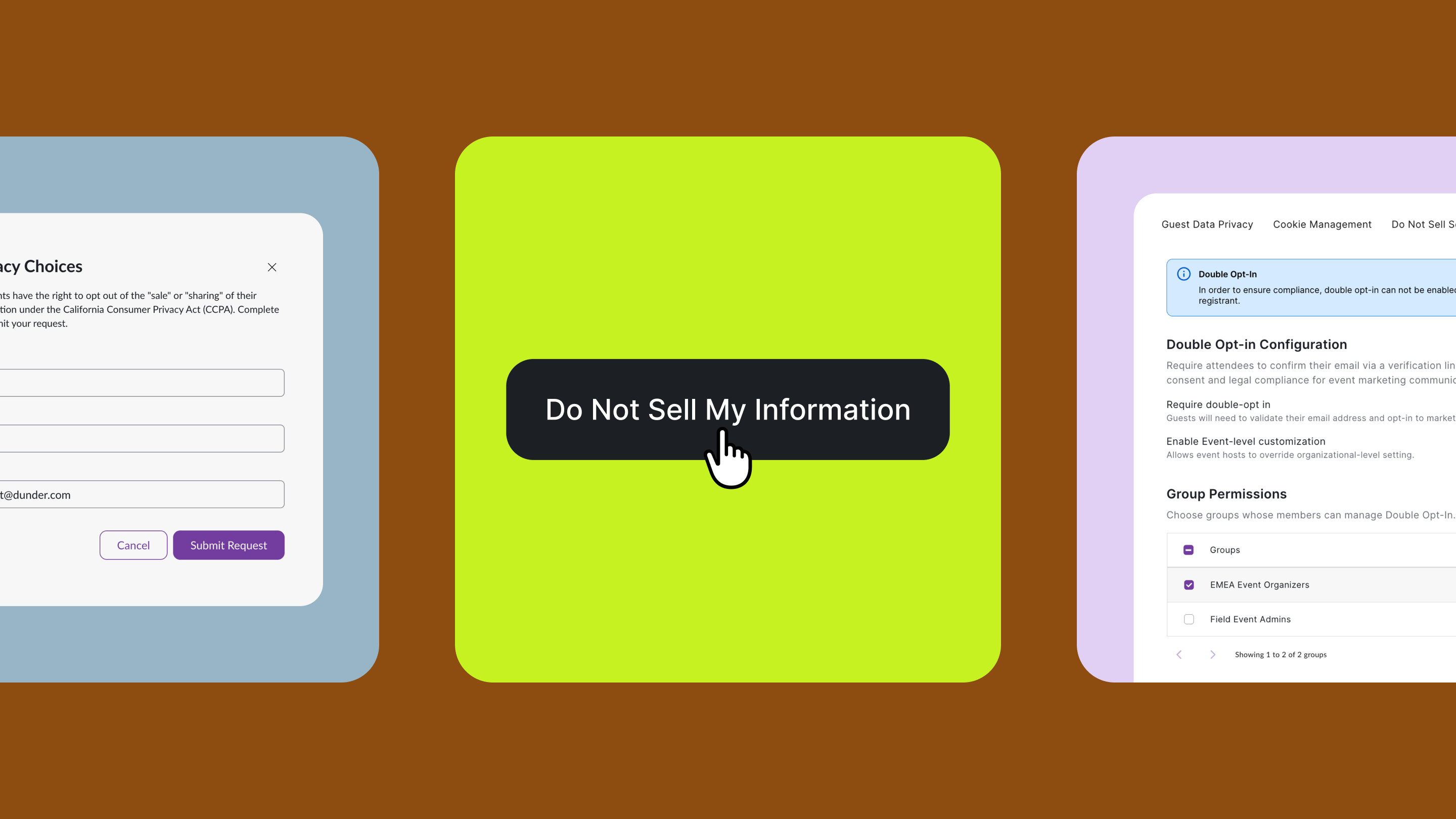
It’s one thing to set up a beautiful registration form with all your questions on lock and in compliance with data privacy regulations. It’s quite another to set up five, or ten, or 100.
This month, we’re launching an all-new Library beta program so that you can easily manage and update global assets for the Splash users on your team.
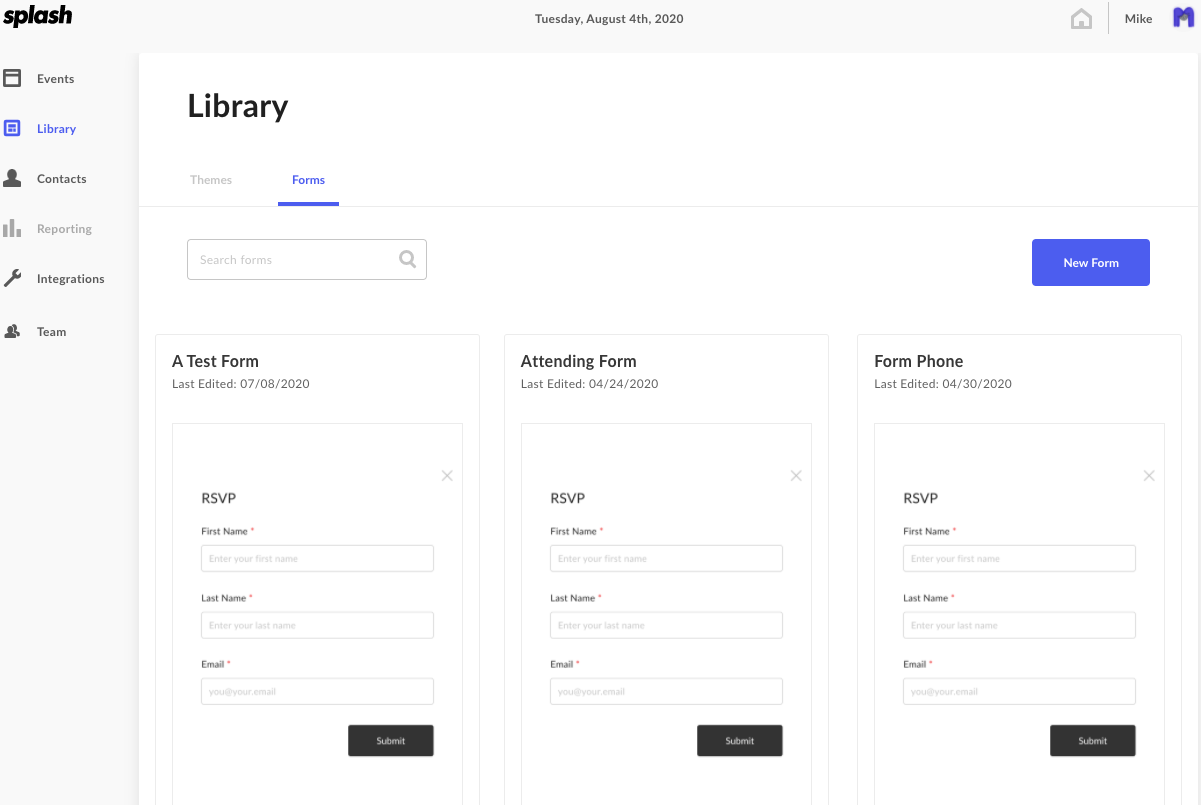
Product Manager Lizzy Hindman-Harvey thinks of Library as a “kit of parts, where you can design and configure all the pieces that go into an event. We’re starting with Forms and Themes, and we’re adding more in the future."
Keep every form and theme connected to your brand and compliance standards — and to your team's needs. Join the beta program to get started.
How do I opt into the beta program? Just visit our Library Beta page and hit submit. You'll get access in no time.
Where can I learn more? Check out our Library help topic for information about setup and additional functionality.
Our engineering team is always working on the next big thing. Subscribe to What’s New to keep up to date, and to browse the formidable catalog of platform updates past.
Here's to making real connections, one virtual event feature at a time.