

Our February release is about feeling the love.
Valentine’s Day aside, we love our users. So when there’s a chance to make your events better or easier, you'd better believe we’re all over it.
This month, we invite you to sit back, relax, and get by with a little help from your friends at Splash.
Because our February release is about helping you reach the next level:
Did we just become best friends? We'd like to think so.
But you can decide for yourself after you check out our announcement video and full release summary.
The Virtual Event Page ↓ makes it easy to embed your live streams, webinars, and engagement tools into a gated and branded Splash page. And this month it gets even better, with support for breakout rooms and live polling in Zoom, plus clutch calendar attachment upgrades. And did we mention the new online course that promises product education and a Starbucks gift card?
Fans of friction-free registration ought to take a moment to rejoice. Our latest accessibility upgrades ↓ will ensure a most delightful experience for guests using screen-readers and keyboard control tools.
Our new Status page ↓makes it easier than ever to monitor the Splash site for performance, check on third-party integrations, and subscribe for updates. And if that's not enough, we made the link really easy to remember: statuspage.splashthat.com.
It's been said that customer support is the beating heart of Splash. Now, it's possible to get even more love from our excellent experts. This month, we're excited to introduce you to our new Support plans↓.
The Virtual Event Page is available to users with a paid Splash plan.
Turning your basic webinars into branded, data-driven virtual events has always been the Virtual Event Page's M.O.
Now, with support for Zoom breakout rooms and live polling, there's no limit to how engaging your "virtual venue" can be.
Speaking of venues, it just got even easier for your guests to join your virtual events. With our latest upgrades to calendar invites, Splash automatically inserts each guest's unique access link in the invite description — for on-page confirmations and all emails. You can even further customize the message in Event Settings.
If you're itching for a latte, cappuccino, or other premium beverage, we invite you to check out our new online course for Virtual Event Page. It's flat-out loaded with everything you need to know to run a success virtual event with Splash, plus you're guaranteed a Starbucks gift card if you send us a photo with your certificate.
Need to see Virtual Event Page in action? Join our weekly product demo every Wednesday at noon ET.
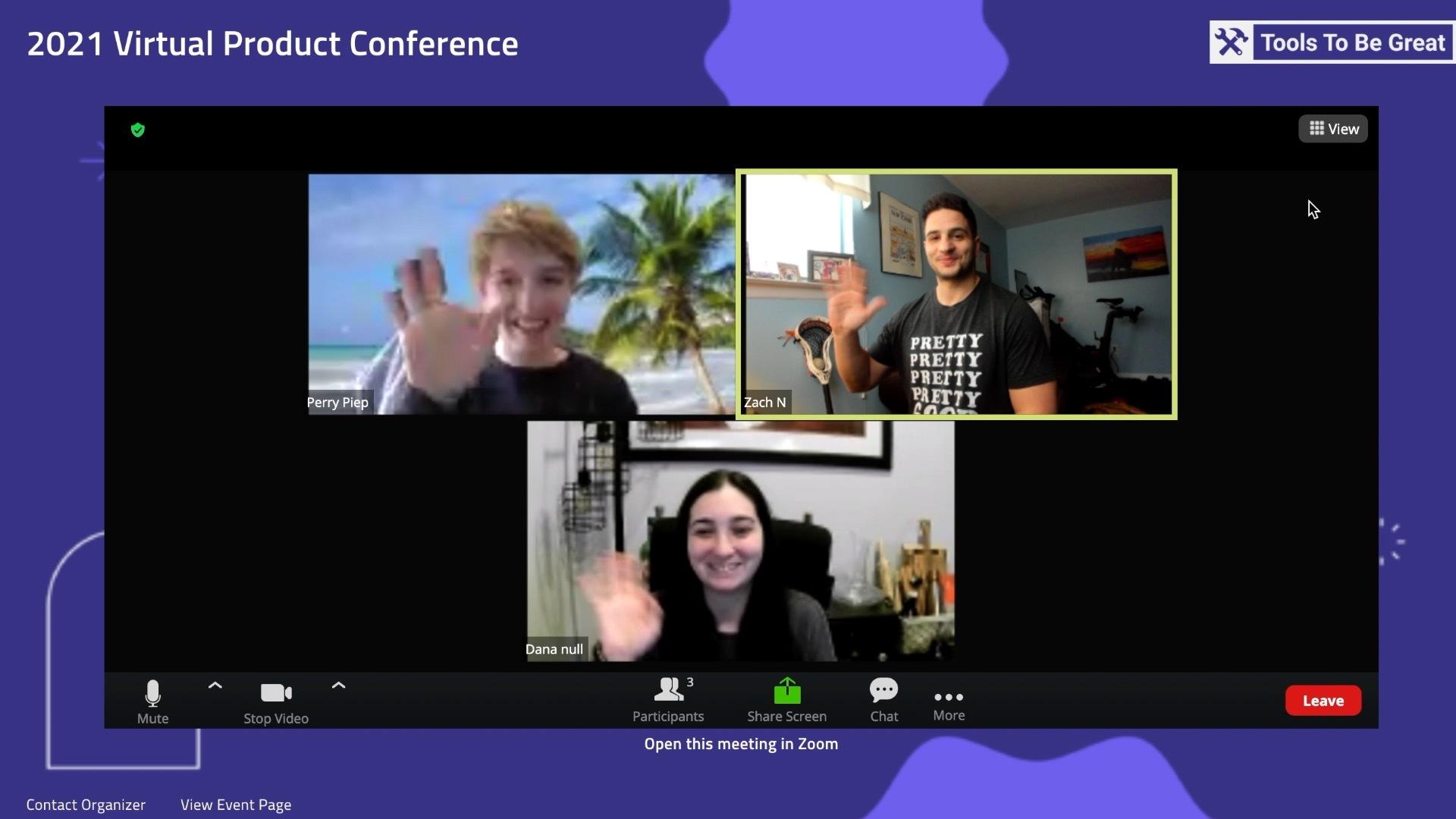
"These days, we're thinking about all the ways to keep your attendees as engaged as possible." - Perry Piep, Technical Writer
Using the Virtual Event Page
Learn more about how the Virtual Event Page works in the Help Center. If you don't see it in your Event Overview screen, just get access here.
All Splash event page visitors will benefit from these improvements.
No matter how many events you've attended, the excitement of receiving a beautiful invitation and clicking the RSVP button never gets old.
We take accessibility seriously because we want every guest to experience that delight, regardless of how they're viewing your event. That's why, as our own Ellie Ransom puts it, "Our product and engineering teams have been working furiously to make improvements to the accessibility and usability of all attendee-facing pages."
With this update, guests using screen-readers or keyboard control navigation can easily explore a Splash page and register — even if the form has several required questions.
These updates were developed with WCAG 2.1 AA standards in mind.
About Accessibility
There is no extra work required by event hosts to make their event pages accessible. However, here are some pro tips that'll help further enhance the your guest experience.
The Status page is available to all Splash users.
You trust Splash with your most important events, so we have the responsibility to be a stable and reliable partner. That begins and ends with transparency.
Our new Status page allows you to monitor the Splash site for performance, including general uptime, platform tools, the guest experience, third-party integrations, ticketing, and more. You can even subscribe for updates and follow the progress of specific issues.
Status Page
The Status page can be accessed by all users. Find it in the footer of Splash's website and on the Release Log page.
Support plans are available for users with a paid Splash plan.
If you're a current Splash customer, you will experience no change to your level of support.
Splash now offers three different support plans, featuring access to our best-in-class Support team, premium resources, and admission to our Slack community.
If your team needs a little extra boost, like prioritized assistance or additional ways to get in contact, then our Priority and Priority Elite plans could be just exactly what you're looking for: "a level of expertise when it matters most," as Director of Support Kristen Lott puts it.
Highlights
About Support Plans
The Standard plan is available to all new Splash customers by default.
If you're interested in upgrading your team's Support plan to Priority or Priority Elite, contact your Account Owner.
Our product and engineering teams are always working on the next big thing. Subscribe to What’s New to keep up to date, and to browse the formidable catalog of platform updates past.
Here's to running best-in-class programs, one virtual event at a time.