

.png)


You know better than anyone, most events aren’t just one event.
They're a handful of different audiences showing up to the same place at the same time, each with their own reason for being there.
And once they arrive, getting them through the door quickly matters just as much as getting them registered in the first place.
This month's updates tackle both sides.
Multiple RSVP Forms gives you a way to handle different audiences without building separate events, and a set of Android Host App upgrades makes on-site check-in faster and more capable than it's ever been.
Let’s dive in.
For a long time, the only way to ask different audiences different questions was to build a separate event page for each one.
That worked for a while, but it meant more to manage, more lists to keep straight, and reporting that never quite lined up when it was all over.
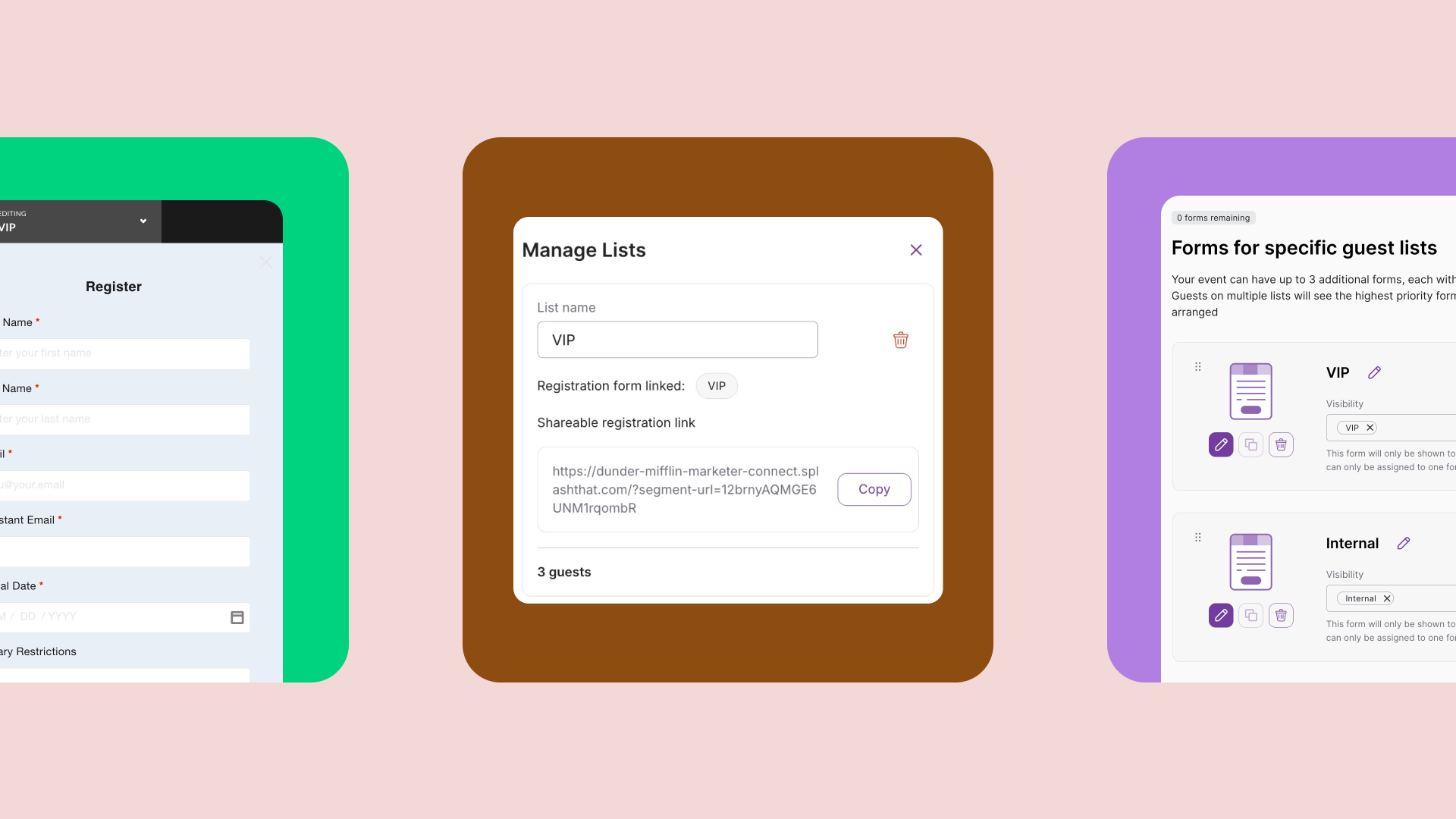
That's what Multiple RSVP Forms is built to fix. Now you can build one event and give each audience a registration experience built just for them.
Think of a customer summit where:
One registration form can't ask all of those questions without becoming a mess for everyone.
Anywhere you've got more than one type of guest showing up with different needs, this is worth setting up.
Every RSVP event starts with a default form. It's the foundation, and it's always there to catch anyone who isn't on a targeted list, whether that's a walk-in, someone who found the link on their own, or a guest registering through the Host App on event day.
From there, setup comes down to three things:
The big upside here: Every form stands on its own. You can tailor questions, branding, confirmation messaging, personalization tags, all of it per audience without touching your other forms.
Check out our release announcement for more intel on setting up routing, distribution, and everything else that goes into building your forms.
Once your event starts, your team lives in the Host App, editing guest details, checking people in, and keeping the line moving.
Android users are getting some of the biggest improvements to the app to date.
Not to mention, guest list search is now noticeably faster too, so even when the door gets busiest, finding the right guest doesn't slow you down.
All of these updates are built to give you more control, whether that's over who registers or how fast your team moves at the door.
We'll see you next month.