Spring at Splash means a bloom of new event metrics, Team Manager updates, plus a new way to go green with virtual business cards.
Here’s what’s new this month.
Admins, the Team Manager updates keep coming.
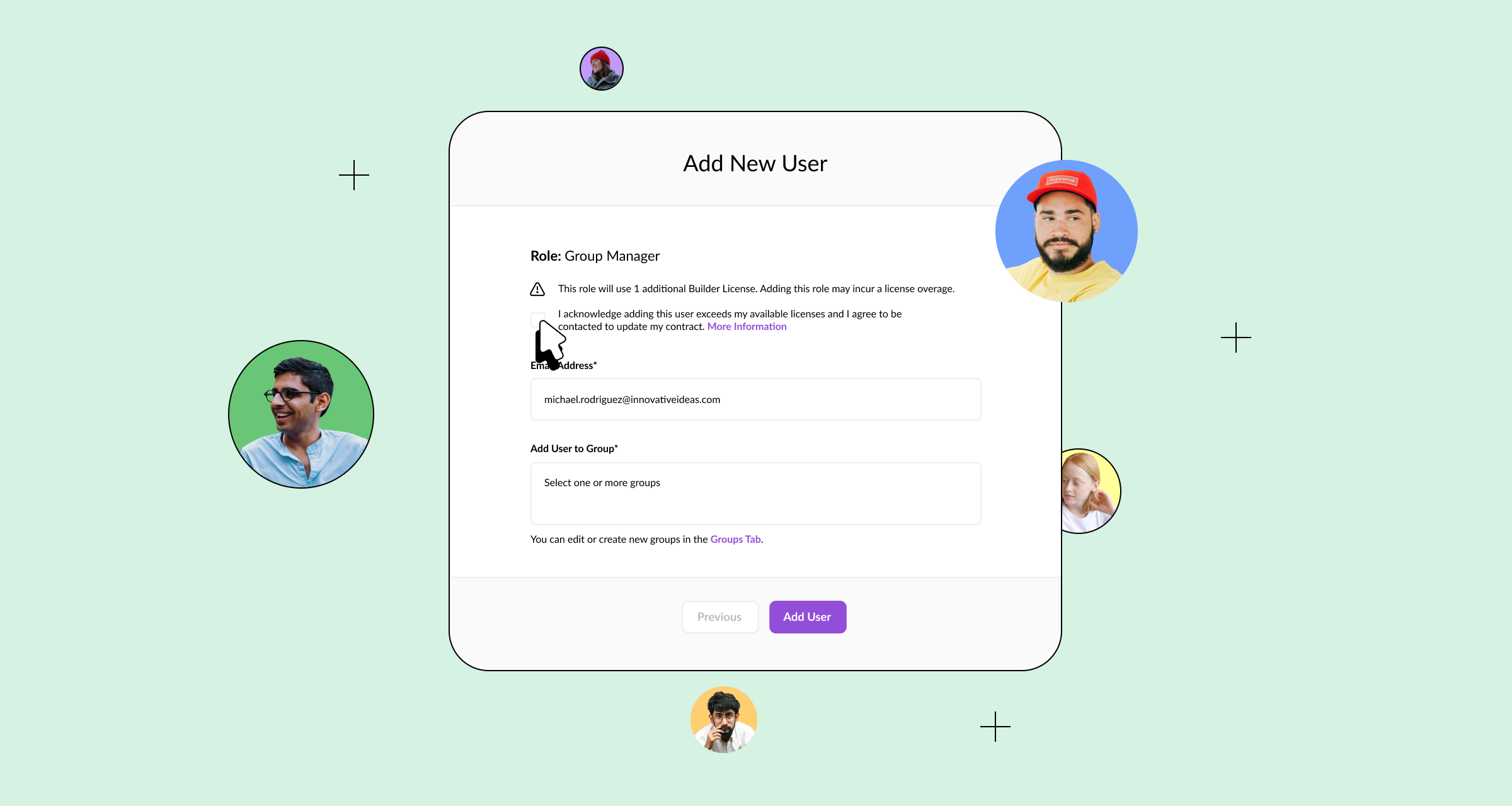
You can now increase your Licenses within the Team tab.
If you exceed your number of purchased Licenses, you can still move forward with adding a new user.
Just be sure to provide your consent so your Customer Success Manager can follow up with an updated contract.
Learn more about managing your team in Splash.
Last month we released a new Add to Calendar element.
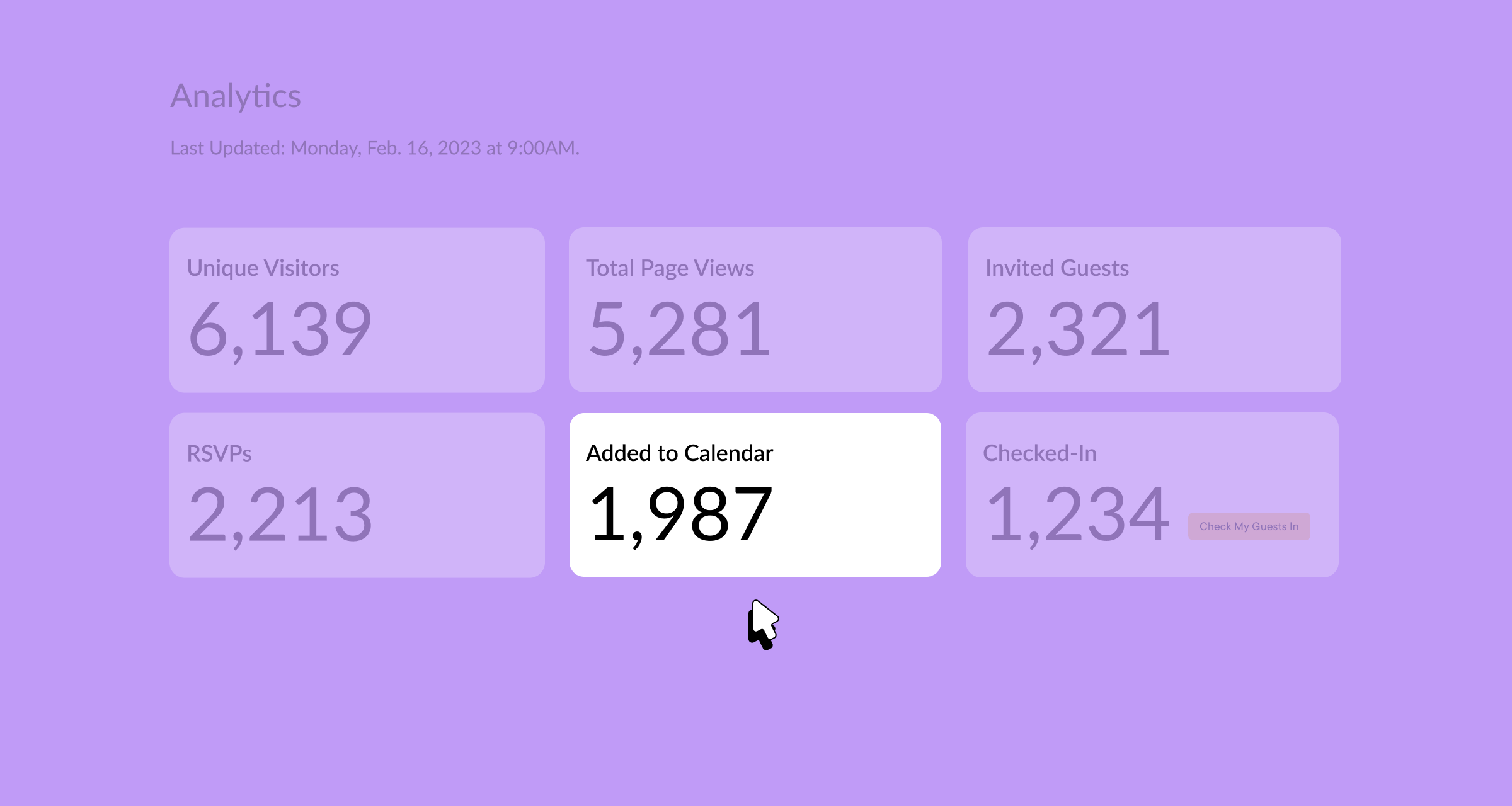
This month, we’re giving you visibility into how many guests are using it.
The Analytics tab now includes the total number of times guests added your event to their calendar from the on-page confirmation screen.
These insights, plus your total number of RSVPs, help to more accurately forecast attendance rates across your events.
Tip: Remember to include calendar invites in reminder emails to promote event visibility and drive more attendance.
Note: Calendar analytics are only available for RSVP events.
Learn more about Add to Calendar analytics.
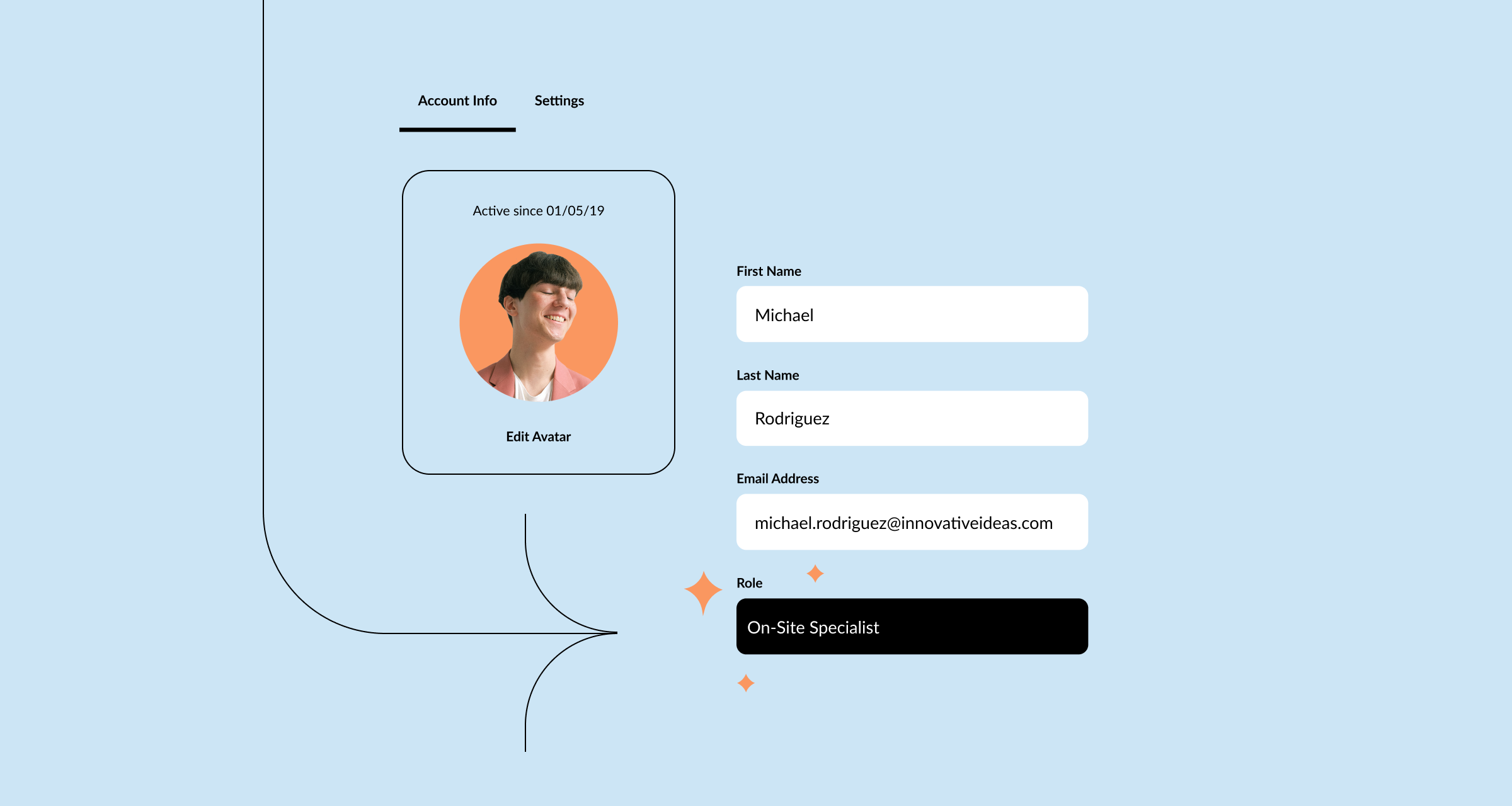
Every Splash account is assigned a Role that determines platform access and permissions.
To make navigating Splash easier, your Role is now listed within your Account Settings.
Check out our Help Center guide for a complete list of permissions for your Role.
If you have any questions or need to change your Role, be sure to reach out to your team Admin.
Learn more about the Roles in Splash.
Event season is in the air.
And Earth Day just passed.
Which had us thinking…
It’s time to go green (and keep up with the times — it’s 2023, after all) with a virtual business card.
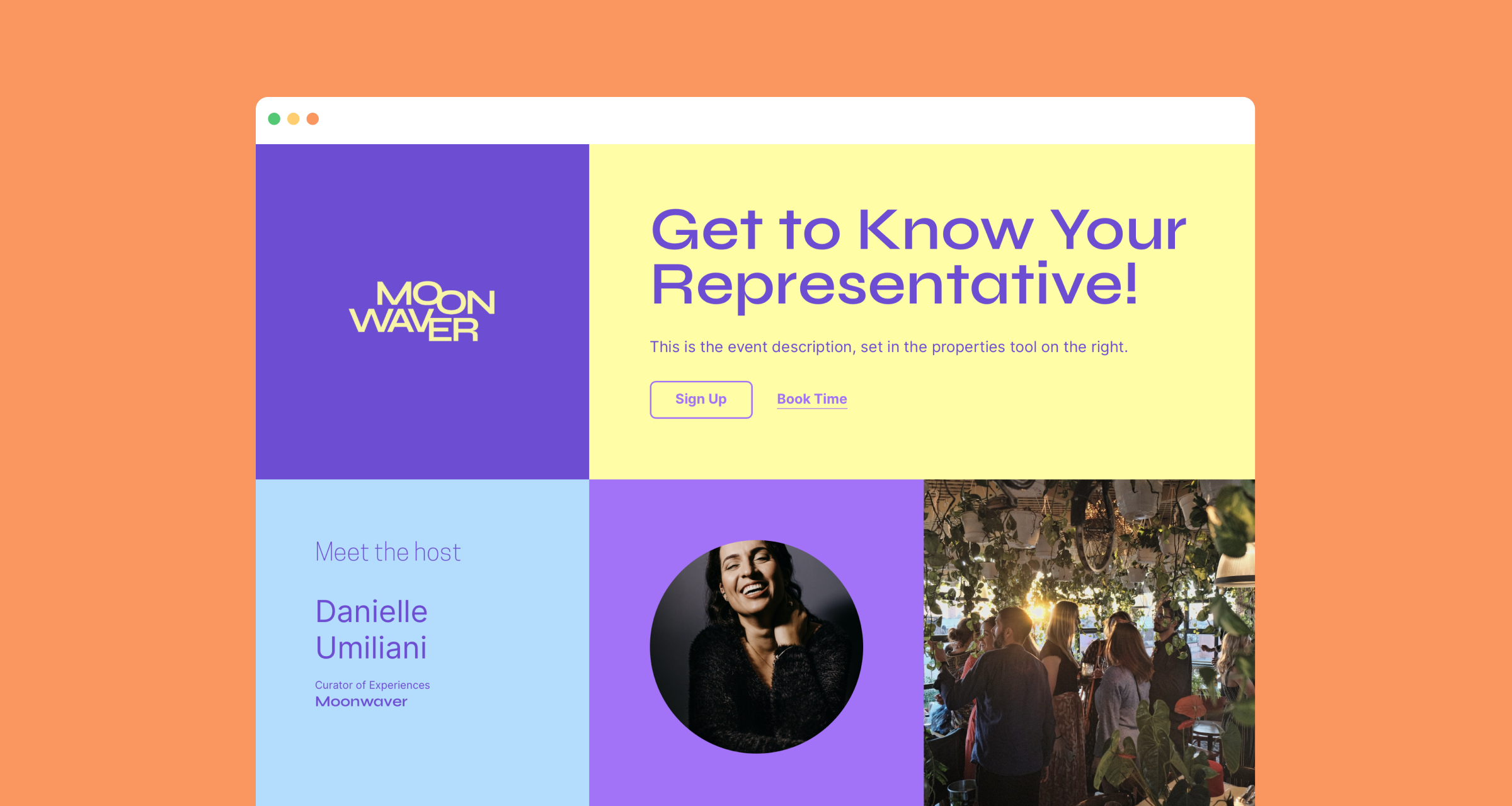
Introducing the Profile Branded Theme.
It’s purpose-built for team members networking and booking meetings at in-person events.
The design features a personalized Host section, social links for personal or company info, and an editable schedule. Plus, it’s automatically customized using your company’s branding.
Tip: Include your virtual business card in your email signature to get a head start on booking meetings for your event.
Check out all of Splash’s Branded Themes.