

Put away your sweatpants. Dust off your clipboards, headsets, and badge printers.
In-person events are making a comeback.
To get you back in the IRL groove, Splash made you a playlist:
Whether your events are virtual, hybrid, or in-person, the new Activate Branded Hub ↓ is the perfect template for showcasing your next field event series or roadshow.
For the first time since early 2020, the idea of returning to in-person events actually seems possible. Are you ready? Our Comeback Toolkit ↓ has everything you need for the return to IRL.
The first step in any comeback is dusting off the cobwebs. Revisit these Splash Host resources ↓ before you return to on-site greatness.
If you're looking to uplevel your team's design skills (who isn't?), look no further than the new Brand Library course ↓. It'll show you how to upload assets and automate event design in under 15 minutes.
The Activate Branded Hub is available for all users with a paid Splash plan.
Quick refresher: Hubs are Splash pages that display a full series, or calendar, of events that guests can subscribe to.
Hubs are an event marketing staple because of the cohesive experience they create, making it easy for an audience to quickly find and register for events they're interested in.
Our newest Branded Hub — called "Activate" — is a beautiful option for your next series, whether your events are in-person, virtual, hybrid, or a combination of the two.
It comes fully wired with an innovate events listing, well-placed "Subscribe" buttons, content blocks for featured presenters, sponsors, schedule, and resources, plus email templates for multi-event promotion.
Maybe the best part: It's so easy to customize. Using this theme and Brand Library (more below!), you'll be able to create a destination for your event series in minutes.
Start using the Activate theme for your next roadshow or field series by selecting "Hub" as your event type when you create a new event in Splash.
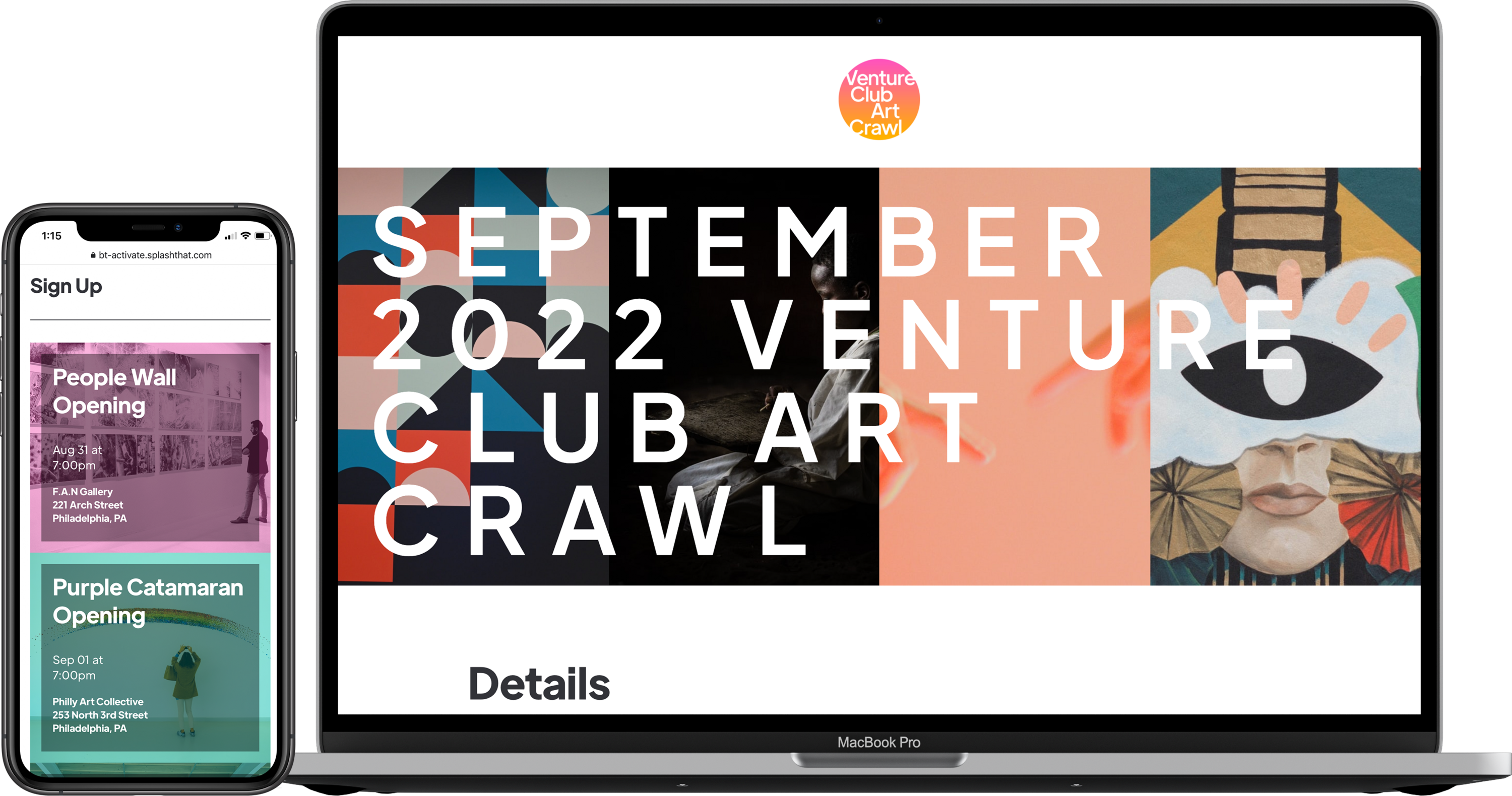
Activate Branded Theme
You can find Activate in the Recommended tab or by choosing the Hubs event type next time you create a new event.
If you're feeling a little ill-prepared for IRL, the Comeback to In-Person Toolkit has the inspo you need to return to greatness.
Featured in this collection:
In Splash's recent LinkedIn poll, 47 percent of people said they'd already been to an in-person event in 2021. That's right in line with what we're seeing with Splash event hosts.
Things change quickly.
So after you bookmark the Toolkit, scroll to the next section for some hands-on guidance on nailing event check-in and all things on-site.

The Splash Host app is available to all users.
If you've been using virtual integrations the last year and a half, you've been on Easy Street with fully automated check-in.
For in-person events, the Splash Host app for iOS and Android offers the same magic. An on-site team's best friend, this app includes the easiest tools in the industry for check-in, registration, list management, badge printing, and last-minute email sending.
Pro Tip: Share the below resources with anyone working the door at your event.
As always, anyone who completes an online course and send their certificate earns a $5 gift card to the coffee purveyor of their choice.
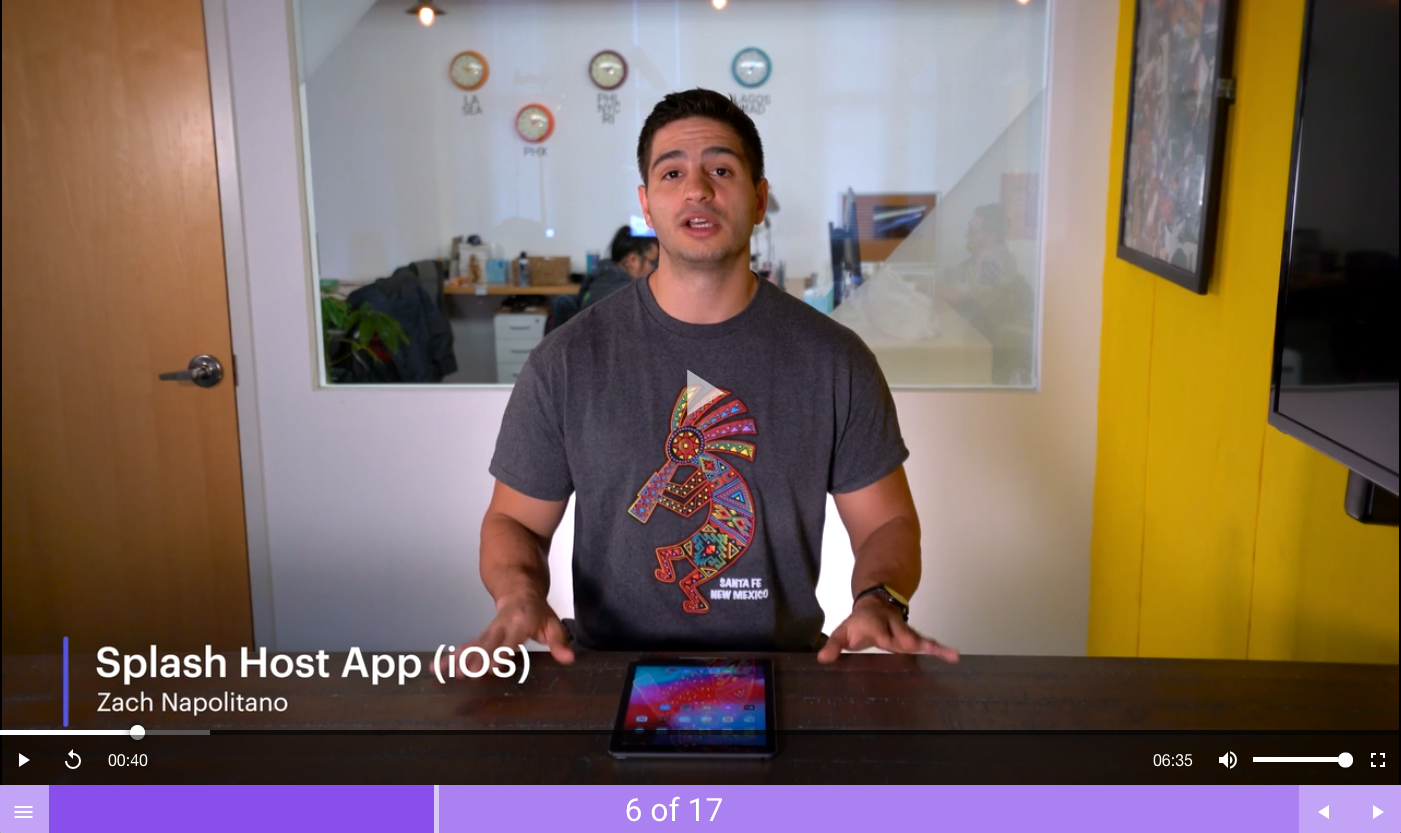
The Splash Host App
The Splash Host app is available in both iOS and Android. You must have a paid Splash account to use badge printing capabilities.
If you're a fan of Splash releases, then you know there are three themes we talk about a lot:
Brand Library is one feature that truly embodies all three, allowing team leaders to centrally upload their brand assets — just once — so every future event is automatically in compliance with brand standards.
If your team hasn't set up Brand Library yet, it's not too late. It takes just a few minutes and results in a magical level of time-saving. Take this ultra-simple, highly interactive online course that'll get you up to speed in under 15 minutes.
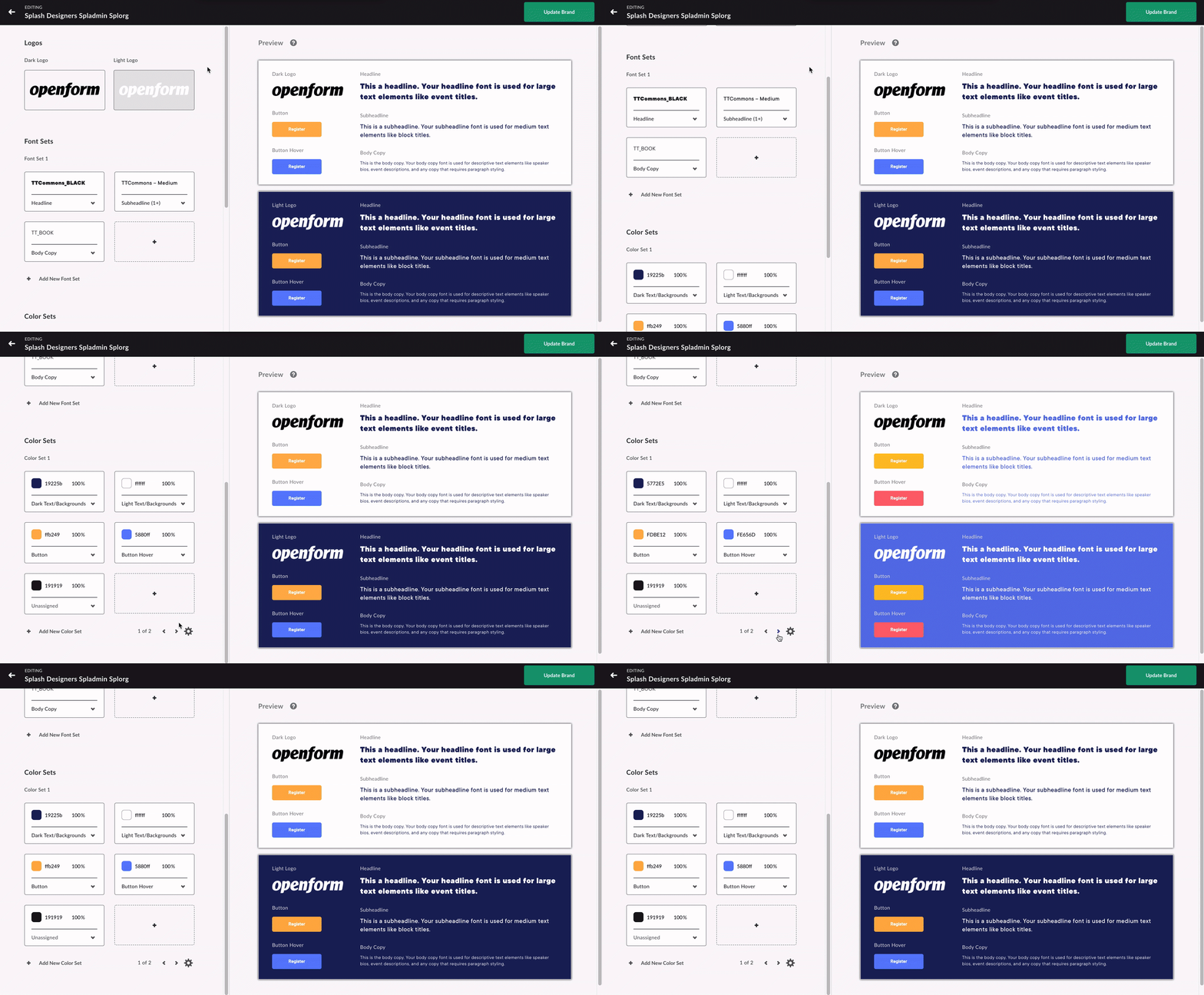
Brand Library
Only users in an Admin or Creative Specialist role are able to set up Brand Library for their Splash team.
Our product and engineering teams are always working on the next big thing. Subscribe to What’s New to keep up to date, and to browse the formidable catalog of platform updates past.
Here's to running best-in-class programs, one virtual event at a time.