

First things first: Have you grabbed your front-row seat for Virtual Event Makeover yet? We're about to unveil the live premiere of the binge-worthy, online mini-series about online events. Register now for your chance to win a virtual event kit.
Speaking of virtual event kits, this month's release is packed with new features to help you run adjective-hungry programs: ones that are beautiful, branded, data-driven, automated, secure, and engaging.
Here's how.
Watch the announcement.
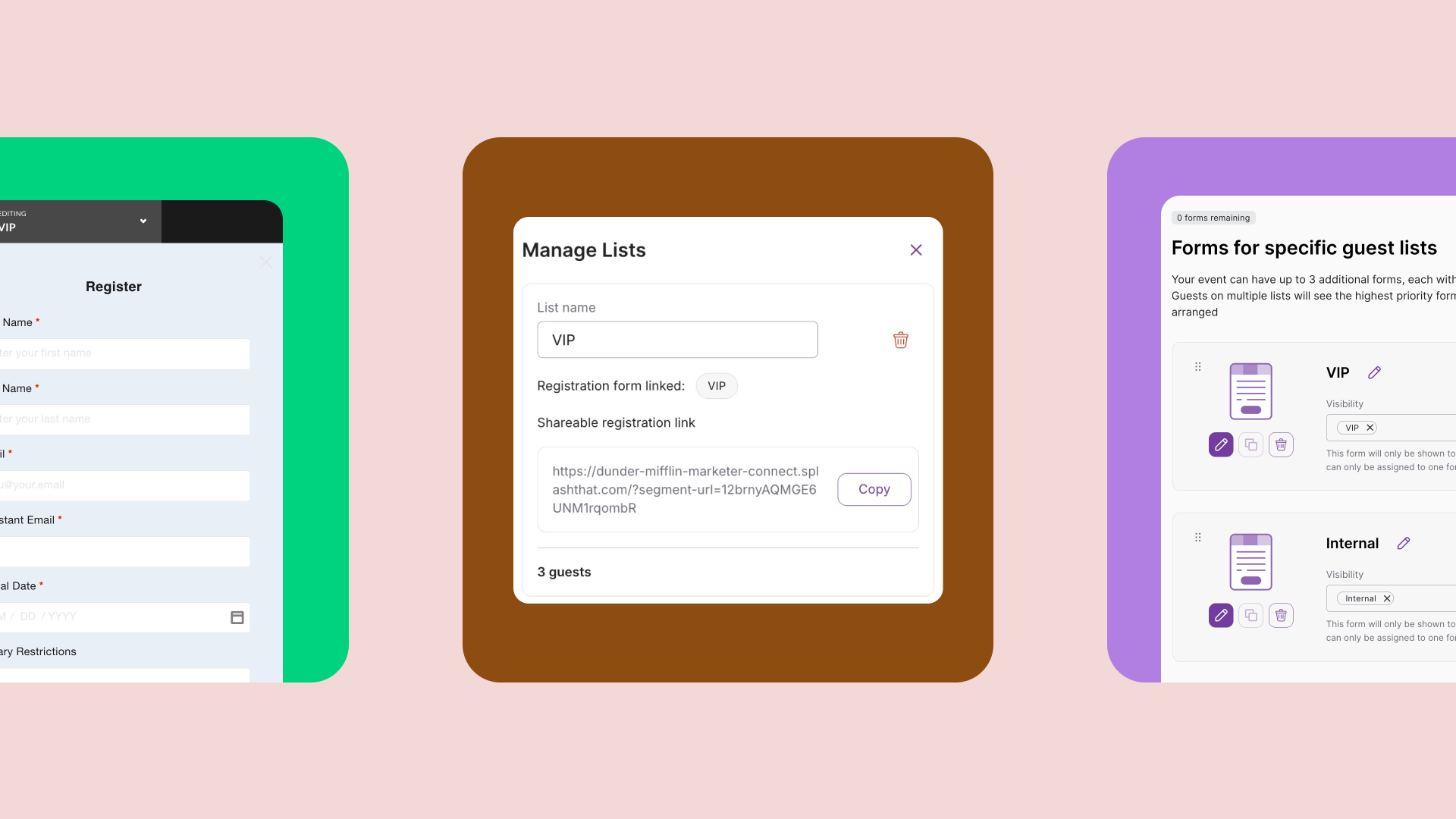
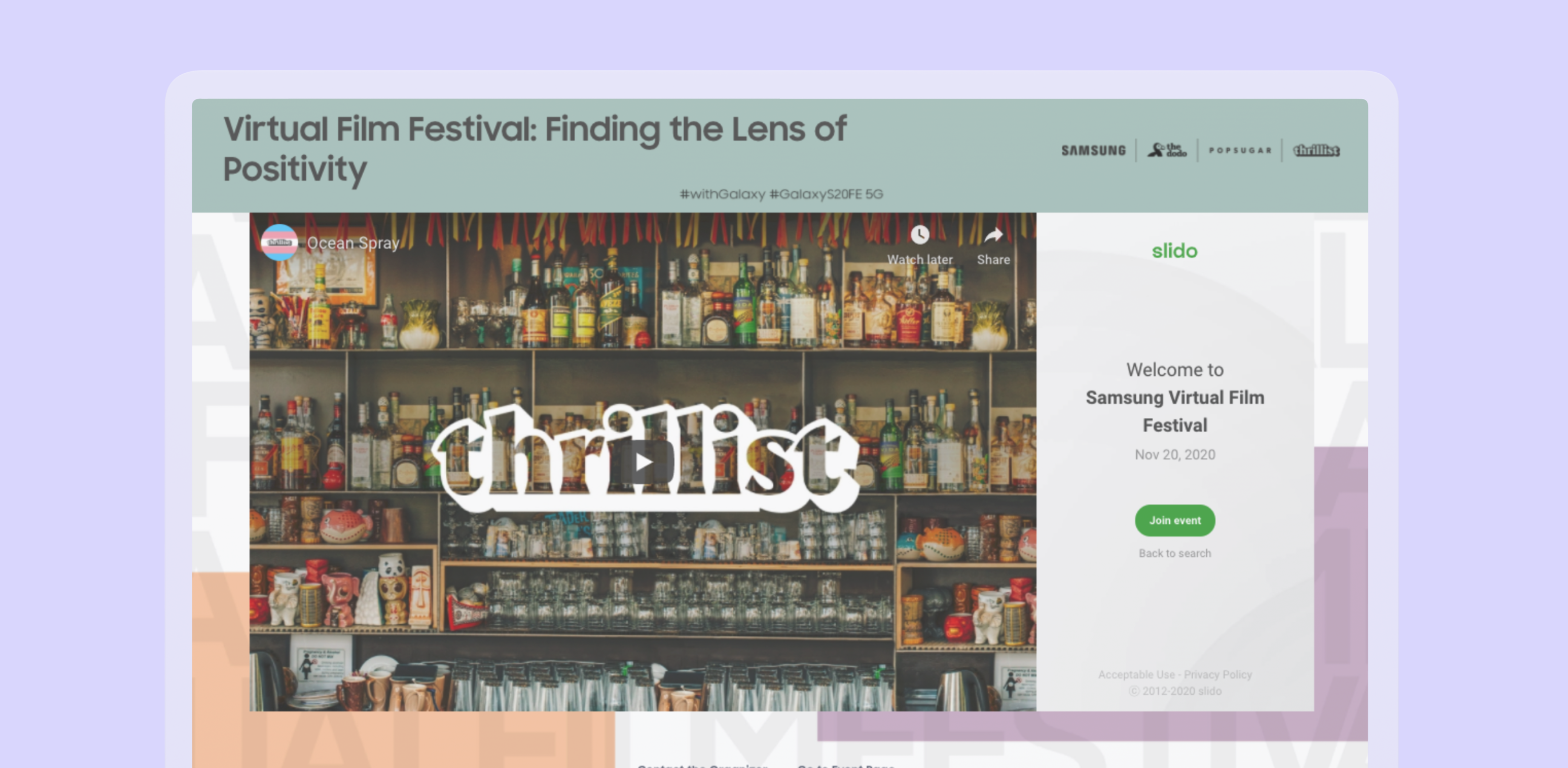
The Virtual Event Page ↓ allows you to embed videos and livestreams in Splash and gate virtual events. Now, you can add a second embed — like Slido or an on-demand video — for a truly immersive experience. Arrange embeds the way you like for optimal interactivity.
With hub blocks ↓, turn any event page into a calendar or dashboard with a click. Looking for a way to run virtual events with sessions? Use hub blocks. Hosting user groups? Use hub blocks. Want guests to get automatically notified with new events? Hub blocks. You get the idea.
In case you missed it, Splash supports SSO ↓ for fast, secure login. Govern users centrally with Team Manager, and get value from every part of your organization with automatic access.
If you feel like the events space is changing faster than you'd like it to, we've got your back with a new 101 Guide ↓ about creating the best virtual events with Splash.
It's time to unwrap these gifts.
This feature is available to users with a paid Splash plan.
The Virtual Event Page in Splash makes it really easy to set up a destination for your virtual events and measure the results. Embed a virtual event stream, perfect the day-of experience using a dynamic event page, and gate and automate your check-in process for streamlined data capture.
Now, double it up. Add another embed to your event page to turn a regular webinar into something interactive and (dare we say it?) fun. Senior Product Manager Mike Siegel heard it directly: "Some customers wanted an on-demand experience with two different videos. Many wanted to up engagement with tools like Slido. Now they can lay out two pieces of tech directly in Splash."
Using the Virtual Event Page
Learn more about how the Virtual Event Page works in the Help Center. If you haven't yet, sign up for the beta program to access this touchpoint.
This feature is available to users with a paid Splash plan.
If you've ever used hubs in Splash, you already know that they're the perfect way to create an events calendar, an all-up view of event sessions, or even a dashboard your audience can subscribe to for program updates. In other words, you already know that they're a powerful tool.
Now, you can turn a regular event page into a hub with a click. Just add a Hub Block to your event page, and boom — embed other Splash pages and external events.
Today, you can access 14 new blocks to style your hubs any way you'd like. Whether you're building a user group, running a virtual event with sessions, or just finding a way to keep subscribers updated on new programs, there's a hub for that.

"In moments, transform a single event page into a serving platter of options. As always, your brand, fonts, and colors automatically apply." - Product Manager Lizzy Hindman-Harvey
Using Hub Blocks
You already have access to Hub Blocks. Just log into Splash, add a block, and choose Hubs. Learn more about them in the Help Center.
This feature is available to users with a paid Splash plan.
If your IT department deploys an SSO provider to manage access to enterprise software, you can go ahead and tell them, "Splash does SSO, too."
If you're looking for some real fire power, use Senior Product Manager Jon Saft's quote to prove you really know what you're talking about: "Use SSO to log in to Splash, create new accounts securely and easily, and scale event programs."
Using SSO and Team Manager
Splash supports single sign-on with or without Team Manager. To learn more about using SSO in Splash, or to activate, visit the Help Center.
These features are available to users with a paid Splash plan.
Technical Writer Perry Piep has some choice words for you: "We created a robust library of virtual event content, from a host setup guide to troubleshooting tips, to a pre-event checklist. Whether you prefer to watch videos or read, you'll find what you need."
That's right: Perry spotted you trying to level up your virtual event marketing game — and she's not taking "no" for an answer.

Key topics of the 101 Guide include:
Our product and engineering teams are always working on the next big thing. Subscribe to What’s New to keep up to date, and to browse the formidable catalog of platform updates past.
Here's to running best-in-class programs, one virtual event at a time.