.png)


Did you know that as humans, we have roughly 700,000 thoughts a day?
And, if you’re an event marketer, that number (probably) jumps to 900,000.
Life gets crazy, especially in Q4.
So, if you missed one of our three ~major releases~ or you just need a quick refresher to help you put them to use in 2025, here it is!
Before we get into everything that’s live today, a quick heads up at what’s coming soon...
To better protect your event and attendee data, Splash will require MFA (multi-factor authentication) for all logins not already using SSO (single sign-on).
What does this change mean?
When the update goes live, you’ll have three MFA options upon login:
We’ll lay out all the details for you via email before this change happens, so rest assured you won’t miss a beat.
Multi-session events are hard enough as it is.
Nailing the right session content for your guests, juggling speaker schedules, and ensuring everyone is prepped. That’s just the shortlist.
Your registration platform shouldn’t add to that headache.
With Splash’s latest updates, hosts can run multi-session in-person and virtual experiences with the same ease as a single session event.
Highlights include:
2025 is all about attendee personalization, and sessions are the best way to understand what your audience cares about.
Last year, virtual events saw a 6% increase in frequency, 9% increase in attendance, and 10% increase in registration — numbers we expect will continue to grow in 2025.
It’s no surprise.
Virtual events are the most cost-effective way to cast a wide net at the top of the funnel and fuel your marketing mix with on-demand content.
This is your sign to level up your virtual tech.
With Splash Studio’s new Backstage tools, you can:
Marketers using the Splash x Marketo integration know just how important it is to keep their data in sync.
The problem happens when events require specific details, like meal preferences or travel needs.
Previously, the event-specific data was stored on the Lead object in Marketo, creating clutter and reporting challenges.
With our latest update, you can now map event-specific data to the Program Member object.
Now, when you’re looking at leads, you’ll only be looking at the data that’s most relevant.
How it works:
From the Integrations tab, locate your Marketo integration. Then scroll down to Sync Program Members and map your fields appropriately.

This month, we’re taking inspiration from Gainsight’s Community Unplugged event.
It’s a virtual roundtable series for their community of customer success experts.
What we love?
Straight from the brains of the Splash marketing team comes this month’s “How Splash Uses Splash” tip:
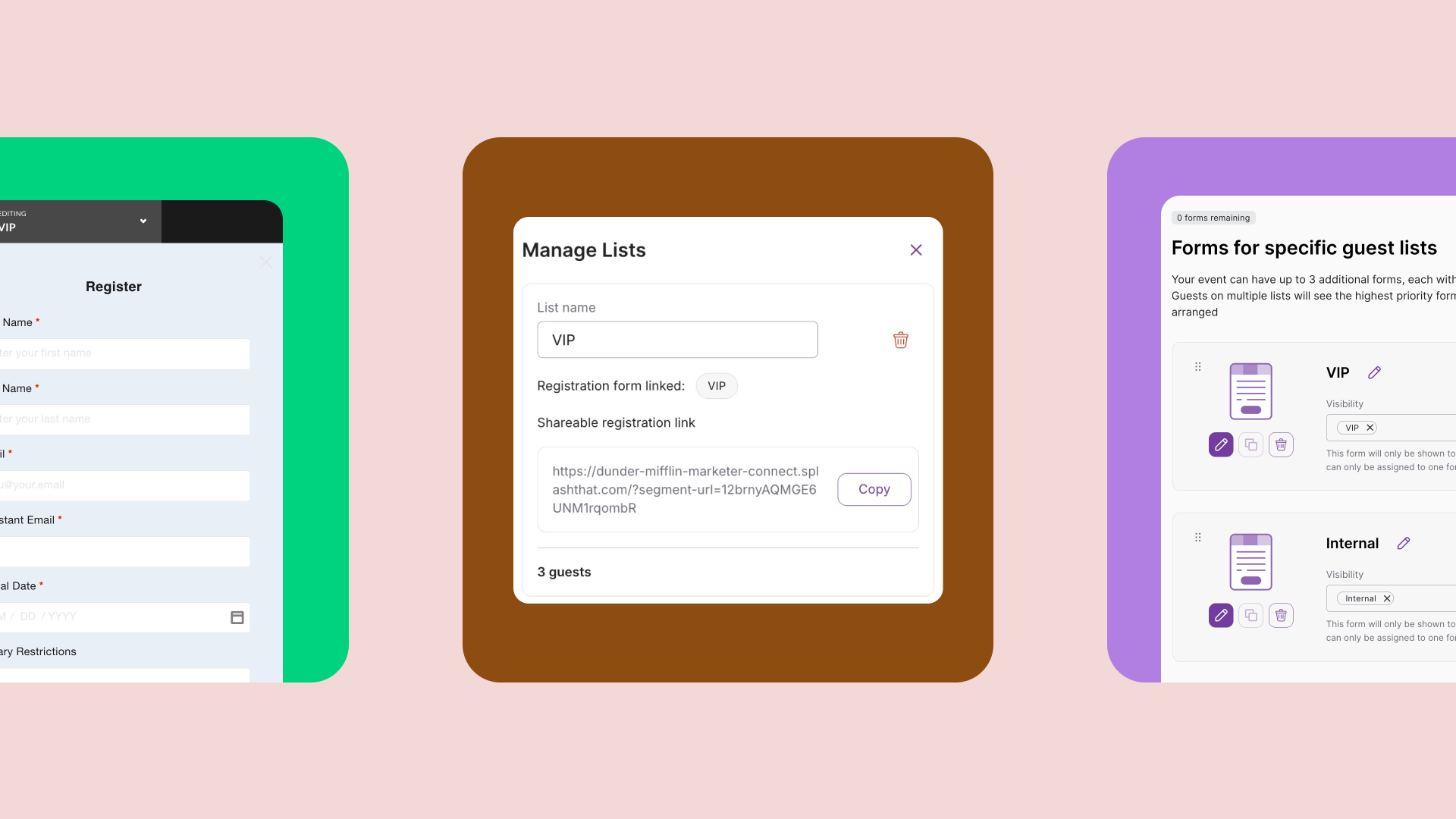
Custom registration paths for guests.
Let’s take our Splash in the City event as an example.
It’s not quite as complex as an event that would use sessions, but it does have multiple parts including a strategy session and a dinner.
In this case, we can use conditional logic to ask guests if they plan to attend just one part or the full day.
Depending on their answer, we can follow up with other questions relevant to their experience, like:
Power move: Use response limits if you only have a certain number of seats or meals available for selection.